Reading the LED Status Indicators 114
Maxtor Central Axis Admin User Guide
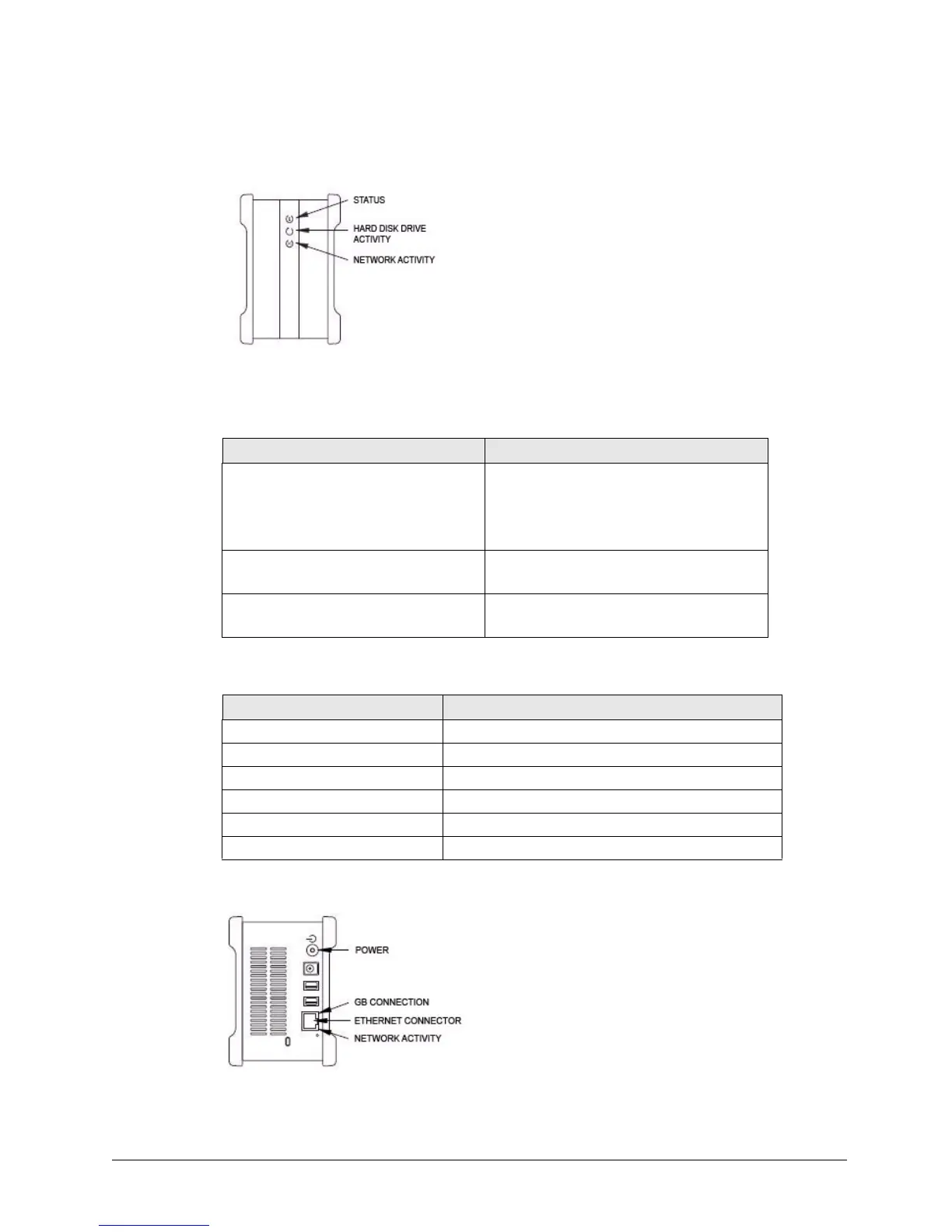
Figure 167: Drive LEDs – Front View
Table 4: Front LED Activity States
LED Descriptions State
Status:
• Steady Green
• Flashing Green
• Flashing Green/Amber Combinations
Status OK
Powering on or off
See Status LED Error Codes table below
Hard Disk Drive Activity:
• Illuminated Data being transferred
Network Activity:
• Flashing Green Network activity
Table 5: Status LED Error Codes
Flashing LED Descriptions Error
1 Green/1 Amber Failure to mirror shared folder
1 Green/2 Amber Hard drive S.M.A.R.T. Error: Problem with Drive 1
1 Green/3 Amber Boot Error: Cannot boot from Drive 1
1 Green/4 Amber Failure to mount shared folder partition
2 Green/2 Amber Boot Error: Cannot boot from Drive 2
2 Green/3 Amber Hard drive S.M.A.R.T Error: Problem with Drive 2
Figure 168: Drive LEDs – Rear View



 To Next Page