Setting USB Configurations 65
Maxtor Central Axis Admin User Guide
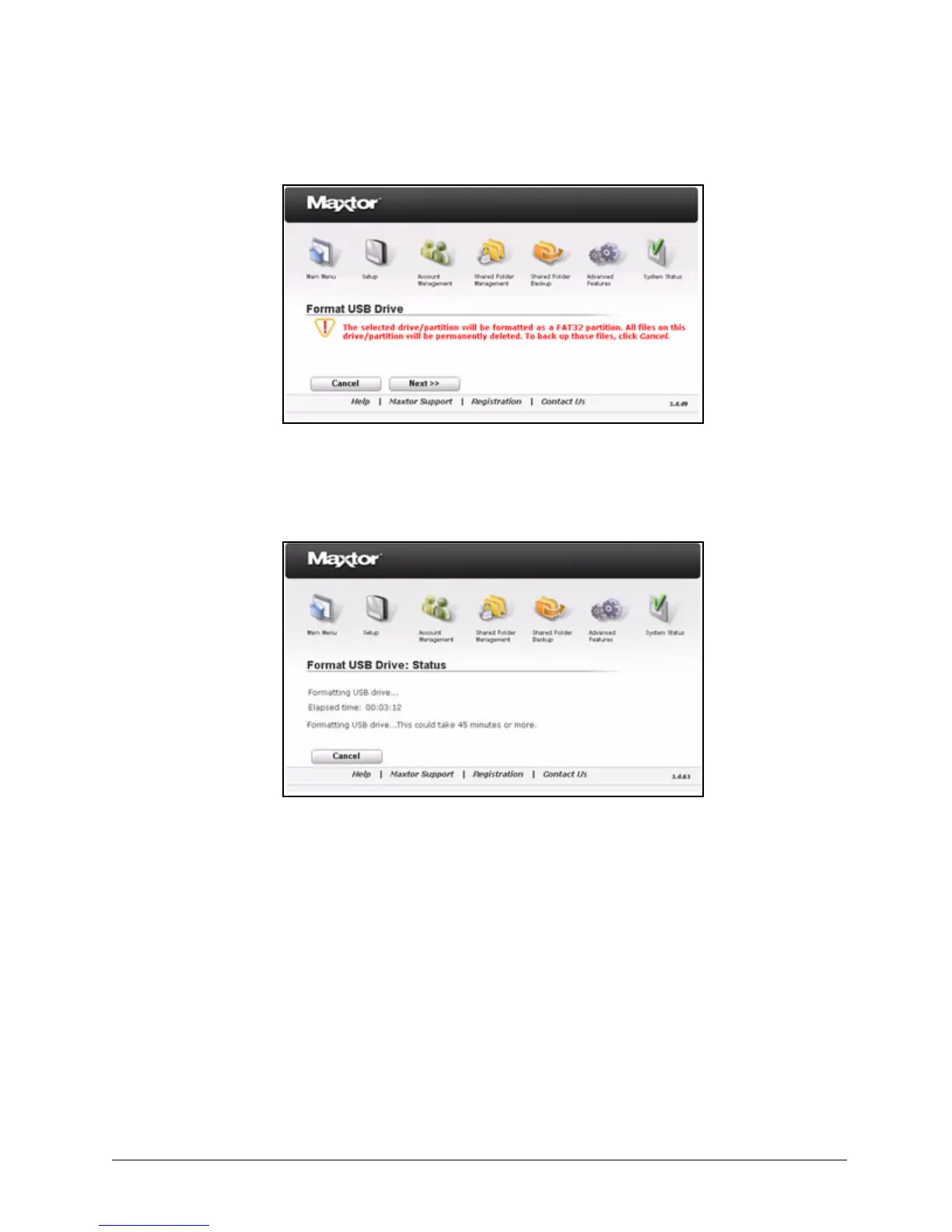
Step 5: Click Next to continue with the format.
A status page keeps you informed of the progress of the format:
If the format is successfully completed, a message confirms that the USB drive has
been successfully formatted:
Figure 98: USB Drive Format Warning
Figure 99: USB Formatting Status



 To Next Page