Configuring Drives (Dual Drive Units Only) 95
Maxtor Central Axis Admin User Guide
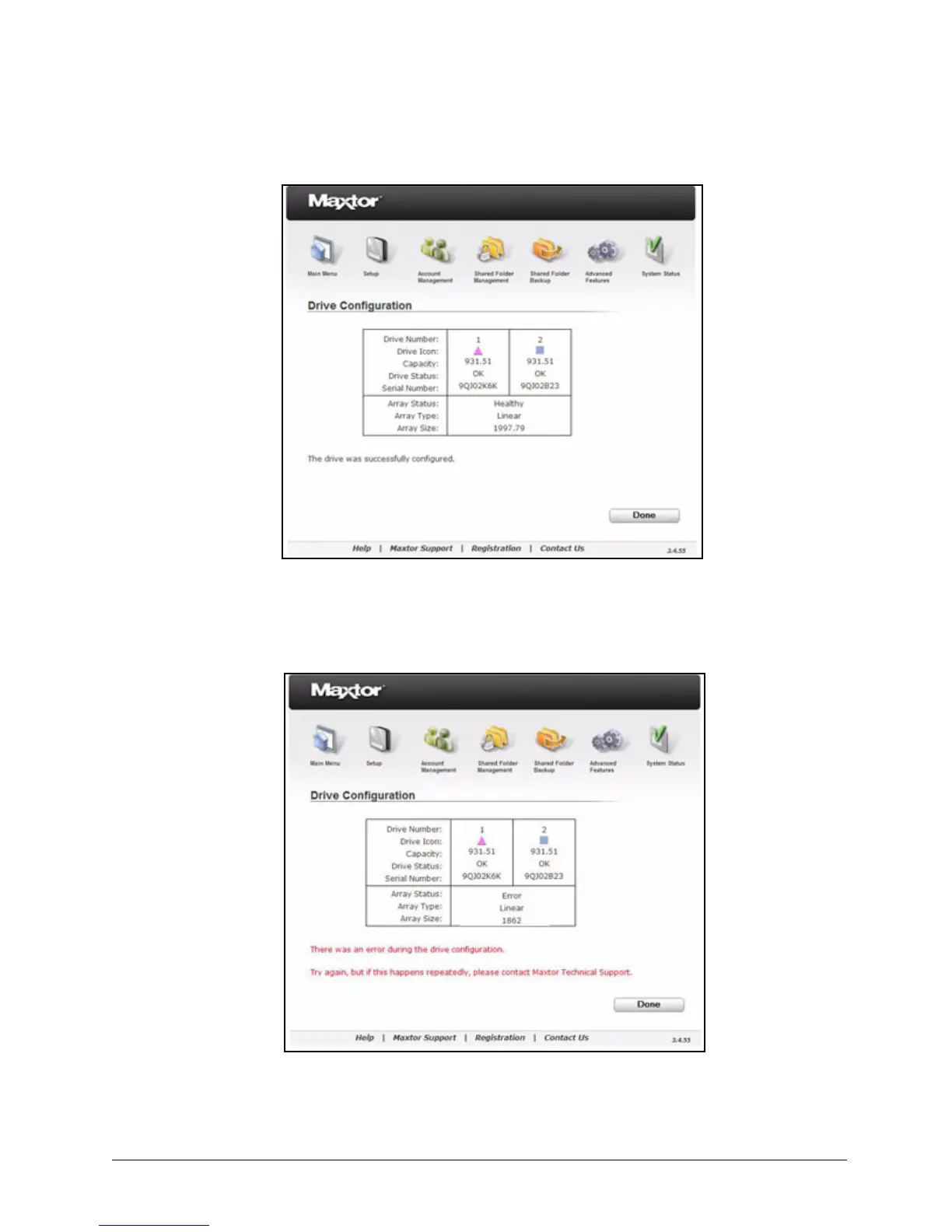
If an error occurred during the drive configuration, a message suggests that you
try again but contact Maxtor Technical Support if the problem persists:
Step 4: Click Done to return to the Drive Configuration page.
Figure 144: Drive Configured Successfully
Figure 145: Drive Rebuild Error



 To Next Page