176
Controls in detail
Control system
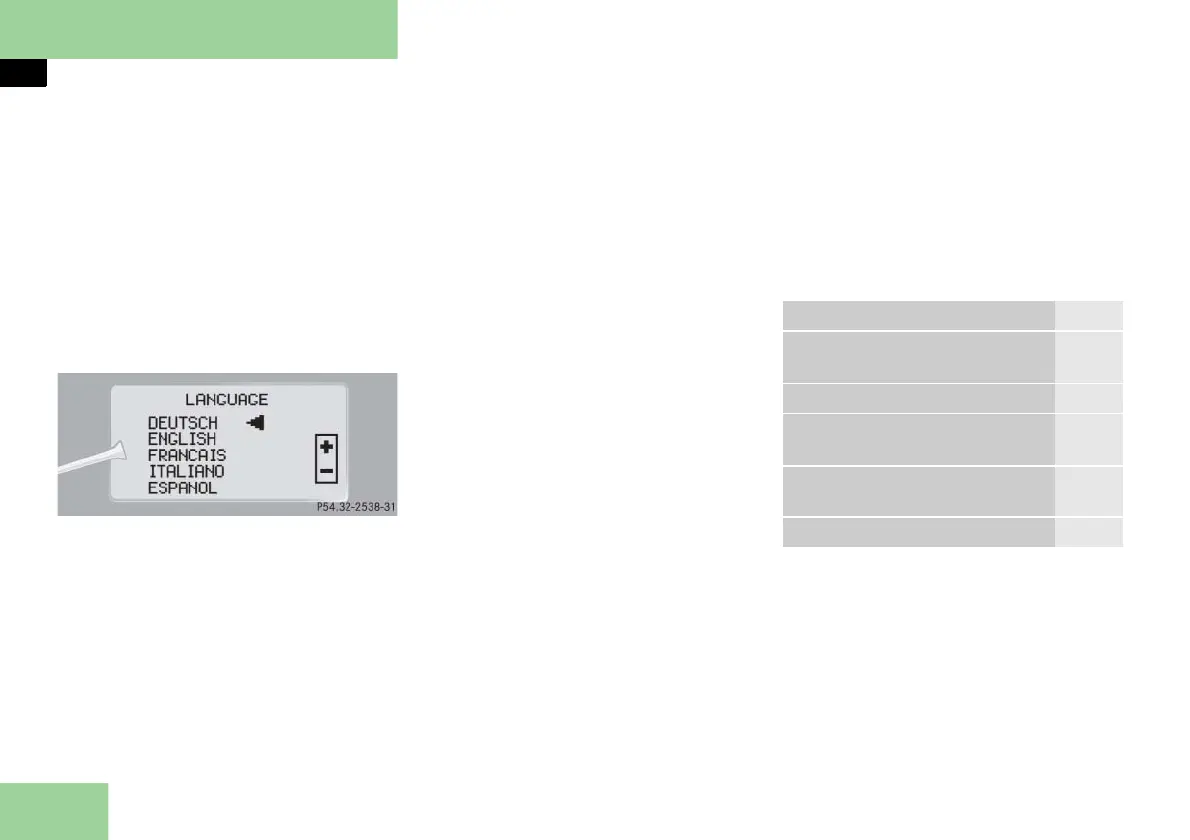
Selecting language
Move the selection marker with
button æ or ç to the
INST.
CLUS.
submenu.
Press button j or k repeatedly
until you see
LANGUAGE
in the multi-
function display
.
The selection marker is on the current
setting.
Press button æ or ç to select
the language to be used for the mul-
tifunction display messages.
Available languages:
German
English
French
Italian
Spanish
Lighting submenu
Access the
LIGHTING
submenu via the
SETTINGS
menu. Use the
LIGHTING
sub-
menu to change the lamp and lighting
settings on your vehicle. The following
functions are available:
Function Page
Setting daytime running lamp
mode (USA only)
177
Setting locator lighting 178
Setting night security illumina-
tion
179
Setting interior lighting de-
layed shut-off
180
Setting ambient lighting 180



 To Next Page