182
Controls in detail
Control system
Convenience submenu
Access the
CONVENIENCE
submenu via the
SETTINGS
menu. Use the
CONVENIENCE
sub-
menu to change the settings for a num-
ber of convenience features. The
following functions are available:
Setting key dependency
Use this function to set whether the
memory settings for the seats, the steer-
ing wheel, the mirrors, the automatic cli-
mate control, the audio system and other
settings of the control system should be
stored separately for each SmartKey or
SmartKey with KEYLESS-GO
(
page 140).
Move the selection marker with
button
æ
or
ç
to the
CONVENIENCE
submenu.
Press button
j
or
k
repeatedly
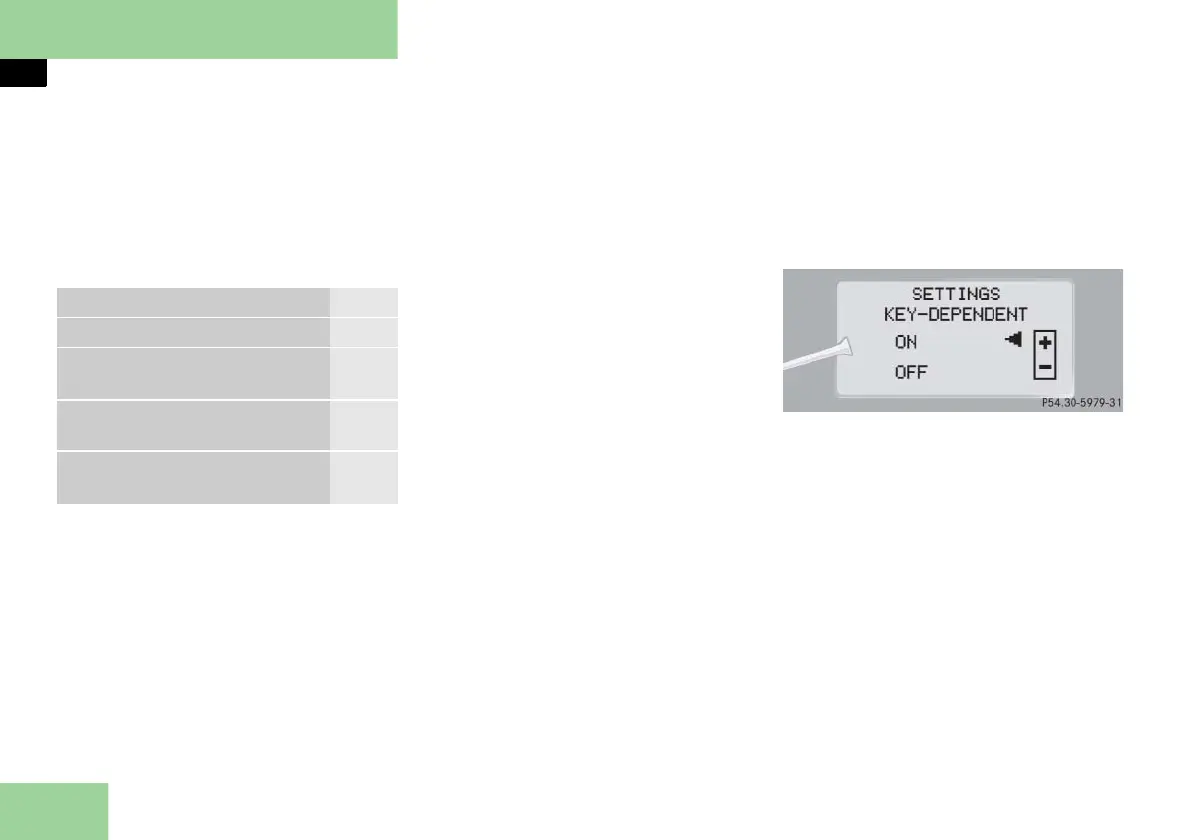
until you see
SETTINGS KEY-DEPENDENT
in the multifunction display
.
The selection marker is on the current
setting.
Press button
æ
or
ç
to set key
dependency to
ON
or
OFF
.
Function Page
Setting key dependency 182
Activating easy-entry/exit fea-
ture
183
Setting parking position for ex-
terior rear view mirrors
184
Setting fold-in function for ex-
terior rear view mirrors
184



 To Next Page