EasyManua.ls Logo

MBO RW500 - User Manual

MBO RW500
145 pages
Print Icon
To Next Page IconTo Next Page
Loading...
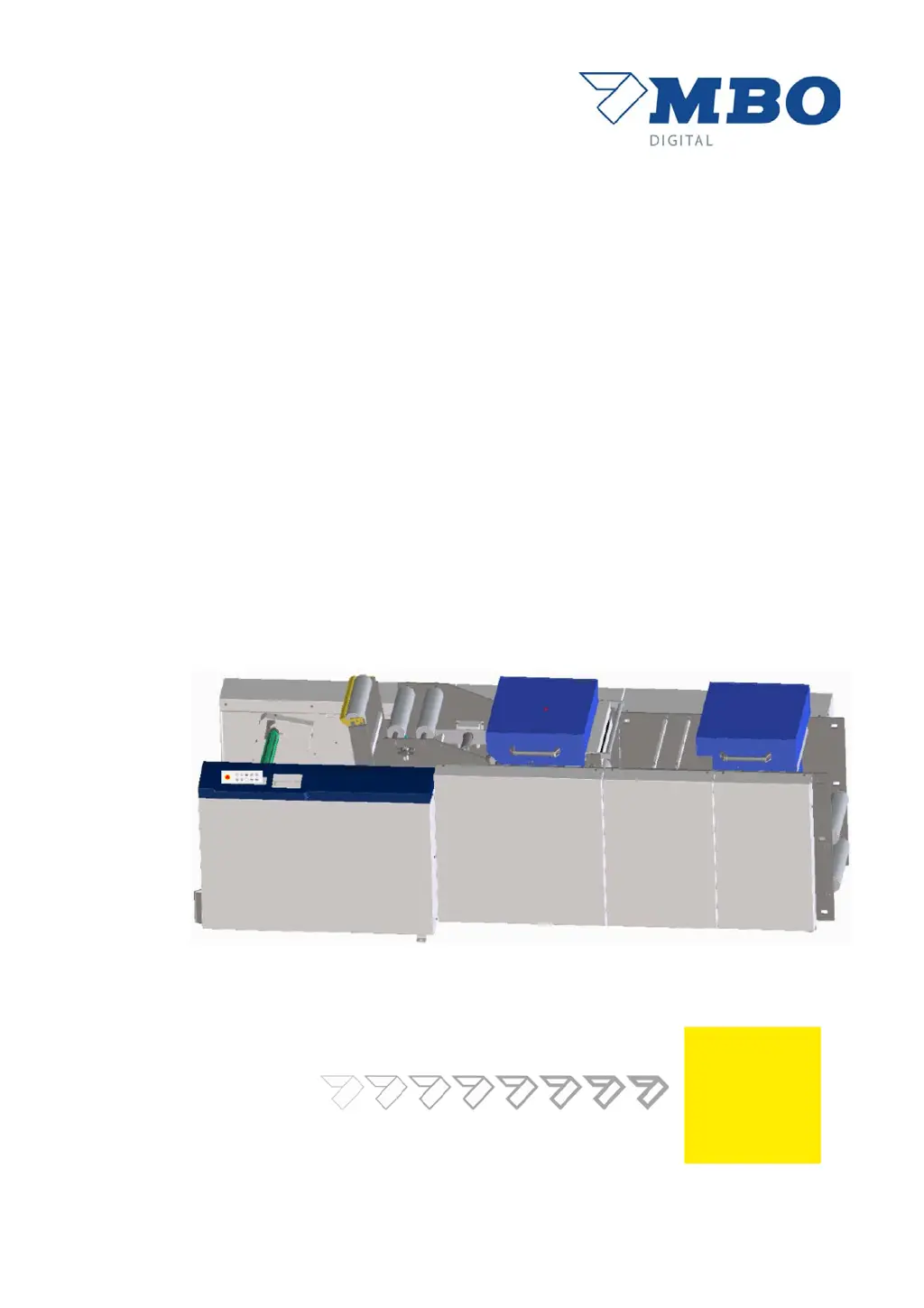
Rewinder
Translation of the original operating manual
Keep for future reference!
RW500

Table of Contents

Questions and Answers

  • A
    Ashley GarciaAug 20, 2025
    Why is the winding motor not working on my MBO Printer?
    • R
      Rebecca MillerAug 20, 2025
      If the winding motor of your MBO Printer isn't working, there could be several reasons. First, check if the EMERGENCY STOP is pressed and reset it if necessary. Second, the unwinder might not be ready; in this case, check the illuminated button for any errors. Finally, ensure that the operating mode is set to and not .
  • G
    gbishopAug 22, 2025
    What to do if the web is running unevenly on my MBO RW500 Printer?
    • J
      Jennifer RoblesAug 22, 2025
      If the web is running unevenly on your MBO Printer, it could be due to a few reasons. First, check if the rewinder is correctly aligned and adjust it if necessary. Second, ensure the paper roll is flush with the existing system. Lastly, verify that the web guide is switched to automatic mode.
  • H
    harrisantonioAug 25, 2025
    How to reset the EMERGENCY STOP on an MBO RW500 Printer?
    • J
      James JacksonAug 25, 2025
      If the EMERGENCY STOP on your MBO Printer cannot be reset, it is likely that one of the EMERGENCY STOP palm buttons is pressed. Check all EMERGENCY STOP palm buttons to resolve this issue.
  • R
    rachellopezAug 27, 2025
    Why is the pneumatic dancer not responding on my MBO RW500?
    • L
      Lynn HawkinsAug 27, 2025
      If the pneumatic dancer on your MBO Printer is not responding, the most likely cause is a lack of compressed air. Check the compressed air supply to ensure it is connected and functioning correctly.
  • A
    Alexis GeorgeAug 28, 2025
    What to do if the roll lift will not raise or lower on my MBO RW500 Printer?
    • M
      Melissa ReyesAug 28, 2025
      If the roll lift on your MBO Printer will not raise or lower, ensure that the operating mode is switched to . It will not function correctly if the operating mode is active.
  • M
    Michelle FergusonAug 30, 2025
    What does error 1018 mean on my MBO RW500?
    • T
      Taylor MunozAug 30, 2025
      If you're seeing error '1018 Web break, dancer below' on your MBO Printer, it indicates a web break. You should correct the web break to resolve this issue.
  • S
    Shannon BowersAug 31, 2025
    What does error 1037 mean on my MBO RW500 Printer?
    • C
      Cynthia RussellAug 31, 2025
      If you're seeing error '1037 Compressed air pressure roller, setup' on your MBO Printer, it means there is no compressed air. Check the compressed air supply to resolve this.
  • K
    Kenneth WilsonSep 2, 2025
    What does error 1038 mean on my MBO RW500?
    • K
      kaitlynrichardsonSep 2, 2025
      If you're seeing error '1038 Compressed air pressure roller, production' on your MBO Printer, it indicates a lack of compressed air. Check the compressed air supply.
  • A
    Amy HayesSep 4, 2025
    What does error 1024 mean on my MBO Printer?
    • M
      maryleonSep 4, 2025
      If you're seeing error '1024 Lift not in top end position' on your MBO Printer, it means the roll lift is not located in the top end position. Move the roll lift to the top end position to resolve this issue.
  • L
    lkimSep 6, 2025
    What does error 1030 mean on my MBO Printer?
    • K
      Kayla SmithSep 6, 2025
      If you're seeing error '1030 Contact roller on in-feed open, in operating mode' on your MBO Printer, it means the pressure roller on the in-feed shaft is open. Close the pressure roller to fix this.

Summary

Name plate and CE marking

EC Declaration of Conformity

About this manual

Additional documents

Lists supporting documents available for the machine, such as wiring diagrams.

Structure of the operating manual

Details the content and target groups of each chapter in the manual.

Signs and symbols used

Explains the meaning of symbols and terms used in the manual.

Description of safety messages

Explains safety message structure, signal words, and safety signs.

Basic safety instructions

Intended use

Defines the machine's purpose and limitations for safe operation.

Reasonable foreseeable misuse

Lists potential improper uses of the machine to avoid.

Personnel, qualification and duties

Outlines required qualifications and responsibilities for all personnel.

Directions for emergencies

Provides emergency call numbers and accident response procedures.

Technical data

Floor plan

Shows the machine's layout, dimensions, and overall footprint.

Performance characteristics

Details specifications like speed, web width, and load capacities.

Electrical supply

Specifies voltage, power requirements, and connection details.

Ambient conditions

Lists permissible operating and storage temperature and humidity.

Product description

Important notices about the product

Provides an overview and highlights key features of the rewinder.

Standard equipment

Lists the core components included with the machine.

Options

Details available optional features that can be added to the machine.

Structure and function

Components of the rewinder

Identifies and illustrates the machine's components by side.

Functional description

Explains the purpose and operation of key machine parts and systems.

Protective devices

Describes types of guards and safety devices for machine protection.

Operating and display elements, operating modes

Operating and display elements

Details control panel, touchscreen, and status indicators.

Error displays

Explains how errors are shown on the control panel and touchscreen.

Operating modes

Describes the 'Setup' and 'Production' operating modes.

Transport and interim storage

Packaging of the machine

Specifies how the machine is delivered and packaged.

Transporting the machine

Provides instructions and safety notes for machine transport.

Interim storage of the machine

Covers conditions for storing the machine outdoors or indoors.

Installation, commissioning

Qualification of personnel

Lists personnel qualifications for installation and commissioning.

Making the stationary mains connection

Details requirements for connecting the machine to mains power.

Commissioning process

Outlines steps for machine commissioning after installation.

Adjustment and operation

Operation

Covers basic operations like switching on/off and emergency stop.

Adjustment

Provides step-by-step instructions for machine adjustments.

Identification and handling of malfunctions

Lists common errors, their causes, and remedies.

Maintenance

Service

Information on ordering spare parts and contacting service.

Performing operational maintenance

Instructions for checking protective devices and cleaning.

Maintenance schedule

Schedule for routine maintenance tasks and intervals.

Decommissioning, storage

Qualification of personnel

Personnel qualifications for decommissioning and storage.

Temporary shutdown

Procedure for temporarily shutting down the machine.

Final decommissioning

Steps for permanently shutting down and dismantling the machine.

Disposal

Qualification of personnel

Personnel qualifications for machine disposal.

Disposal;recycling

Guidelines for environmentally compatible machine disassembly and disposal.

MBO RW500 Specifications

General IconGeneral
BrandMBO
ModelRW500
CategoryPrinter
LanguageEnglish