70
Rewinder RW500
Operating and display elements, operating modes
Operating and display elements
5.1.8 Entering the password
1 <Password> button.
The <Password> button is used to select various password levels.
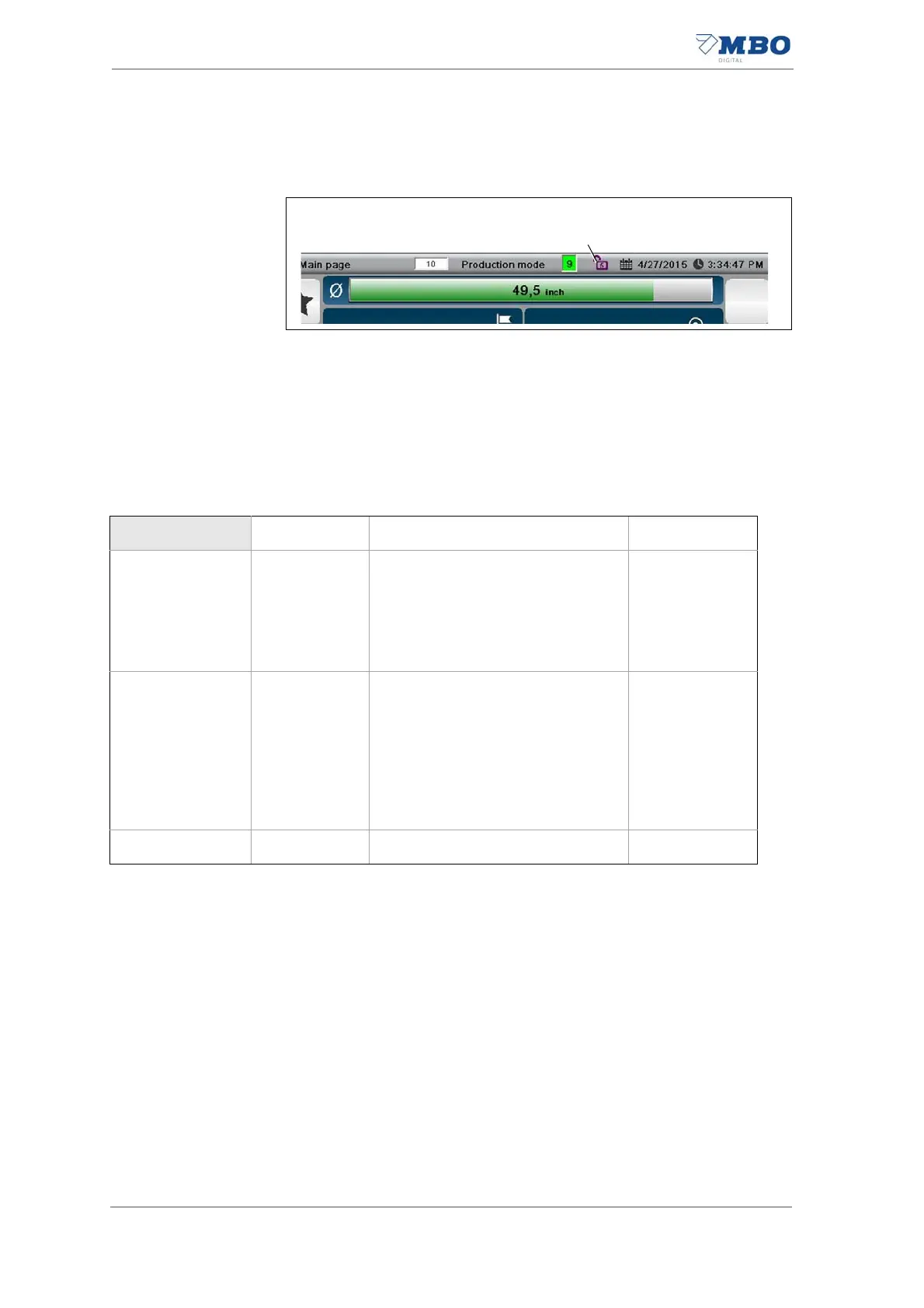
If the <Padlock> symbol is closed, no password level is selected.
If the <Padlock> symbol is open, the current password level is displayed as a
number in the symbol.
5.1.8.1 Password levels
Illustration 32: Entering the password
Password level Password Area and authorization Symbol
0-
Area:
• Diagnosis (look at all/change
something).
Authorization for:
Operator
1 XXXX
Area:
• Diagnosis (look at all/change
something).
• Service (look at all/change some-
thing).
Authorization for:
Machine setter with supervision.
Table 21: Password level


 To Next Page