10.3.2
M Line
In the M inactivated or real time mode, the M line displays at the default position of the B mode
ultrasound image. You can use the trackball to move the M line.
10.3.3
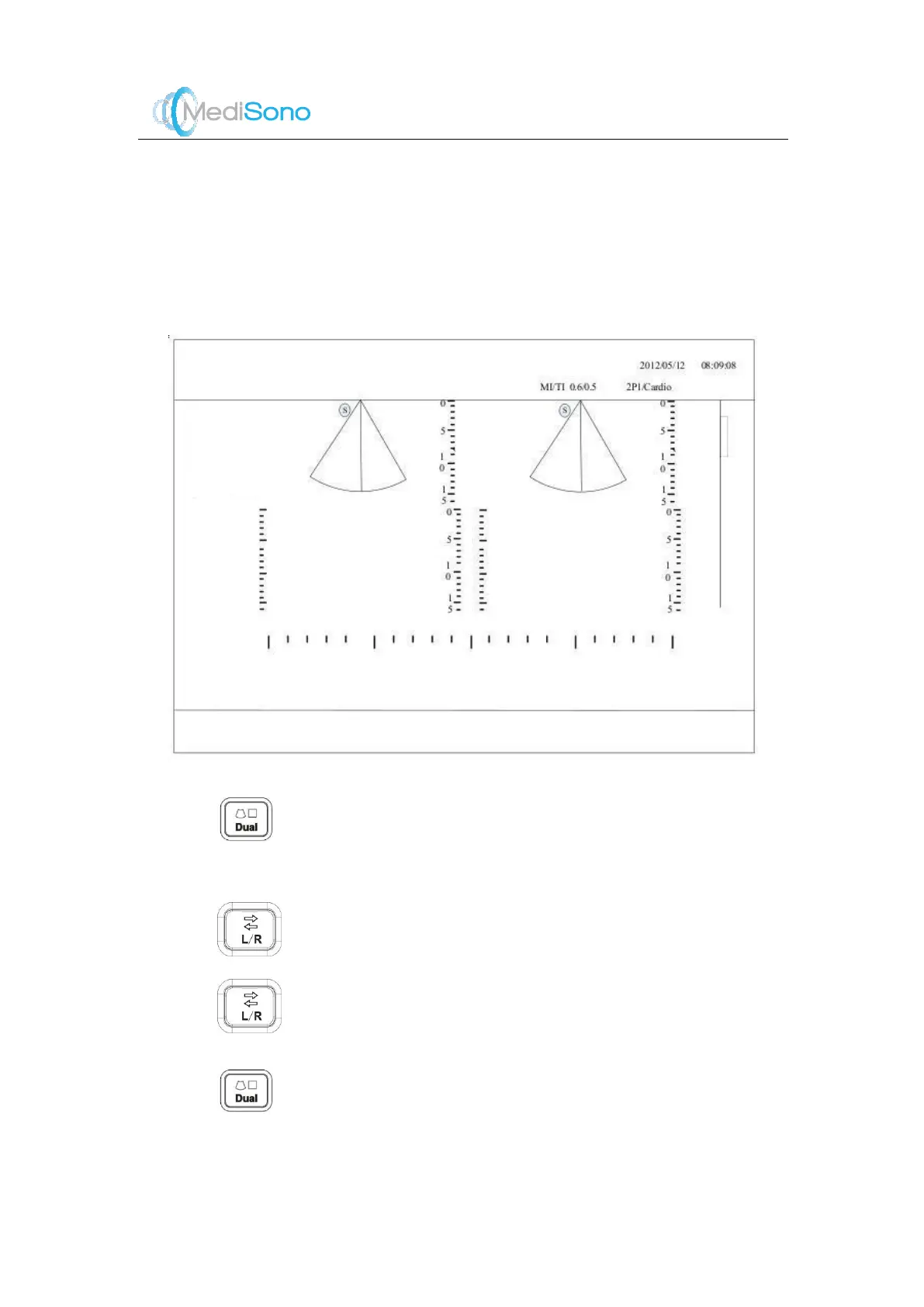
Dual Display
The dual display of ultrasound images facilitate the comparison of ult rasound images
performed at the different time.
Instructions:
1. Press
in the real-time M mode to activate the dual display. The screen is divided
into two displays with a real time ultrasound image on the left and a frozen image on the
right.
2.
Press
to freeze the image on the left and activate the image on the right.
3.
Press again to freeze the image on the right and activate the image on the left.
The activated image is marked with a green orientation marker.
4.
Press
again to exit the display.



 To Next Page