Digital Color Doppler Ultrasound System
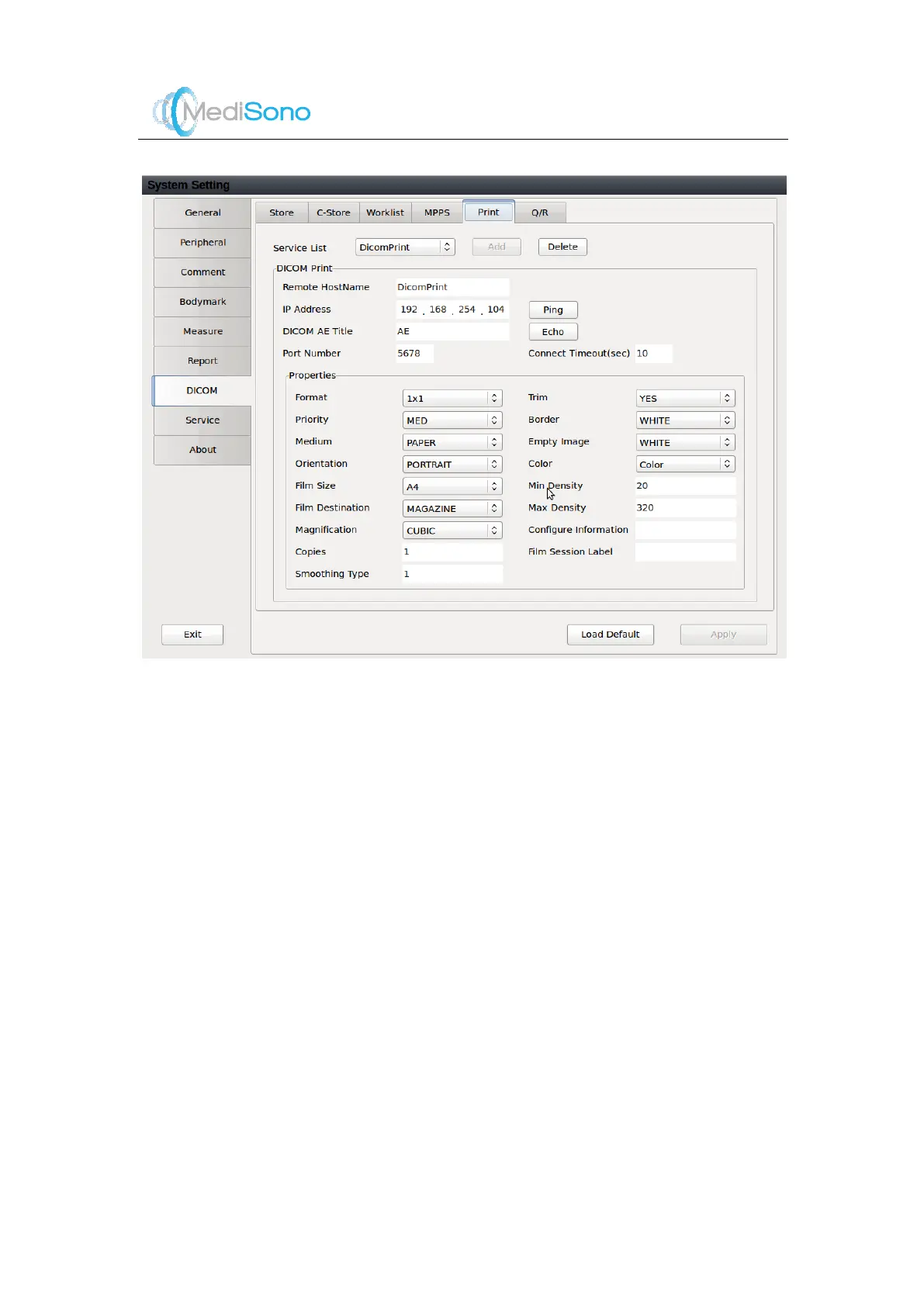
Select the desired service nam e from the drop -down
list.
16 characters at most can be input.
Only numerical values from 0-255 are allowed.
16 characters at most can be input.
Five characters at most can be input.
Two characters at most can be input.
Select the print format from the drop-down list.
Set the printing job priority.
Select the print medium..
Set the print orientation.
Specifies the film destination.
Set it to
MAGAZI NE
, image will be stored in a film



 To Next Page