Flip downward to increase the depth range of the 2D image and the size of image
is reduced to display the entire ultrasound image.
NOTE:
The range of the scanning depth depends on the probe type. Depth is represented in unit
of cm.
The depth scale is shown on the left side of the ultrasound image.
The depth range is adjustable during the real time scan regardless of the imaging mode
(B, CDI, PW/CW) and display format (single, dual, quad).
6.2.21
Time Gain Compensation (TGC)
The TGC are adjustable during the real tim e scan regardless of t he im aging mode (B, CDI,
PW/CW) and display format (single, dual, quad).
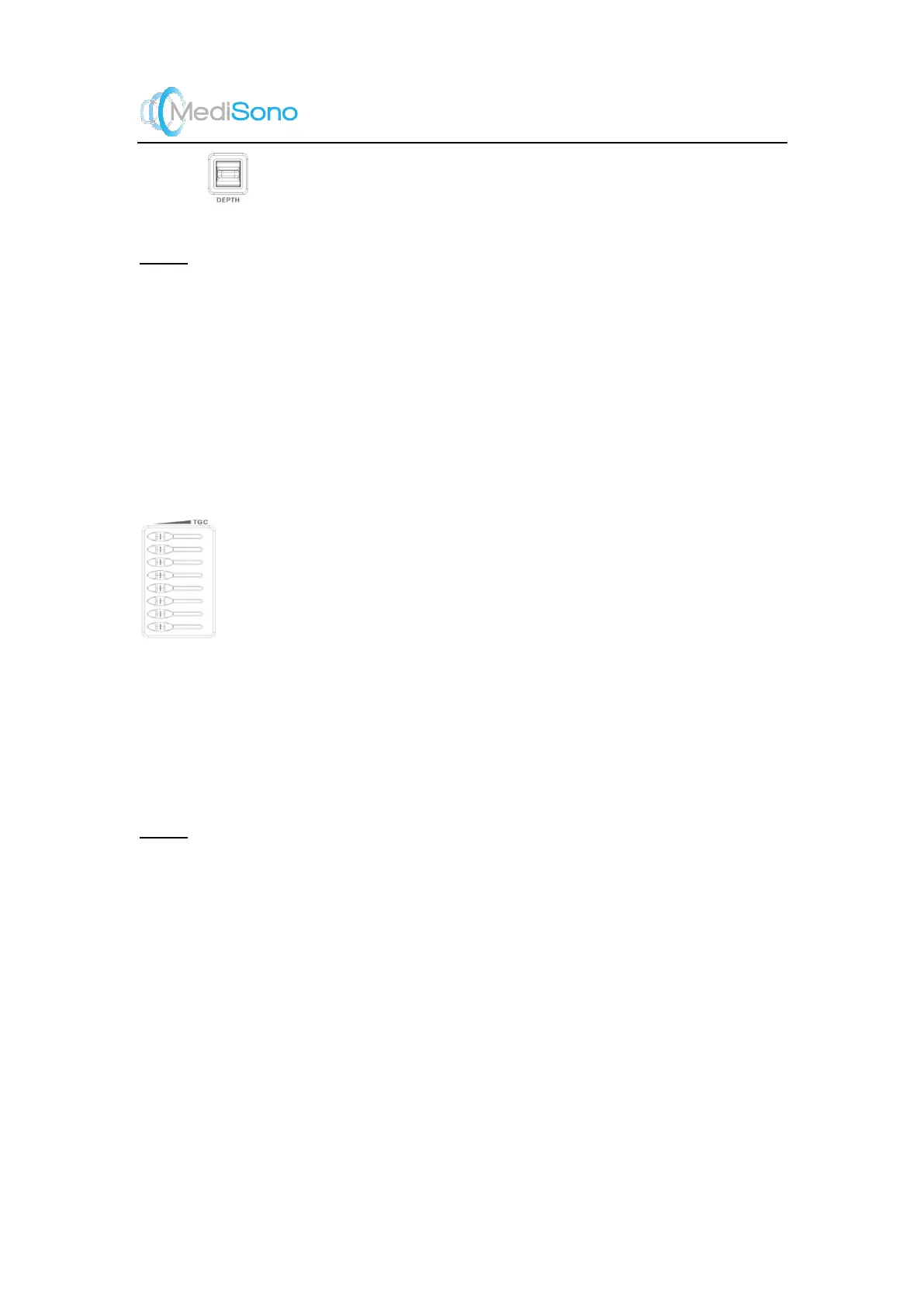
Use the TGC slide pot to adjust the gain which allows compensation for attenuation
of the echoes over time (depth). TGC balances the im age s o that the density of echoes is the
same throughout the image.
Instructions:
Move the slide pot to the left to decrease the gain at the corresponding depth.
Move the slide pot to the opposite direction to increase the gain at the corresponding
depth.
NOTE:
The default TGC compensation corres ponds to the middle positions at which the slide
controls are.
Modifications of TGC values cannot be saved if you shift to use another imaging mode.
TGC curve disappears when the TGC slide pot is inactive for more than several seconds.



 To Next Page