Digital Color Doppler Ultrasound System
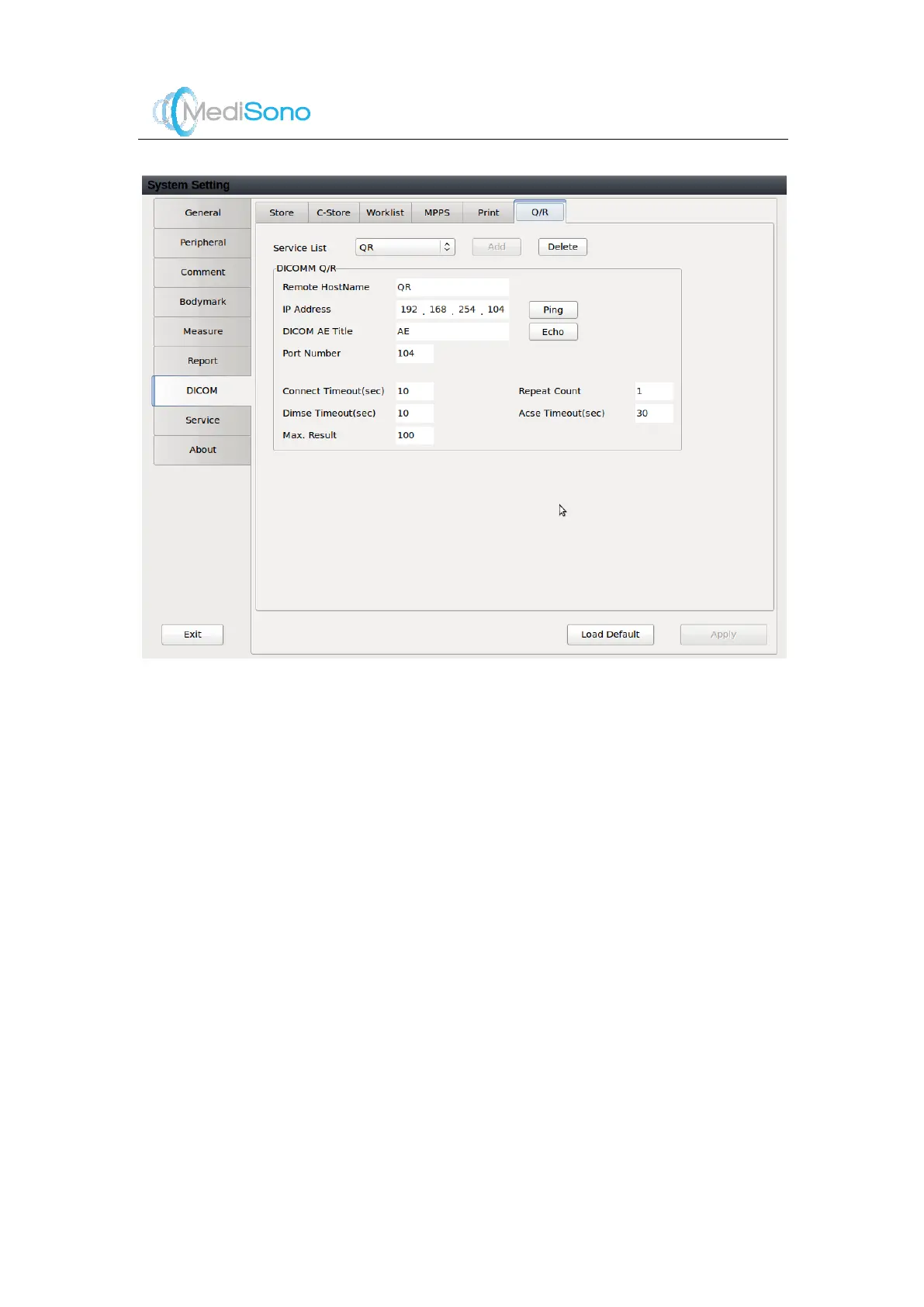
Select the desired service name from the drop-down list.
16 characters at most can be input.
Only numerical values from 0 to 255 are allowed.
NOTE:
Click
Ping
to test the network connectivity.
16 characters at most is allowed.
NOTE:
Click
Echo
to test whether the ultrasound system is
connected successfully to the Q/R server.
Five characters at most can be input.
Two characters at most can be input.
Two characters at most can be input.
Two characters at most can be input.
Two characters at most can be input.
Four characters at most can be input.



 To Next Page