4.
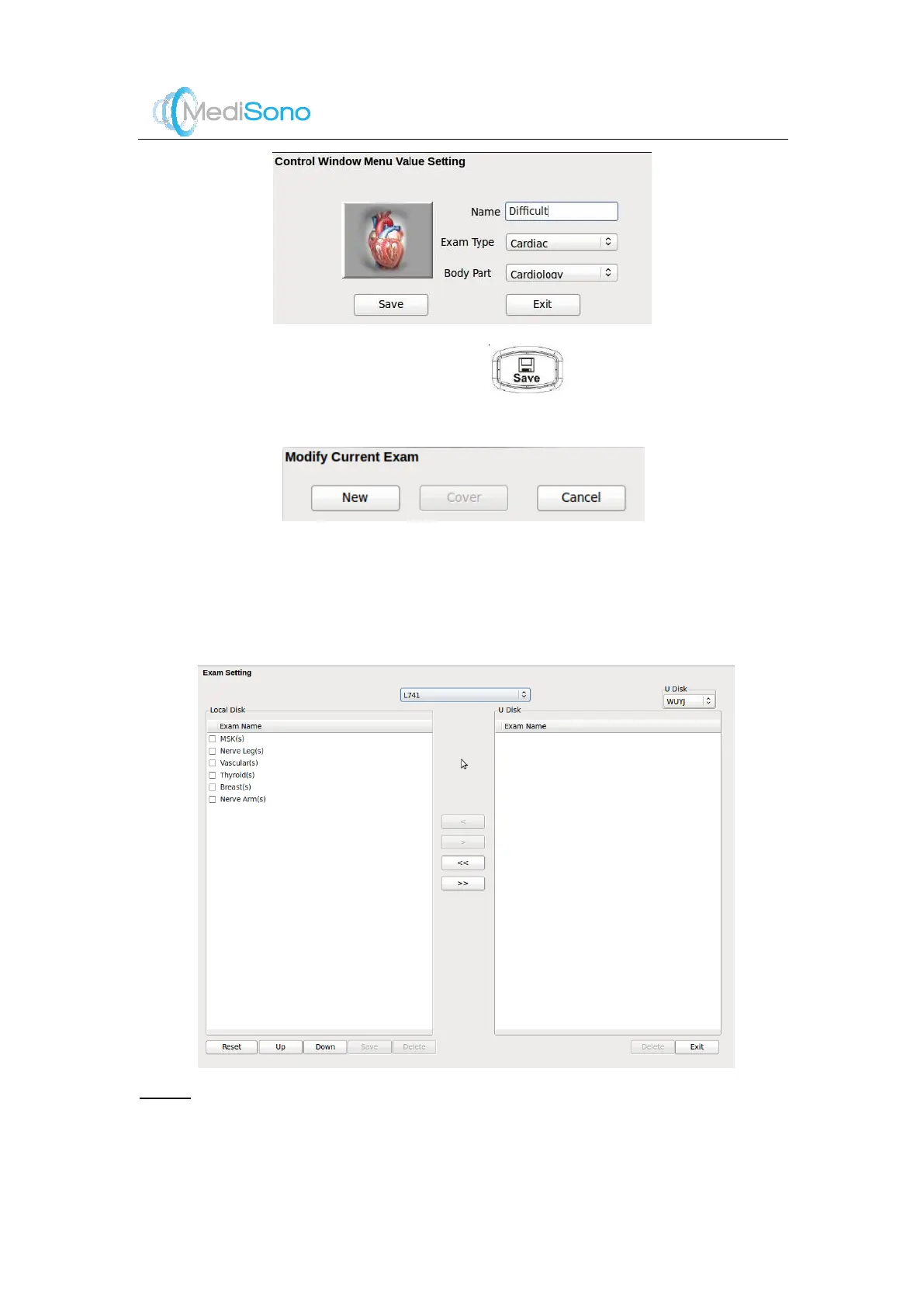
Enter name for the new exam mode and click .
5.
Click
New
to create a new exam mode.
14.4.2
Edit Exam Mode
You can adjust the layout of t he application mode screen. M oreover, the customize exam
mode (except system exam mode) can also be deleted.
1.
Press the
E
key on the probe selection screen to display the following window.
NOTE:
An exam type suffixed with s is a system application preset, suffixed with u is a customized
application preset.
2.
Select an exam type from
Local Disk
.



 To Next Page