EasyManua.ls Logo

MediSono P12 - System Information

Default Icon
201 pages
Print Icon
To Next Page IconTo Next Page
To Previous Page IconTo Previous Page
Loading...
76
Basic User Manual
Digital Color Doppler Ultrasound System
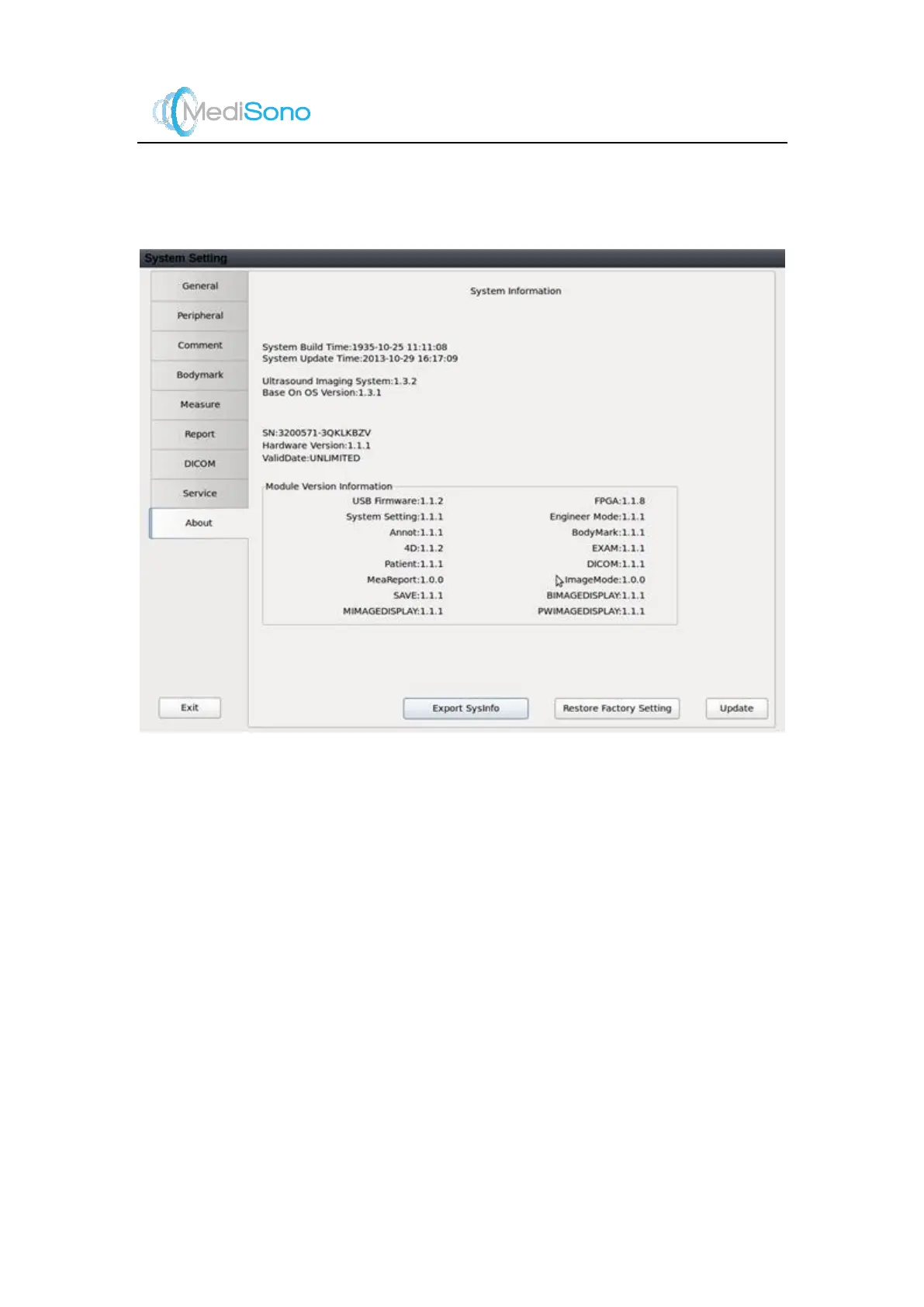
5.9 System Information
You can view the current hardware version, the soft ware version and the control number on
this menu. The Control Number is a unique number for the ultrasound sys tem.
Update
Click it and select to update the system from net work or
USB drive.
Network
Set the IP address of the server. Only num erical values
from 0 to 255 are allowed. The system automatically
determines the connectivity to the update server. Press
Confirm
to start updating.
Memory Disk
Select this option to update using USB drive.
Restore Factory Setting
Restore the system to factory setting.
Export Sysinfo
Click this button to export the system information to
USB drive.

Table of Contents

Related product manuals