EasyManua.ls Logo

MediSono P12 - Bodymark

Default Icon
201 pages
Print Icon
To Next Page IconTo Next Page
To Previous Page IconTo Previous Page
Loading...
60
Basic User Manual
Digital Color Doppler Ultrasound System
Edit Comment Item
Enter comments in the
Edit Comment Item
textbox,
and click
Add to Lib
to add the comment. Or, click
Delete
to delete the comment from the
Available
list.
Display Language
Click the drop-down list to select the current system
language.
Clear Annot on Unfreeze
If it is ticked, all annotations will be rem oved when the
image is unfrozen
.
Add selected item(s) from Available list to Selected list.
Add all items from Available list to Selected list.
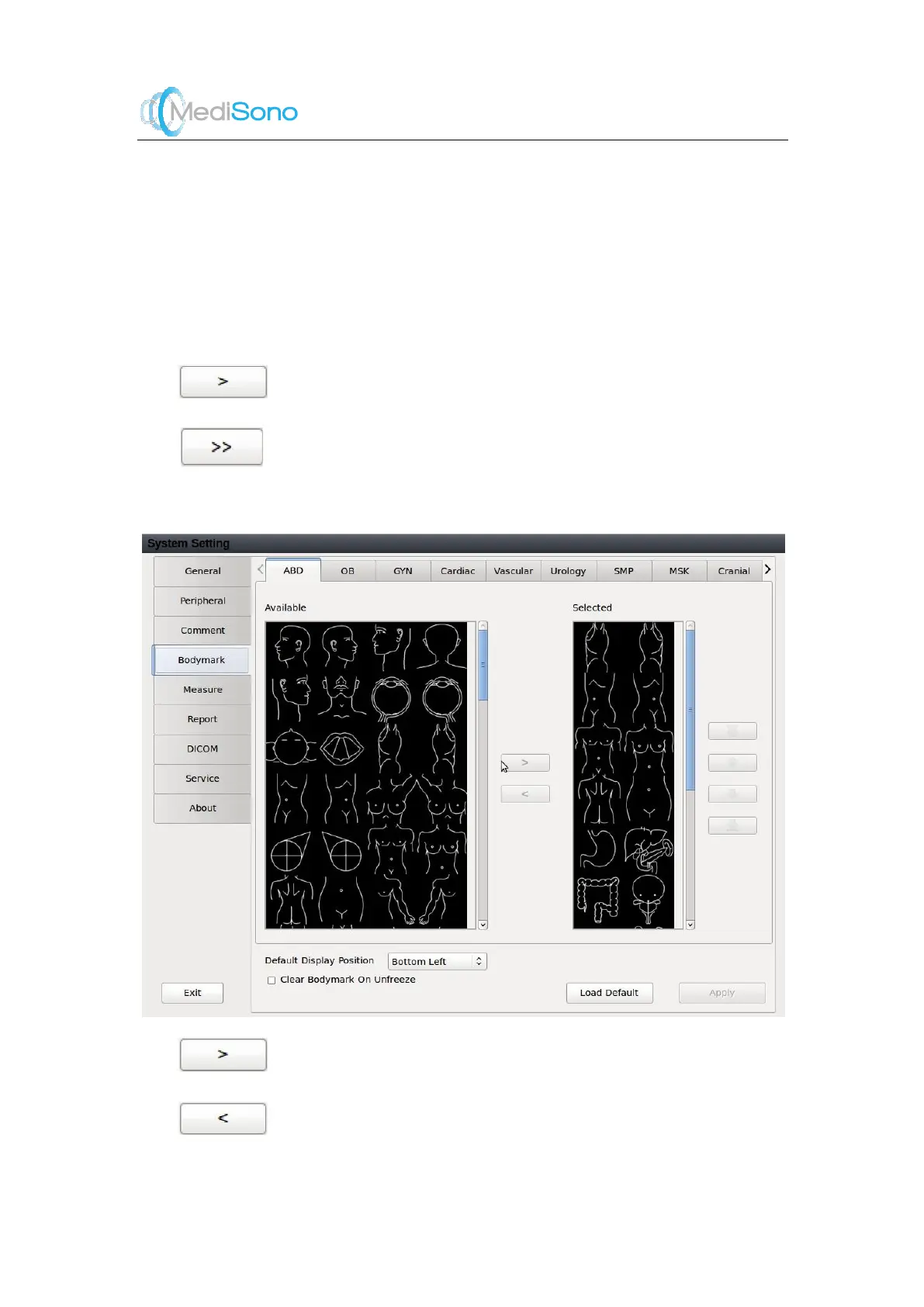
5.4 Bodymark
Add selected item(s) from A vailable list to Selected
list.
Rem ove selected item (s) from Selected list to
Available list.

Table of Contents

Related product manuals