Chapter 5System Setup
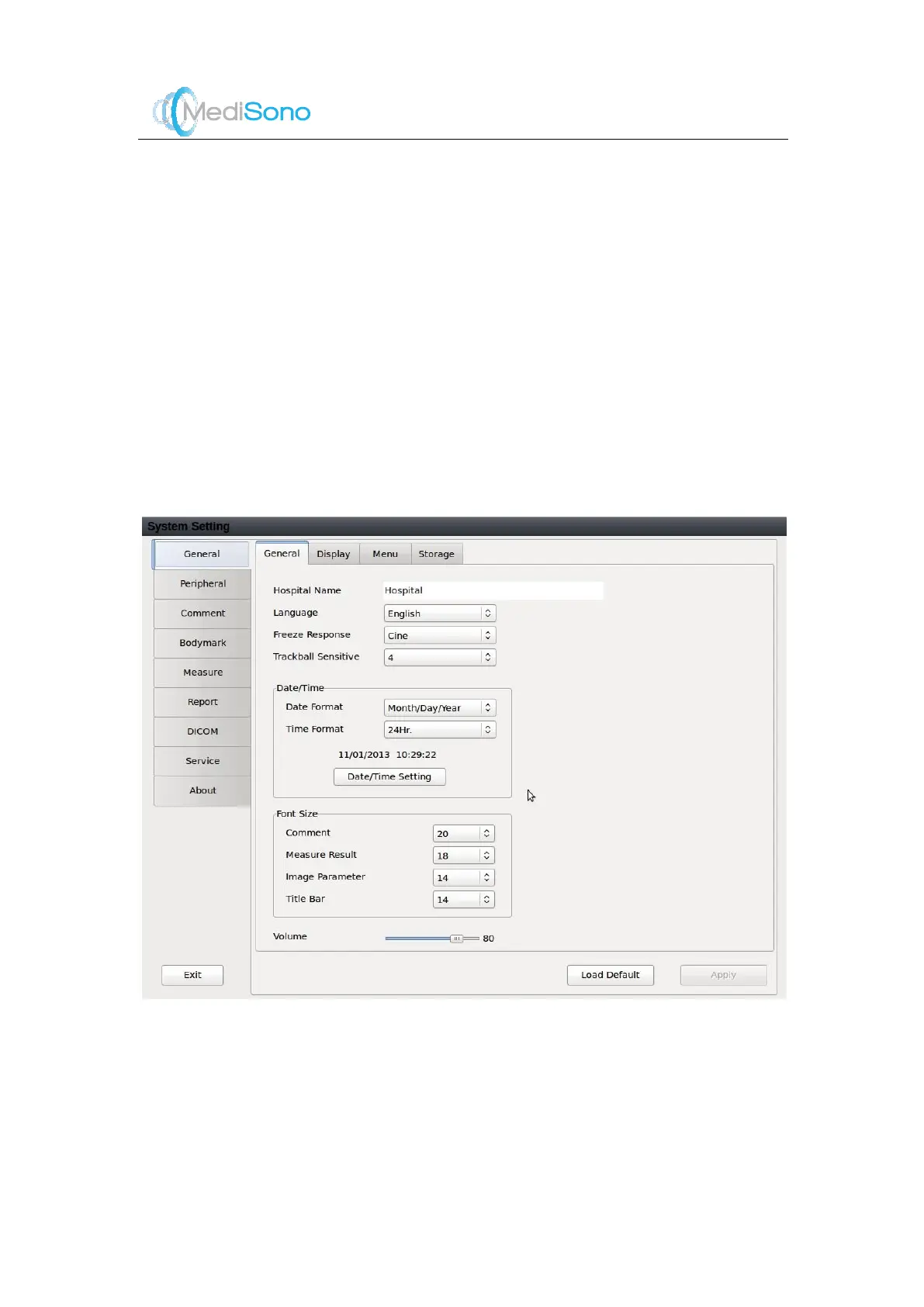
Press the
Exam
key on the Exam screen to enter the
System Setting
screen.
The general setting and configurations for peripherals, comments , bodymark, measurem ents,
report, DICOM and remote service can be set on the
System Setting
screen. System
information can also be found here.
5.1 General Setting
Click the
General
tab on top left to open the general setting page. It includes the following four
sections:
General
,
Display
,
Menu
and
Storage
.
5.1.1
General
General configurations include the following:



 To Next Page