Digital Color Doppler Ultrasound System
Print the selected images
Export to a connected USB device. If more than one USB
drives is connected, select the desired one from the drop-
down box. The form at of exported report can be chosen
from HTML or PDF.
Select the format for exported images or cines.
For images: JPEG, BMP, TIFF
For cines: AVI, WMV
Click this button to exit the
View Image
screen.
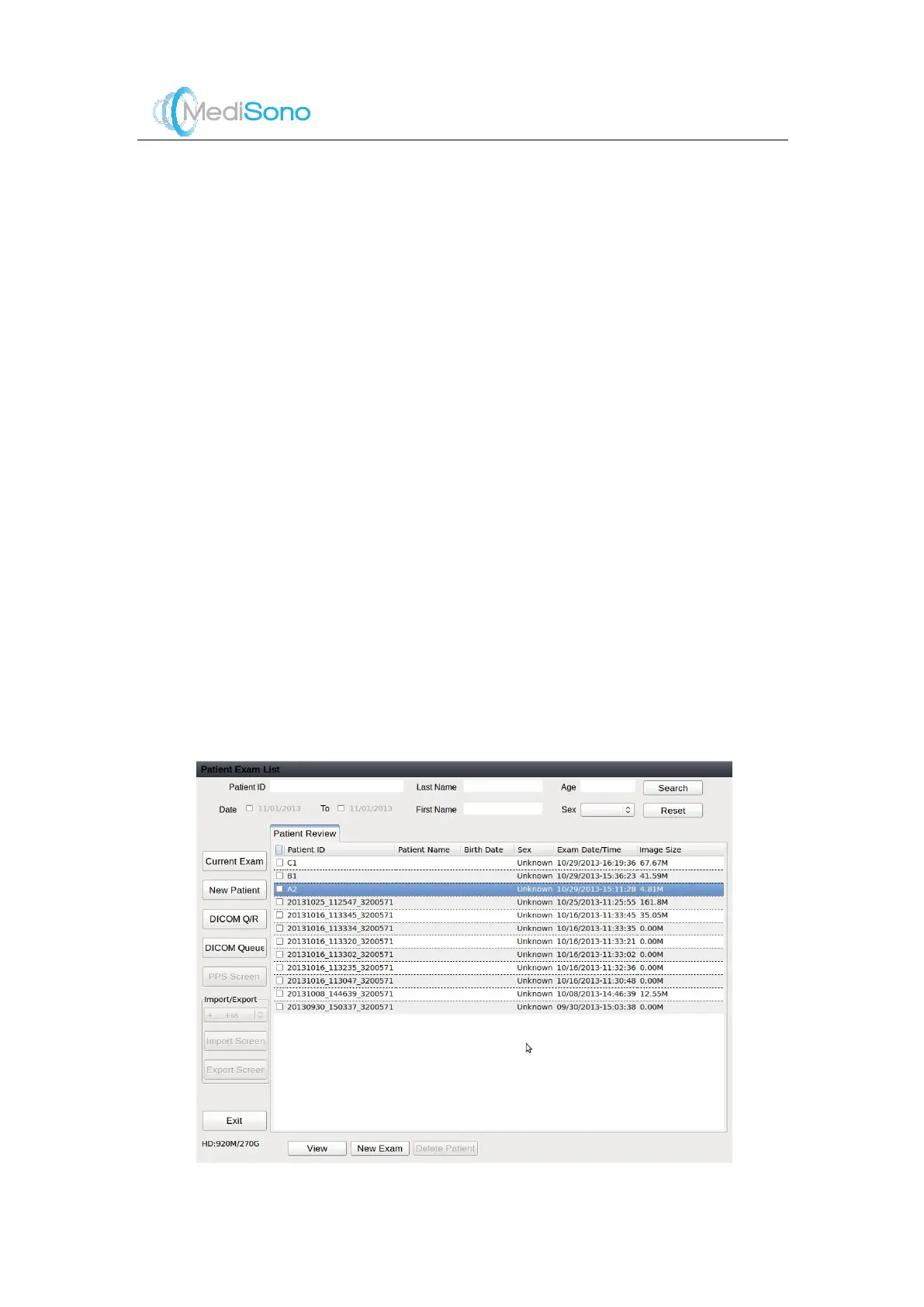
Exam Operations
Click
Current Patient
to highlight the current exam item if current patient exists..
Click
New Patient
to enter the
New Patient
screen.
Click
DICOM Q/R
to enter the
DICOM Q/R
screen.
Click
DICOM Queue
to enter the
DICOM Queue
screen and check the sending status.
When the current exam item is highlighted, click
PPS
to enter the
PPS
screen, and then
add MPPS information.
End the exam, and click
Import/Export
to import or export the patient information.
4.4.3
DICOM Q/R
Patient inform ation can be viewed or queried on the DICOM Q/R screen. Patient information
includes the basic information and image information.
Figure 4-7 DICOM Q/R



 To Next Page