Digital Color Doppler Ultrasound System
View Image
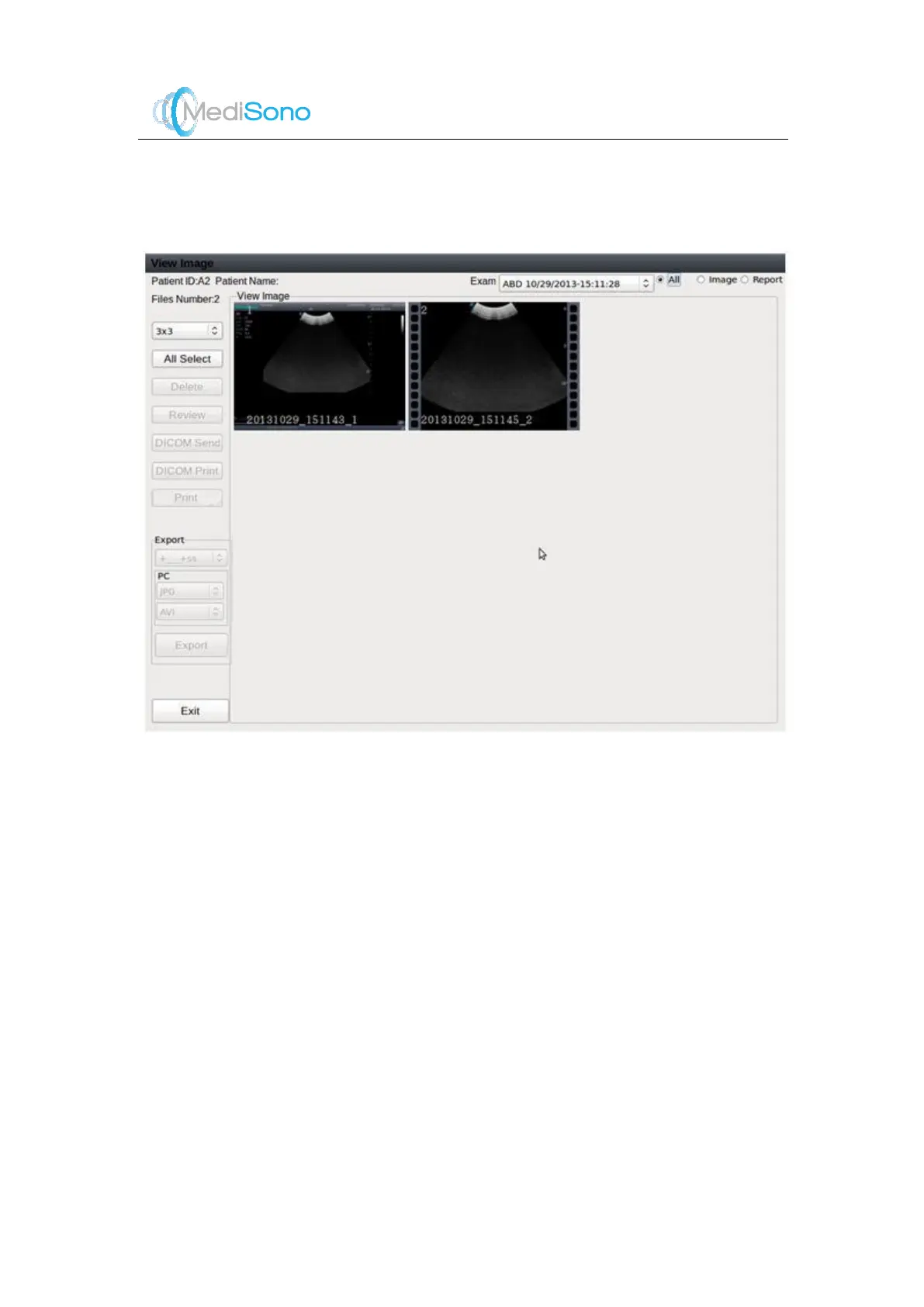
In the Figure 4-6, press the
Set
key to select an image. The selected images will be
highlighted with a yellow frame. Buttons at the left side will become active and user operations
are allowed.
Figure 4-6 View Image Screen
Click on this drop-down box to select other exams
performed for the same patient.
List both images and reports for this exam.
List only images for this exam.
List only reports for this exam.
Change the layout of the displayed images: 1×1, 2×2,
3×3 or 4×4.
Select all images in the preview window.
Delete the selected images.
Select the image to preview. Or, press the
Freeze
key to
quit the preview.
Send the selected images to a DICOM server.
Print the selected images through DICOM.



 To Next Page