Digital Color Doppler Ultrasound System
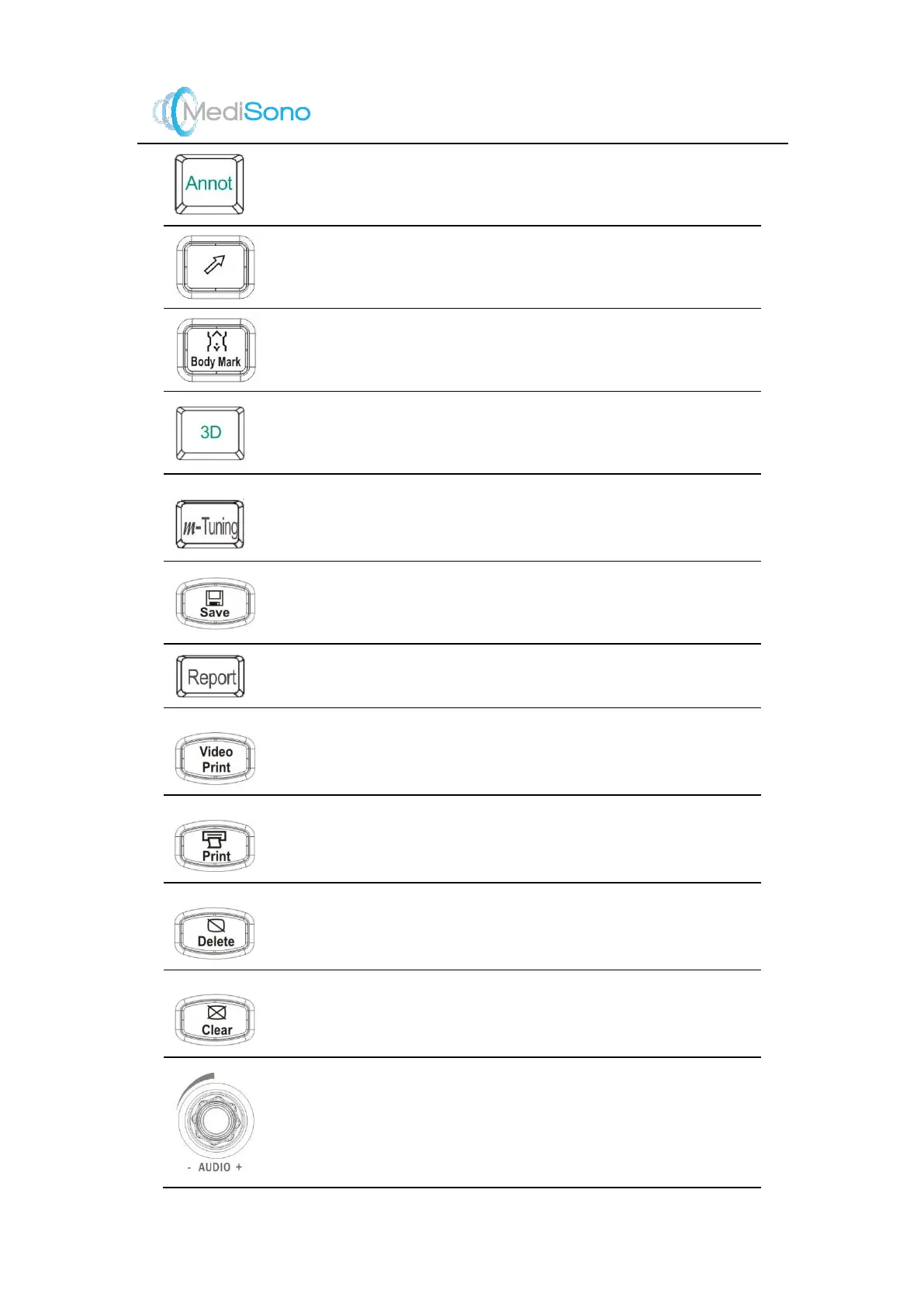
Annotation key
Press it to annotate an image with typed words.
Arrow key
Press it to add arrow on the ultrasound image.
Bodymark key
Press it to add the body mark on the ultrasound image.
3D & 4D key
Press it to activate 3D or 4D imaging mode.
m
-Tuning key
Press it to adjust the angle of frequency spectrum and
optimize the image automatically.
Save key
Press it to save the images and cines.
Report key
Press it to enter the
Report
screen.
Video Print key
Press it to print the current screenshot if the video
printer is successfully connected.
Print key
Press it to print the current screenshot if the network
printer is successfully connected.
Delete key
Press it to delet e the last annotation, body m ark or
measurement marker.
Clear key
Press it to clear all measurement markers and
annotations from the screen.
AUDIO knob
Rotate it to adjust the volume in PW mode.
Or, rotate it to select one m enu item when the menu
pops up.



 To Next Page