18 Medit T-series User Guide
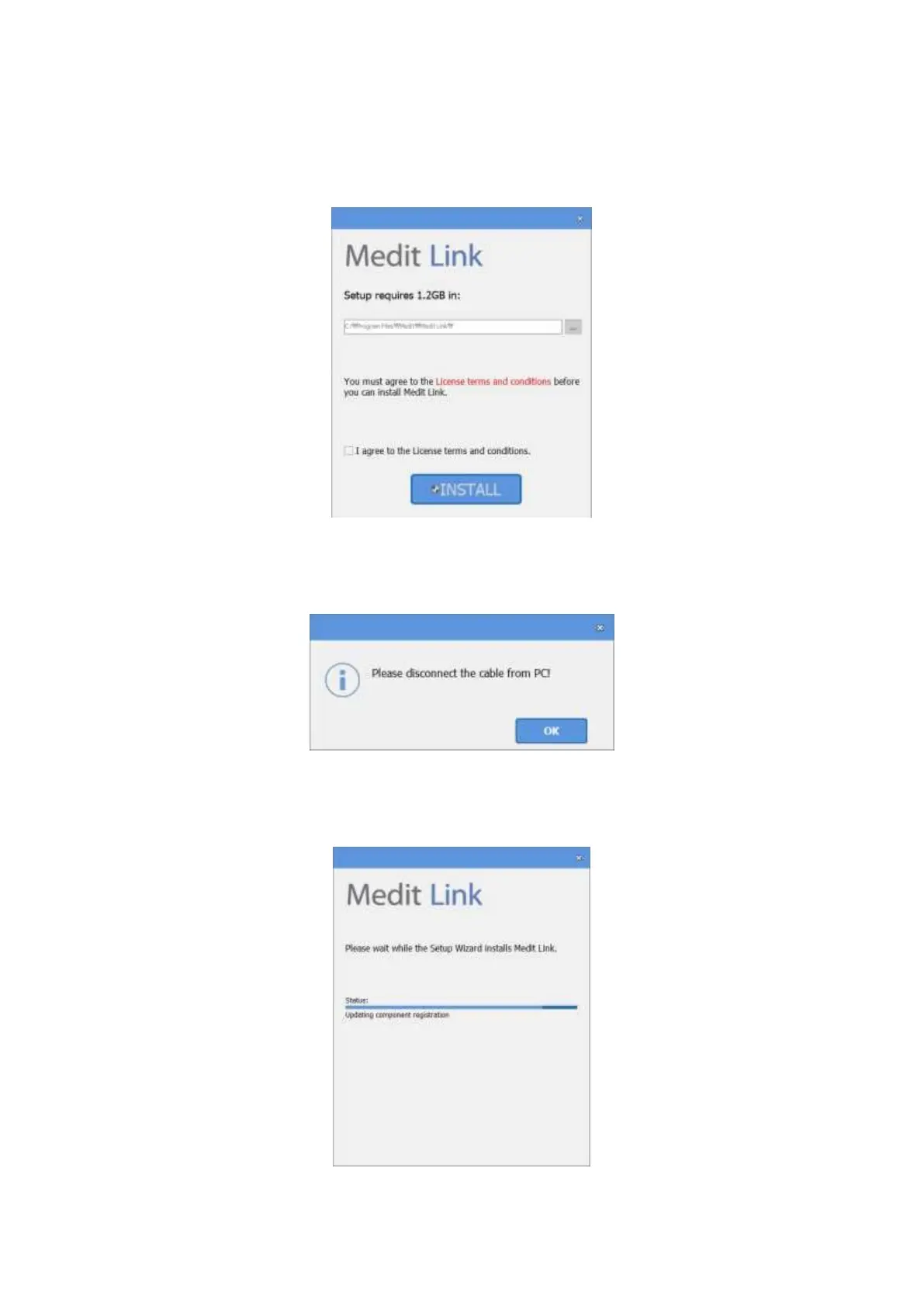
➢ Select the program installation folder. Please agree to the ‘Terms and Conditions’ after reading
them carefully and then click ‘Install’.
➢ The installation might not proceed normally if the scanner is connected to the PC. Please make
sure you disconnect the USB 3.0 cable from your PC before installation.
➢ The program will be installed automatically, and it may take a few minutes. Do not turn off or
unplug your PC until the installation is complete.



 To Next Page