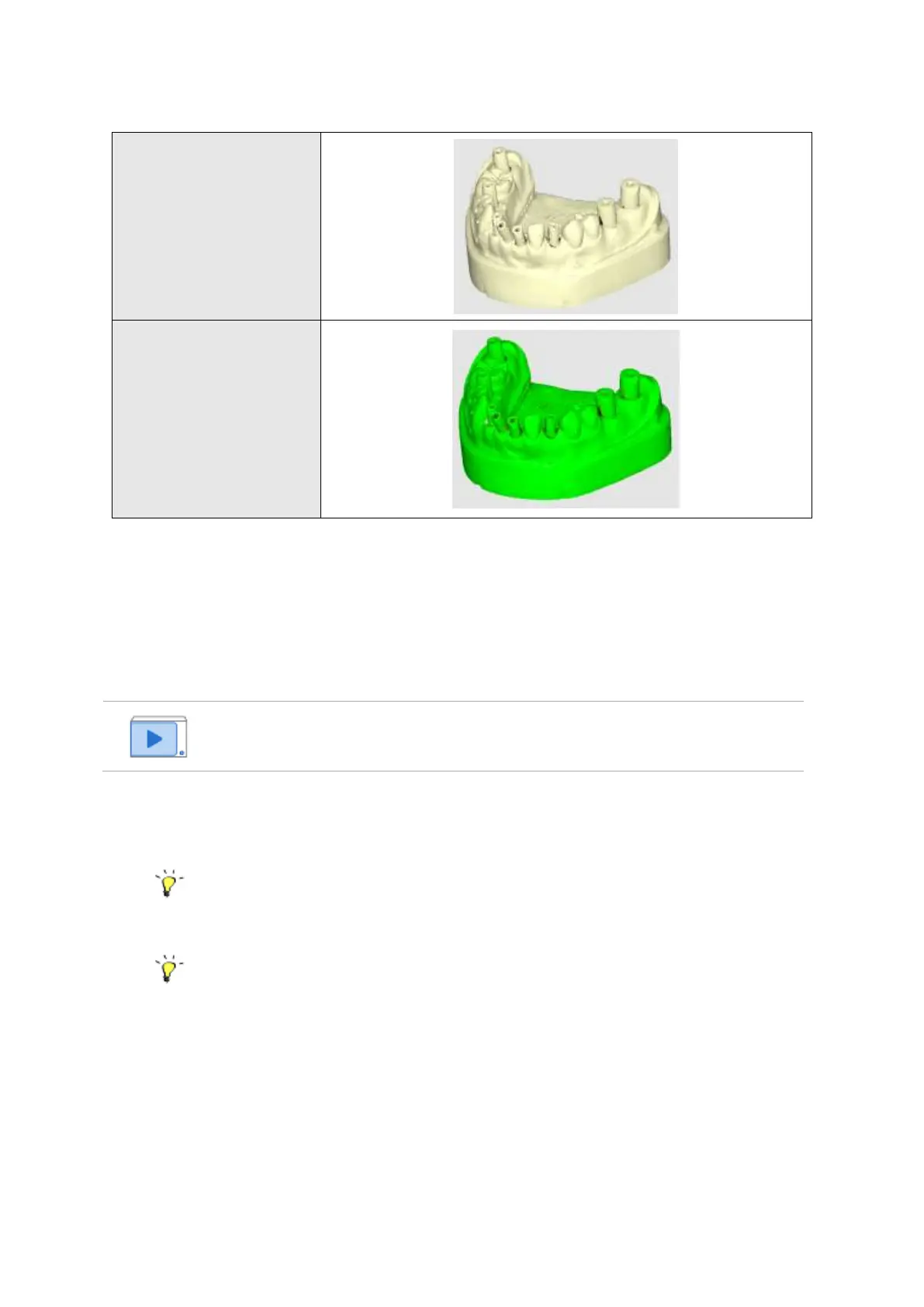
➢ Place the model in the scanner and press ‘Scan’.
Before scanning, make sure that 1) the model is facing the cameras; 2) the articulator type
settings are same across all linked programs (Medit Link, design program etc.).
Try adjusting the Medit Scan for Labs shortcuts for all major functions in the Settings. By
default, ‘Space’ key is set for ‘Scan’.
➢ Before the scan starts, you will be asked to adjust the scan area.
➢ Please make sure that the area and side of model you want to scan fits in the camera view.
Use the blue line to set the appropriate height and press the ‘Confirm’ button.



 To Next Page