27 Medit T-series User Guide
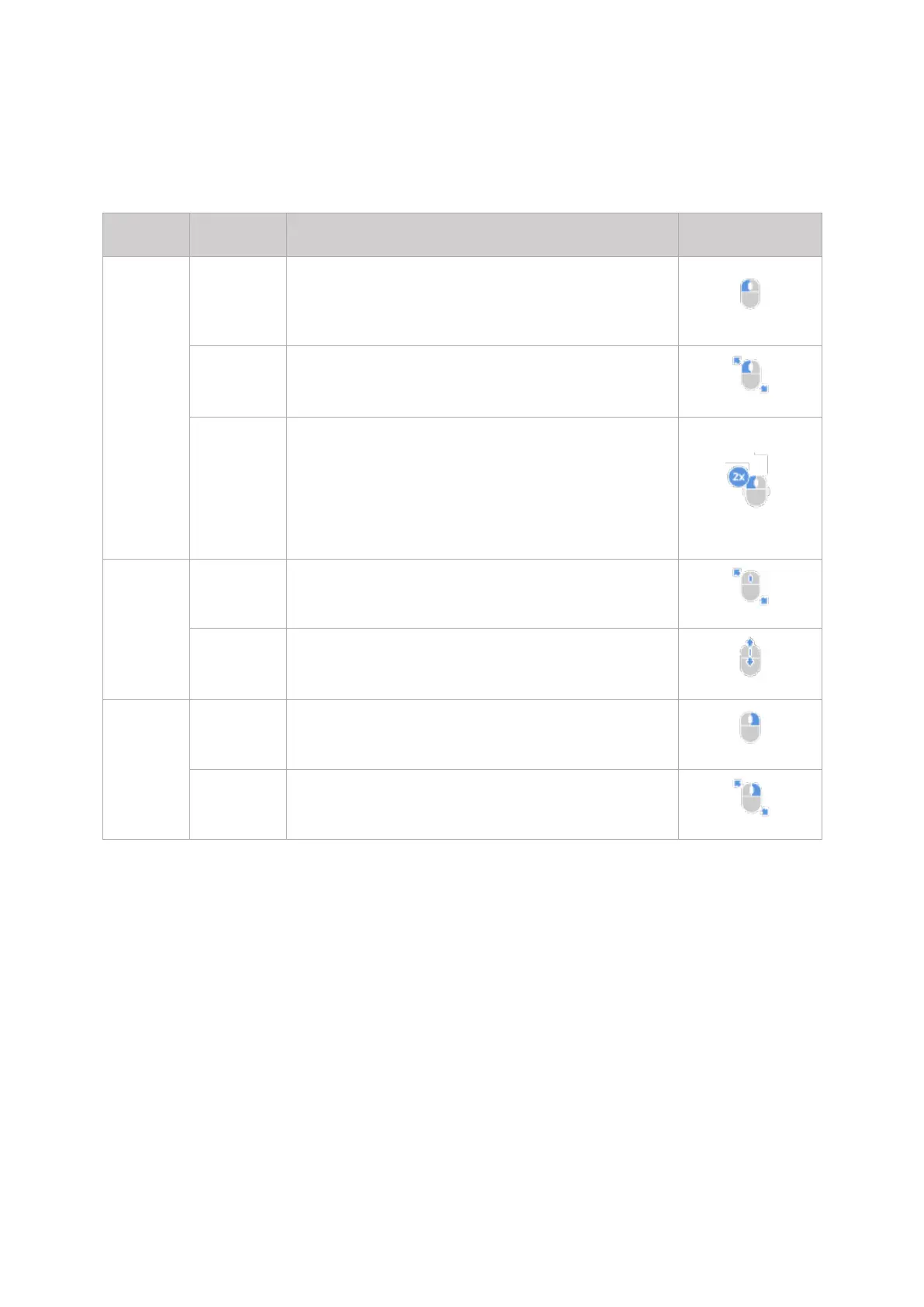
3.2 3D Data Management with mouse
Selects or deletes the entities in view screen when
using the polyline selection or polyline trimming tool.
- Selects or deletes entities in view screen when using
Brush selection or Brush trimming tool.
Zooms in a specific part by double clicking on the
specific spot.
Places data in the center by double clicking on the
background.
Moves the data in view screen.
- Zooms in/out the data in view screen.
For data tree, allows to access data view options.
- Rotates data in view screen.



 To Next Page