48 Medit T-series User Guide
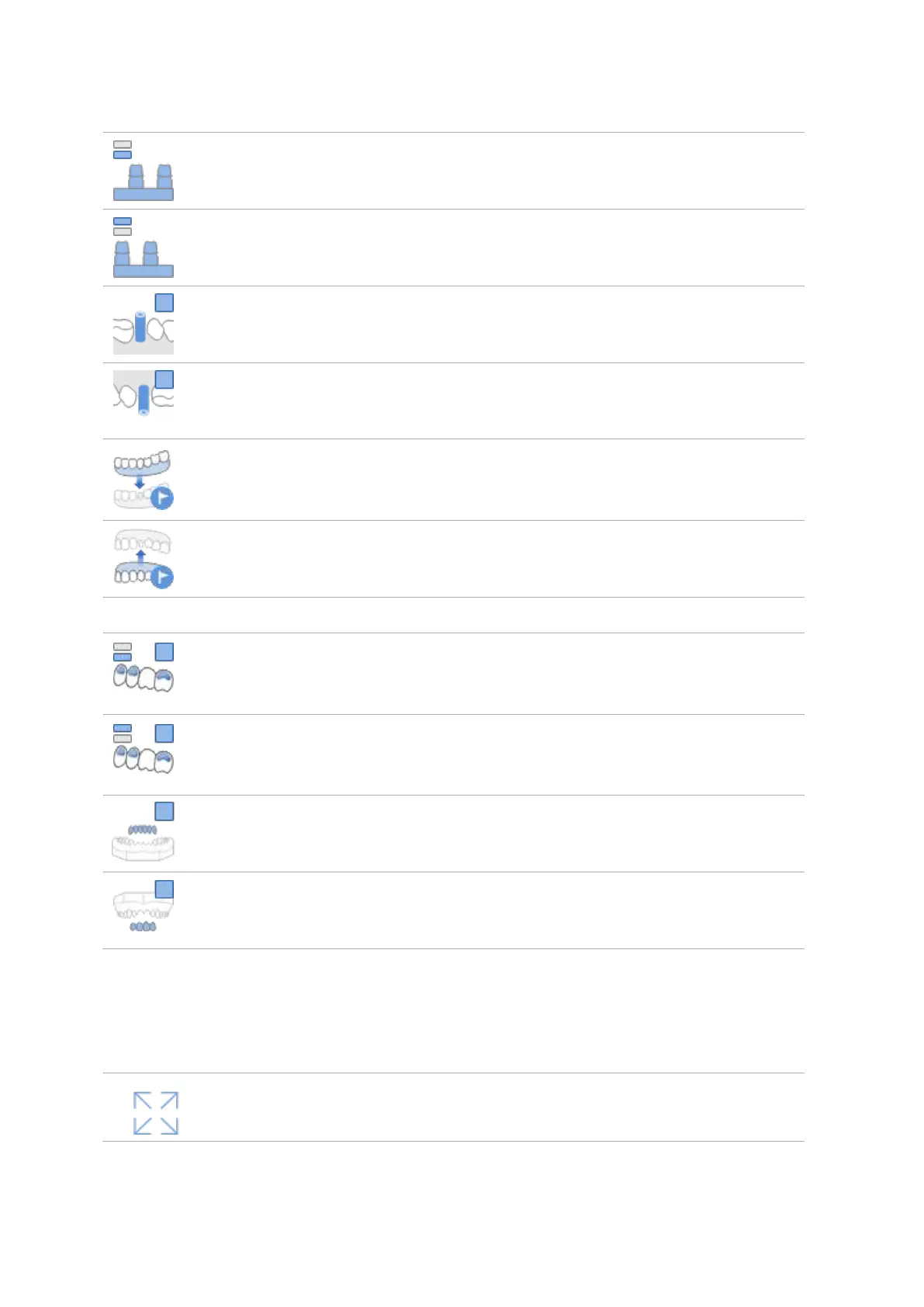
Prepared Teeth
(Mandible; Base)
Allows to scan prepared teeth in Mandible by placing them on the
base.
Prepared Teeth
(Maxilla; Base)
Allows to scan prepared teeth in Maxilla by placing them on the base.
Allows to scan a scanbody placed in the Mandible model.
Allows to scan a scanbody placed in the Maxilla model.
Pre-operation
Model
(Mandible)
Allows to scan the pre-operation model for Mandible.
Pre-operation
Model (Maxilla)
Allows to scan the pre-operation model for Maxilla.
Wax-up
(Mandible;
Bottom Side)
Allows to scan the bottom side of a wax-up in Mandible. Edit the
scan data to remove the unnecessary parts.
Wax-up
(Maxilla; Bottom
Side)
Allows to scan the bottom side of a wax-up in Maxilla. Edit the
scan data to remove the unnecessary parts.
Allows to scan a mandibular wax-up after placing it on the model.
Allows to scan a maxillary wax-up after placing it on the model.
3.6.2 Data Control and Display Options



 To Next Page