24 Medit T-series User Guide
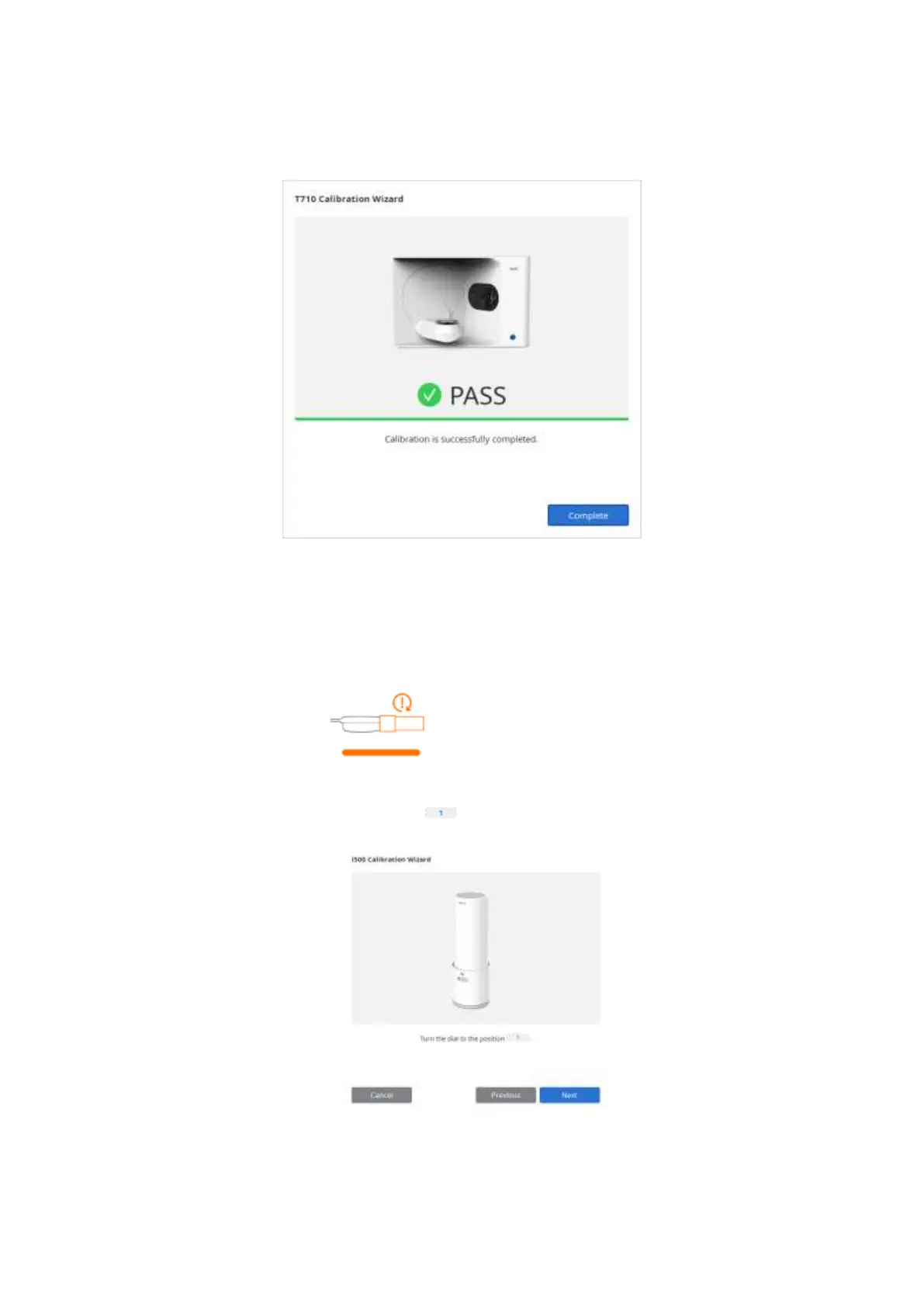
➢ Wait until the calibration is completed successfully.
3.1.2 Intraoral Scanner Calibration
➢ Turn the device on and make sure that it is discoverable by the program.
➢ Click intraoral scanner icon on the bottom left to run the Calibration Wizard.
➢ Prepare the calibration tool.
➢ Set the dial of calibration tool to position .



 To Next Page