You can change the order of the steps as well by dragging the scan stages icons, or a set of them,
with your mouse. You will see the available spaces marked in green.
3.5 Scan Strategy
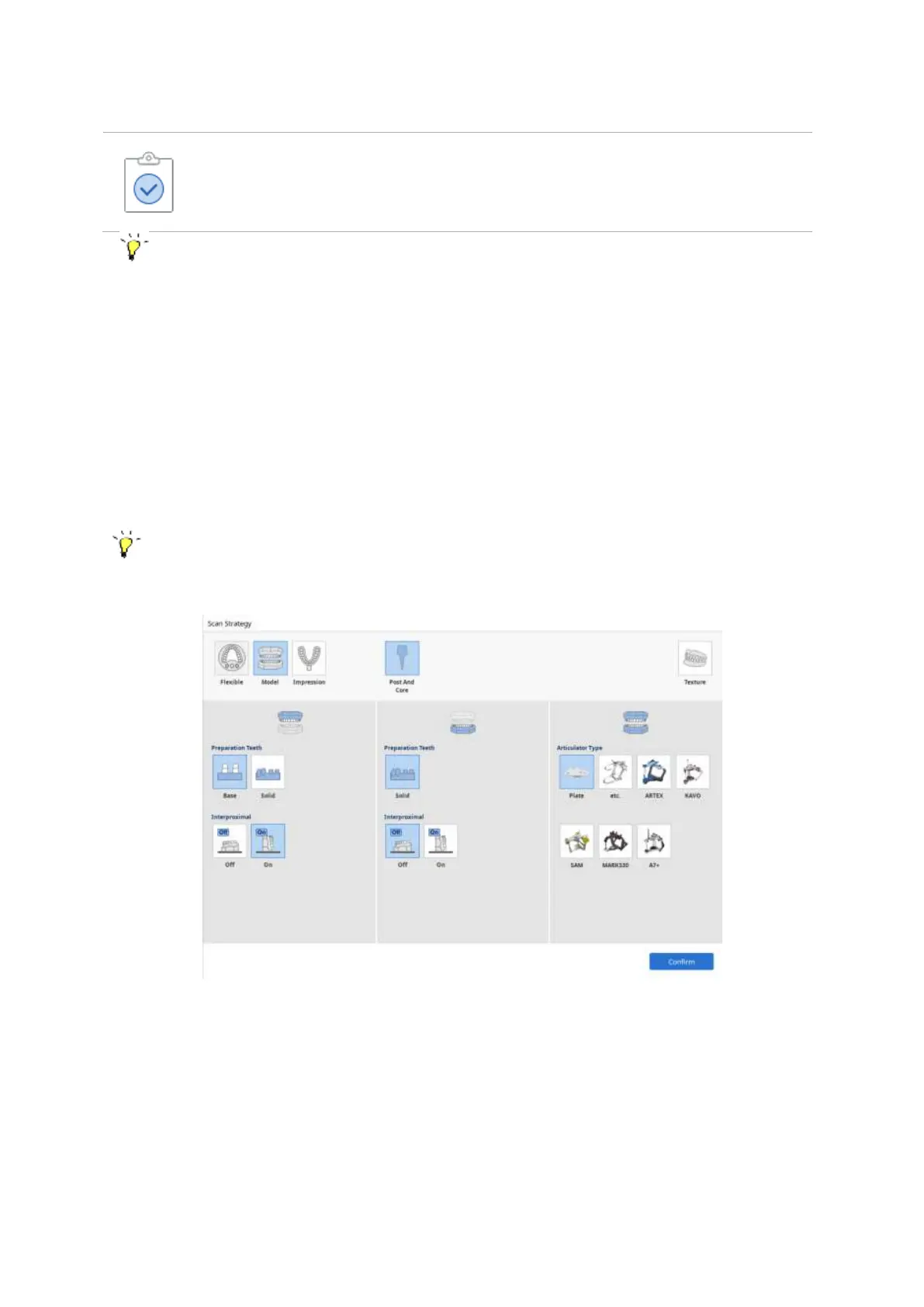
Once a scanner is connected properly to the PC, the ‘Scan Strategy’ page is displayed.
Select the options that will define the scanning process, such as scan type, occlusion scan strategy,
scanbody library alignment, wax-up scan etc.
You can change the strategy at any stage, and in case you do so, you will be asked how to utilize
already acquired data.
① Scan Type Selection



 To Next Page