36 Medit T-series User Guide
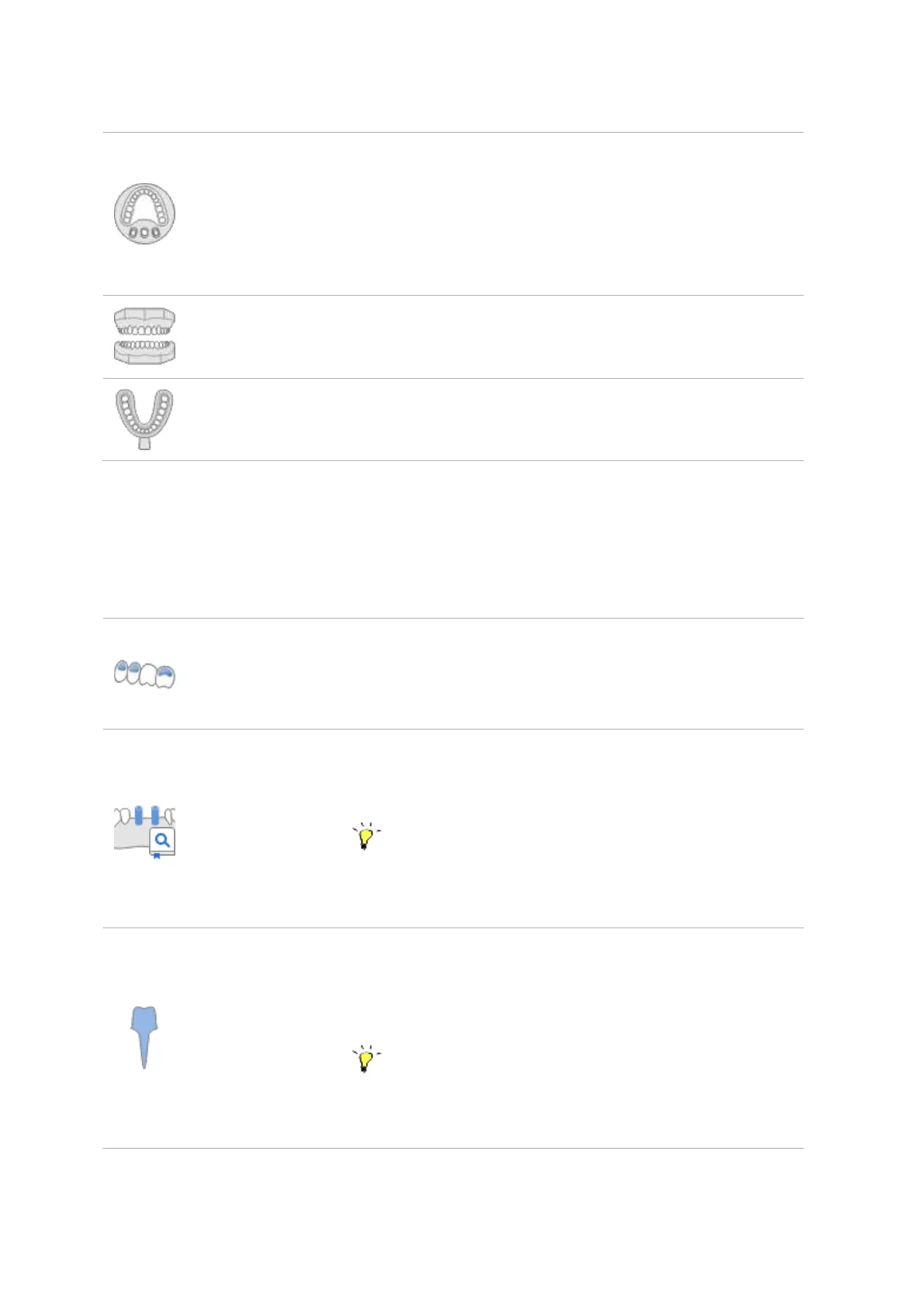
Select this type for scanning the model using flexible multi-die which
is able to fit not just a base but dies as well. For this scan type, you do
not need to have a set pre-defined strategy. You can identify the data
acquired from the flexible multi-die after performing the scan.
Select this type for scanning the model.
Select this type for scanning the impression.
② Scan Stage Options
Based on the chosen options, scan steps will be added to the basic steps.
Wax-up (Bottom
Side) Scan
Select this option to scan the inside surface of the wax-up. The
wax-up and the inner surface data can be aligned at the Align
Data step.
Scanbody Library
Alignment
Select this option to perform the alignment of the acquired
scanbody data with the pre-set scanbody library.
Assign a scanbody for each tooth based on the form
information set in Medit Link, and their 3D image will be pulled
out from the pre-set scanbody library.
Select this option for post and core cases where you need to
scan and merge the base and impression scans in order to get
the complete and reliable scan data.
Alternatively, use the intraoral scanner to get the complete
data. Connect it to the PC, make sure it is calibrated, and then
press the ‘Scan Using i500’ button.



 To Next Page