69 Medit T-series User Guide
4.2 Scanning and Aligning Scanbody
Medit Scan for Labs has an integrated Scanbody Library which makes it easier and faster to work with
the scanbody cases. You can specify which scanbody is corresponding to each tooth, and the program
will automatically insert the library data in to the model scan.
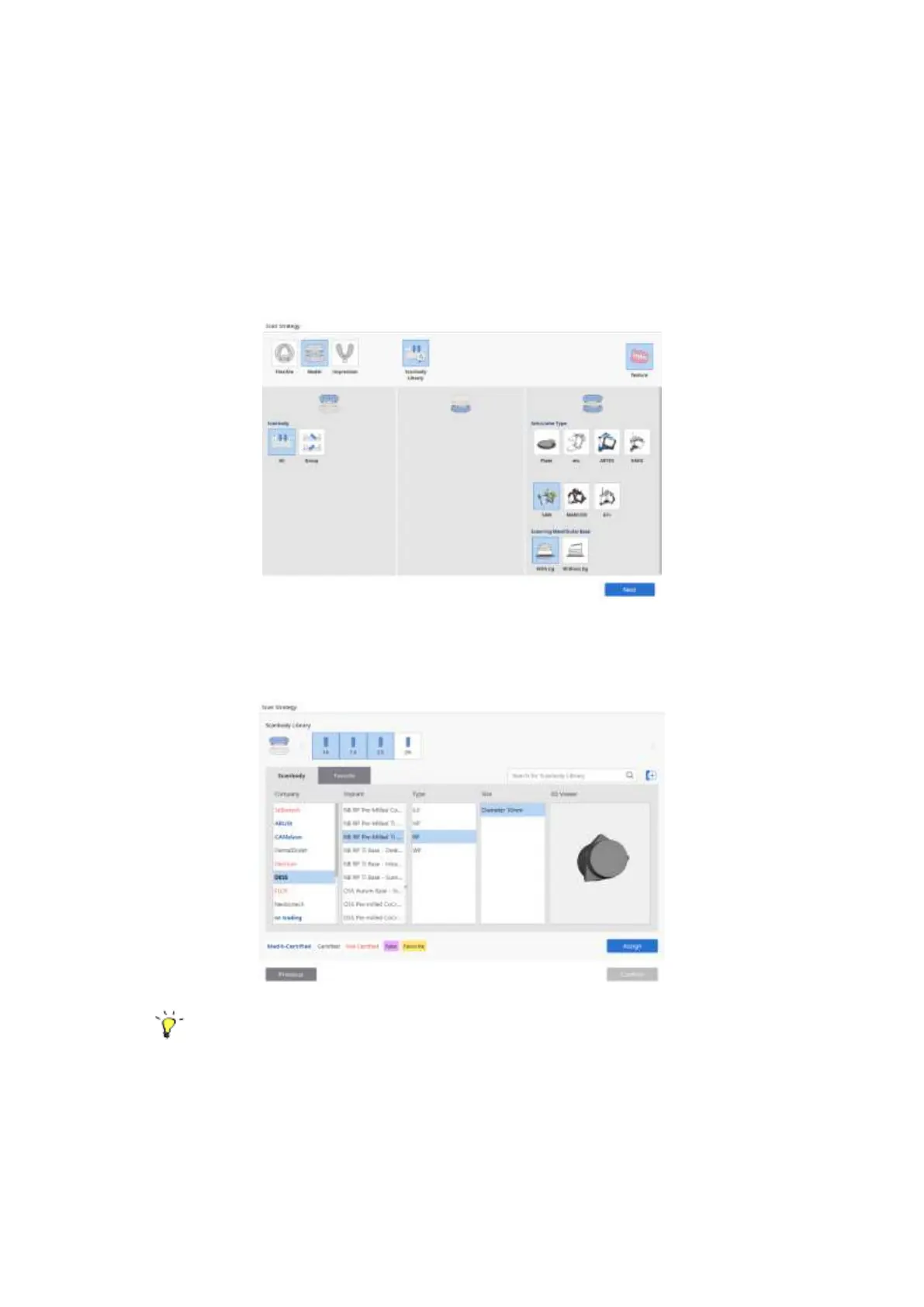
➢ Select the ‘Scanbody Library’ option from the Set Scan Strategy window and click ‘Next’.
➢ In the Scanbody Library dialogue window select the tooth number and the corresponding
scanbody data from the library (multiple teeth can be selected at once).
There are several types of scanbodies in the Library:
- Medit-Certified: Advanced Alignment feature certified by Medit
- Certified: CAD S/W Certified Library
- Not-Certified



 To Next Page