70 Medit T-series User Guide
➢ Add a new library by pressing the ‘New’ button.
➢ Add a library to the favorites and manage it in the Favorites List..
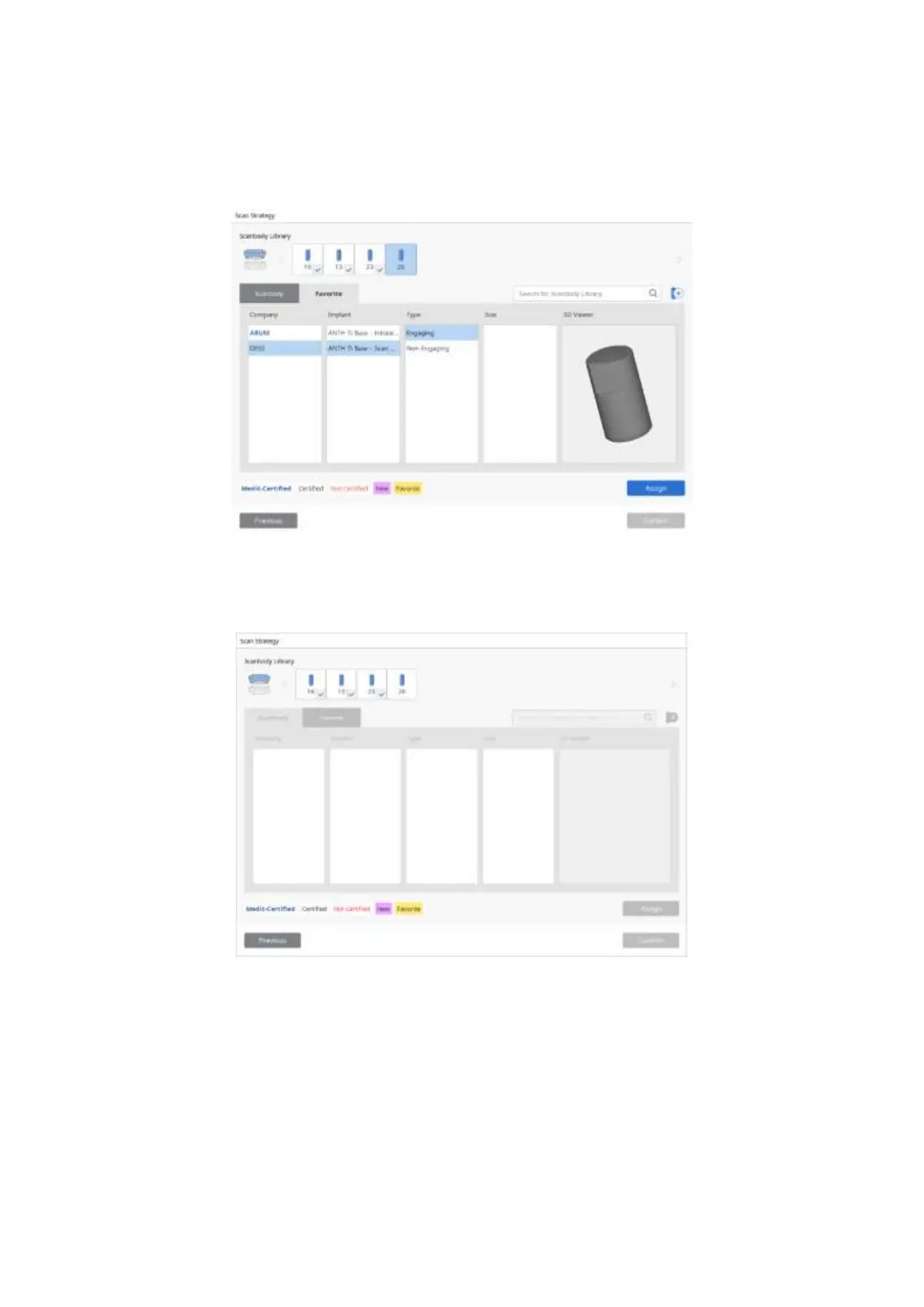
➢ After selecting the Scanbody library, click ‘Assign’ to assign the tooth with the selected
scanbody.
➢ Once the assignment for all teeth is complete, click ‘Confirm’ to finish the process.



 To Next Page