46 Medit T-series User Guide
. The first option is to be chosen when you want to delete all the existing data and re-scan, while
the second option allows to keep the existing data and only scan the newly added parts.
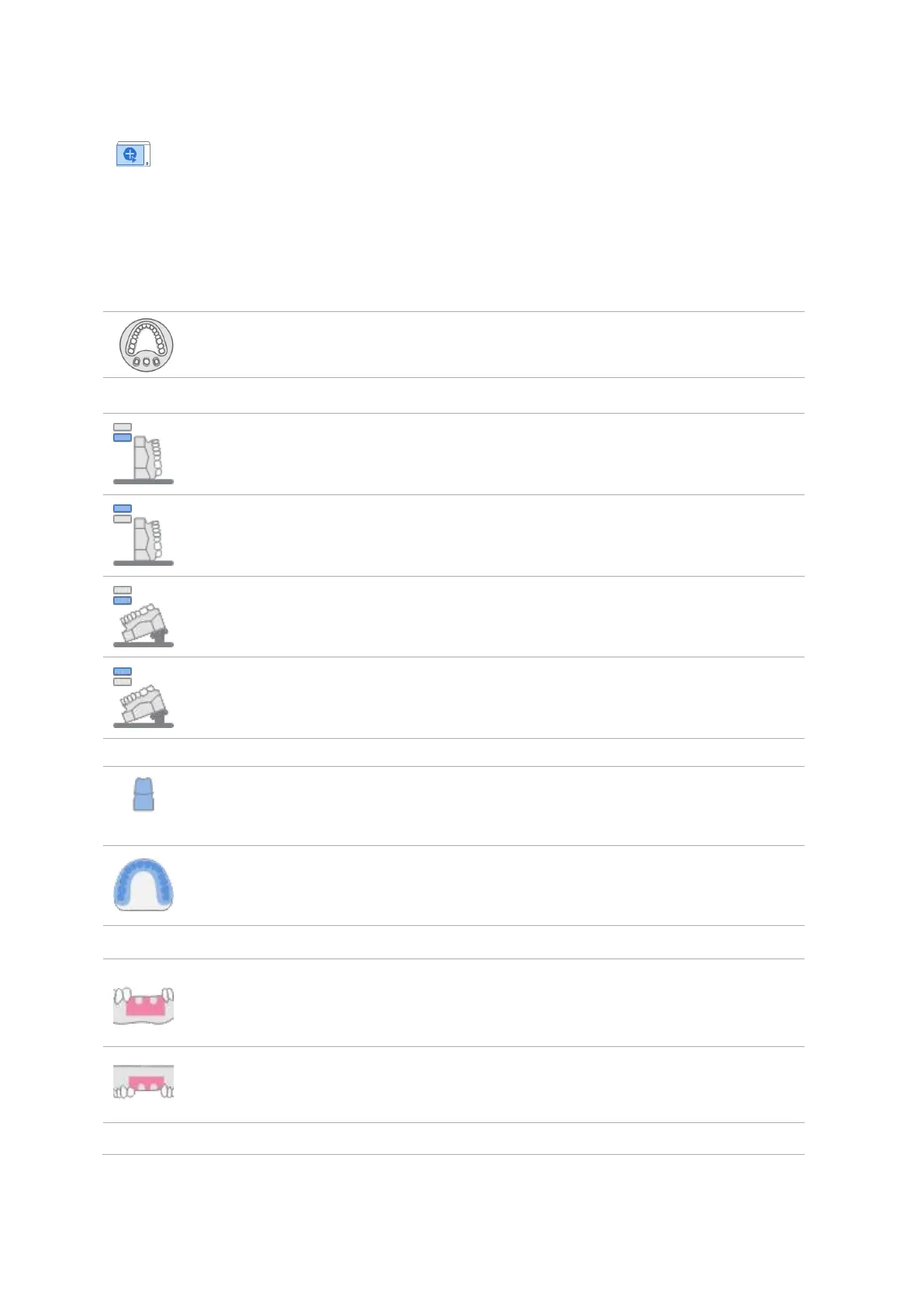
3.6.1 Scan Sub-Stages
The sub-stages and their number are based on the scan strategy you set for the case.
Allows to scan materials placed on flexible multi-die.
Interproximal
Area (Mandible;
Buccal)
Allows to scan the buccal interproximal areas in Mandible.
Interproximal
Area (Maxilla;
Buccal)
Allows to scan the buccal interproximal areas in Maxilla.
Interproximal
Area (Mandible;
Lingual)
Allows to scan the lingual interproximal areas in Mandible.
Interproximal
Area (Maxilla;
Lingual)
Allows to scan the lingual interproximal areas in Maxilla.
Allows to set the location of extracted prepared tooth in Flexible
Multi-die. The number of each tooth appears under the icon.
Allows to scan bite materials placed on the arch model.
Allows to scan mandibular gingiva materials.
Allows to scan maxillary gingiva materials.



 To Next Page