47 Medit T-series User Guide
Mandibular
Base (Articulator
Jig)
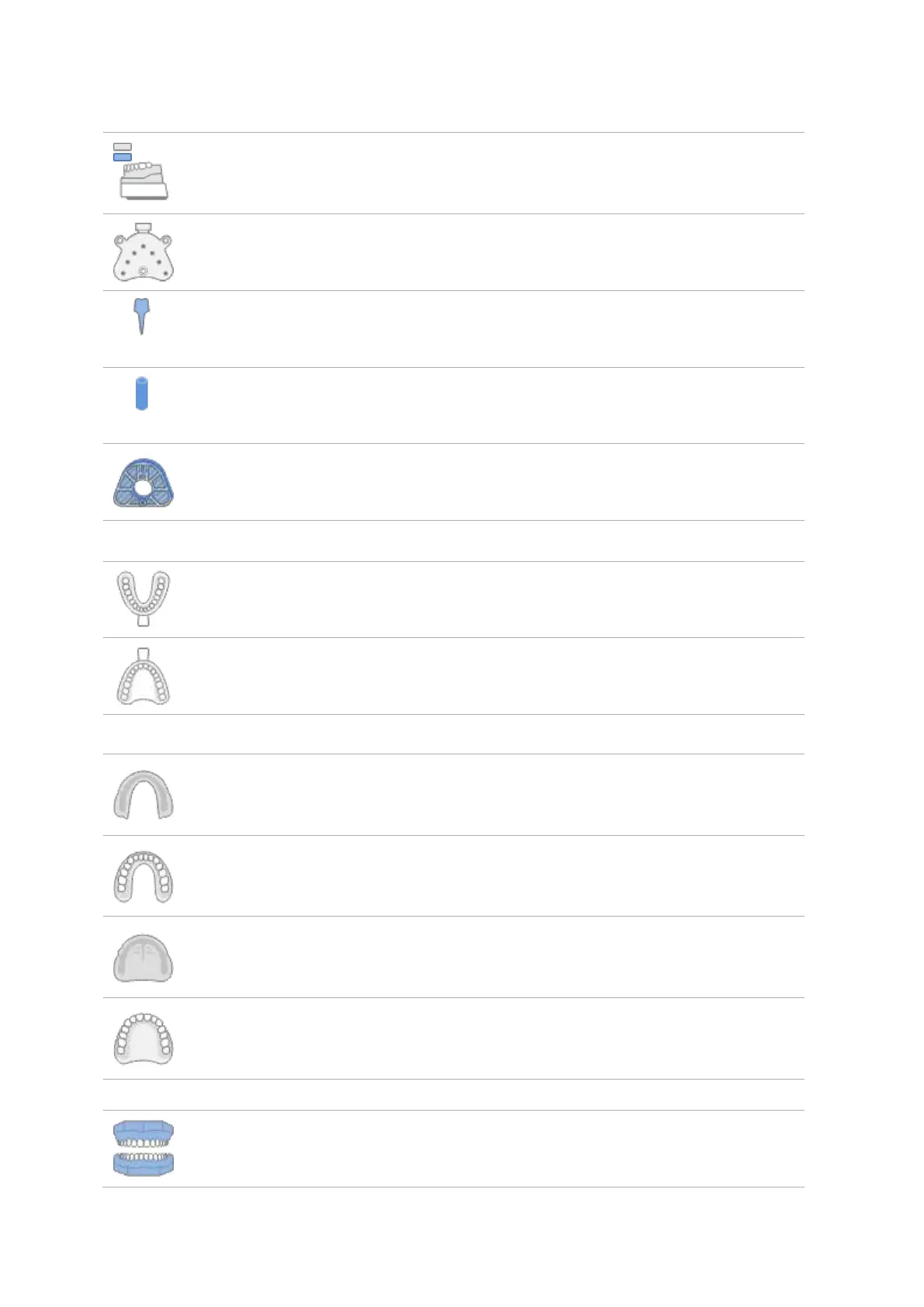
Allows to scan mandibular base with articulator jig.
Allows to place and scan a movement marker in maxillary model.
Allows to insert and scan an extracted post and core. The number of
each preparation tooth appears under the icon.
Allows to insert and scan an extracted Scanbody. The number of each
preparation tooth appears under the icon.
Allows to scan the bottom side of the mounting plate.
Allows to scan mandibular impression.
Allows to scan maxillary impression.
Denture
(Mandible; Inner
Surface)
Allows to scan the inner surface of mandibular denture.
Denture
(Mandible;
Outer Surface)
Allows to scan the outer surface of mandibular denture.
Denture
(Maxilla; Inner
Surface)
Allows to scan the inner surface of maxillary denture.
Denture
(Maxilla; Outer
Surface)
Allows to scan the outer surface of maxillary denture.
Allows to scan the occlusion.



 To Next Page