34 Medit T-series User Guide
3.3.5 Scanner Status
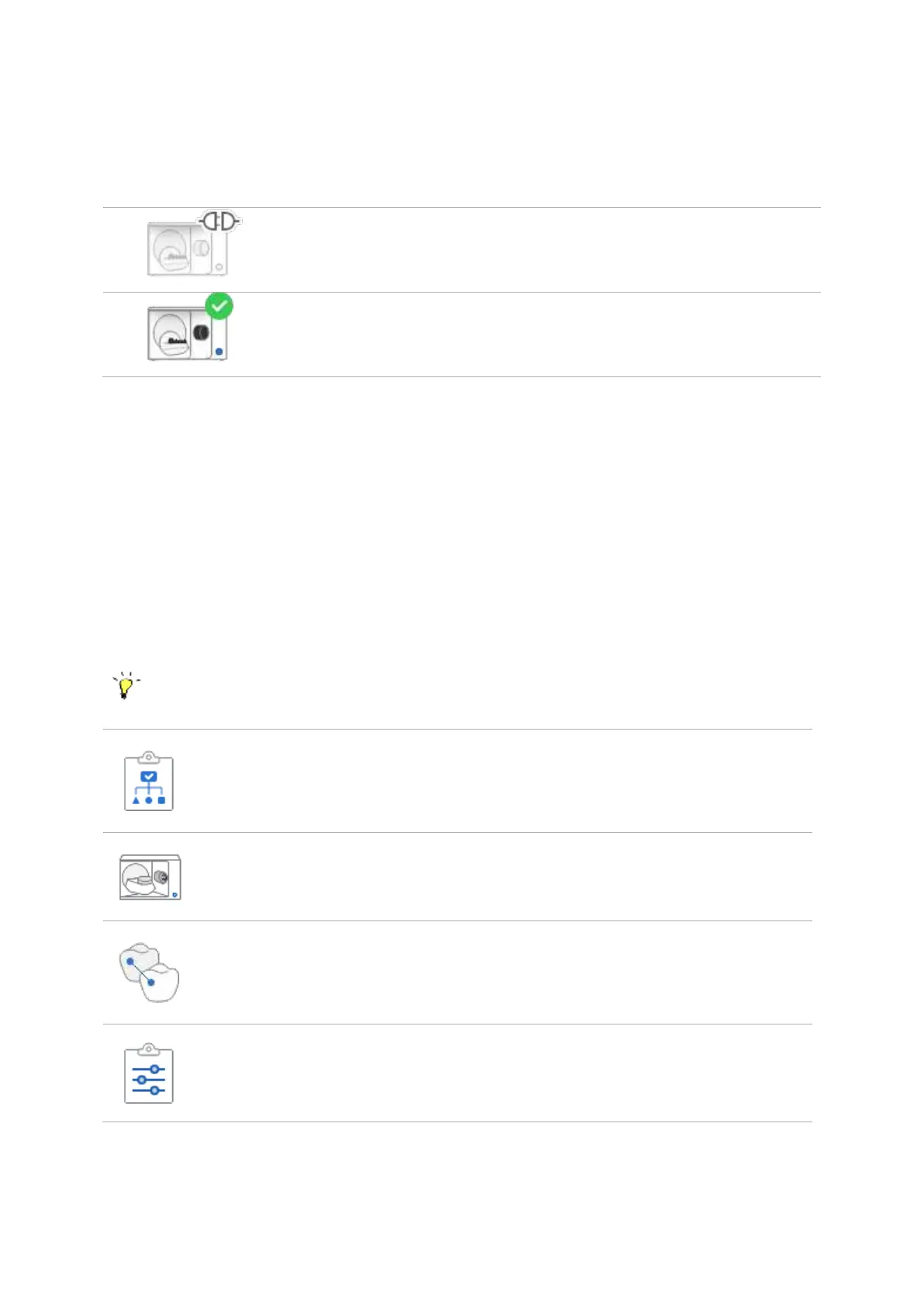
Following are the indications of scanner status:
Scanner is not connected.
Scanner is ready for use.
3.4 Scan Steps
3.4.1 Basic Scan Steps
There are five basic scan steps, presented below, that can be further divided into sub-steps and
complemented with additional scan stages based on the scanning strategy set at the first step.
See the sub-steps by clicking on Scan and Align Data steps icon.
Allows to set the strategy for Flexible Multi-die, model, impression
scanning.
Select the appropriate scan strategy for required prosthesis.
Allows to perform the scanning process by stage.
The scanning is done based on the set strategy.
Allows to manually align various scanned data.
Align various scanned data (post and core, wax-up, occlusion etc..)
with the model.
Allows to check the data and edit it if necessary.



 To Next Page