EasyManua.ls Logo

Medit T310 - Shortcut Keys

Default Icon
90 pages
Print Icon
To Next Page IconTo Next Page
To Previous Page IconTo Previous Page
Loading...
33 Medit T-series User Guide
Neighboring Data
Use GPU
Utilize this option to improve the overall computing performance by using
the GPU (graphics processing unit).
Set Minimum Scan
Height Automatically
When on, sets the minimum scan height automatically.
Restore To Default
All the configured settings are set to default.
3.3.4 Shortcut Keys
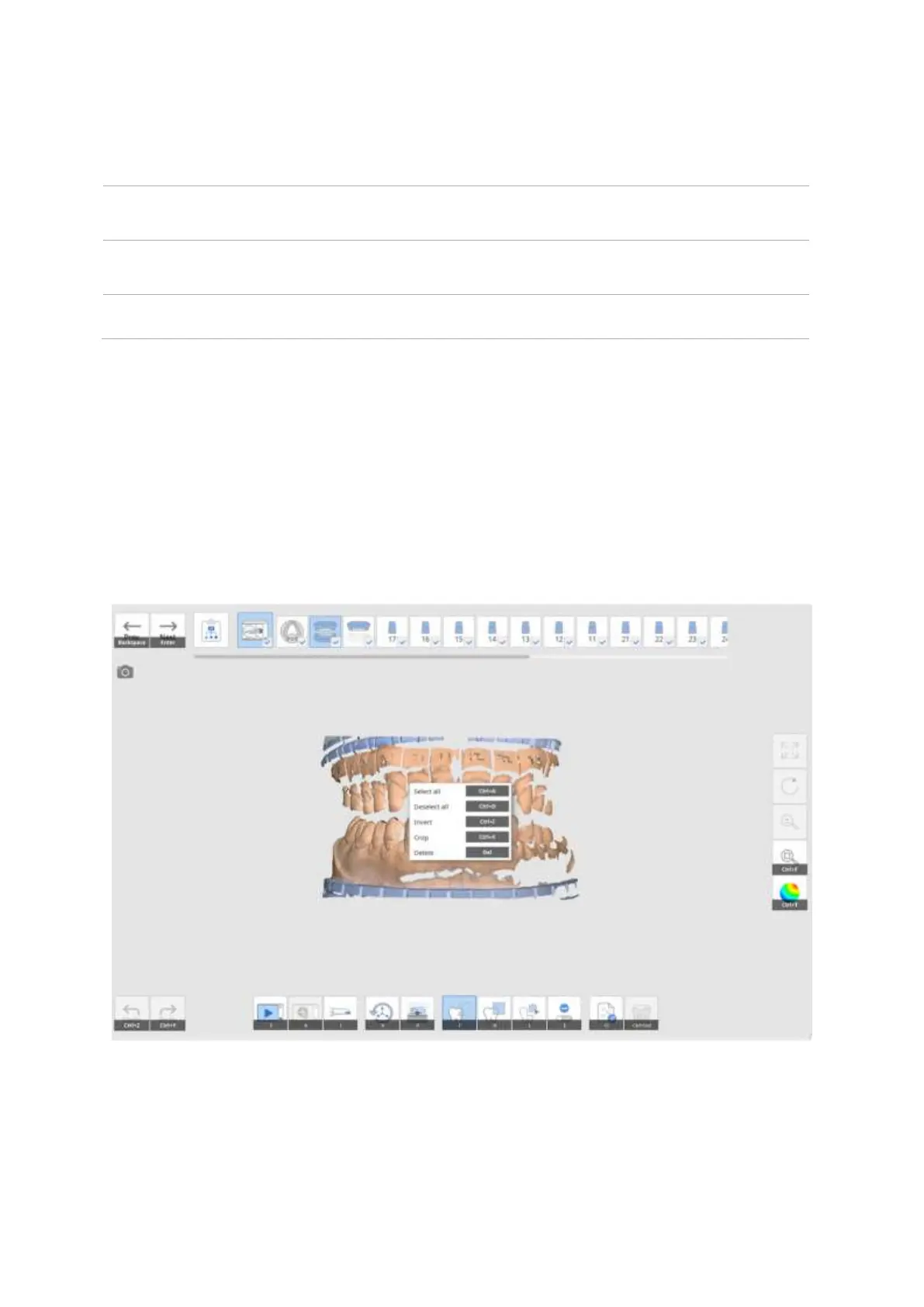
You can use shortcut keys for most of the Medit Scan for Labs functions.
These shortcut keys can be changed in Settings by selecting and then pressing the new key on the
keyboard. Two shortcut keys can be used for the same function.
Press ‘F1 to see the list of configured keys with their functions.

Other manuals for Medit T310

Related product manuals