25 Medit T-series User Guide
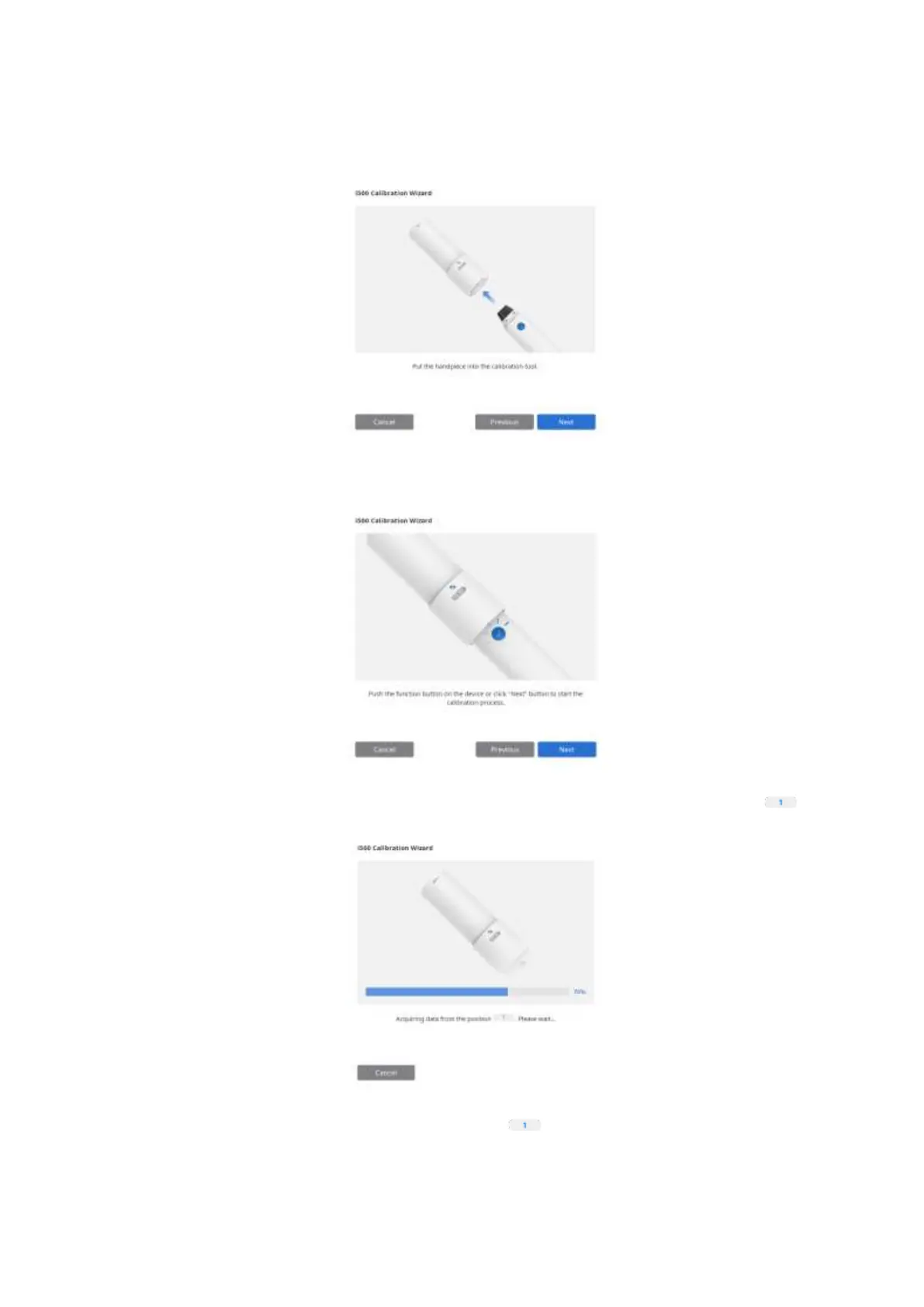
➢ Insert the handpiece into the calibration tool.
➢ Click ‘Next’ to start the calibration.
➢ If you properly inserted the handpiece, data will be automatically obtained from position .
➢ After the completion of data acquisition at position , move the dial to the next position
according to on-screen instructions.



 To Next Page