22 Medit T-series User Guide
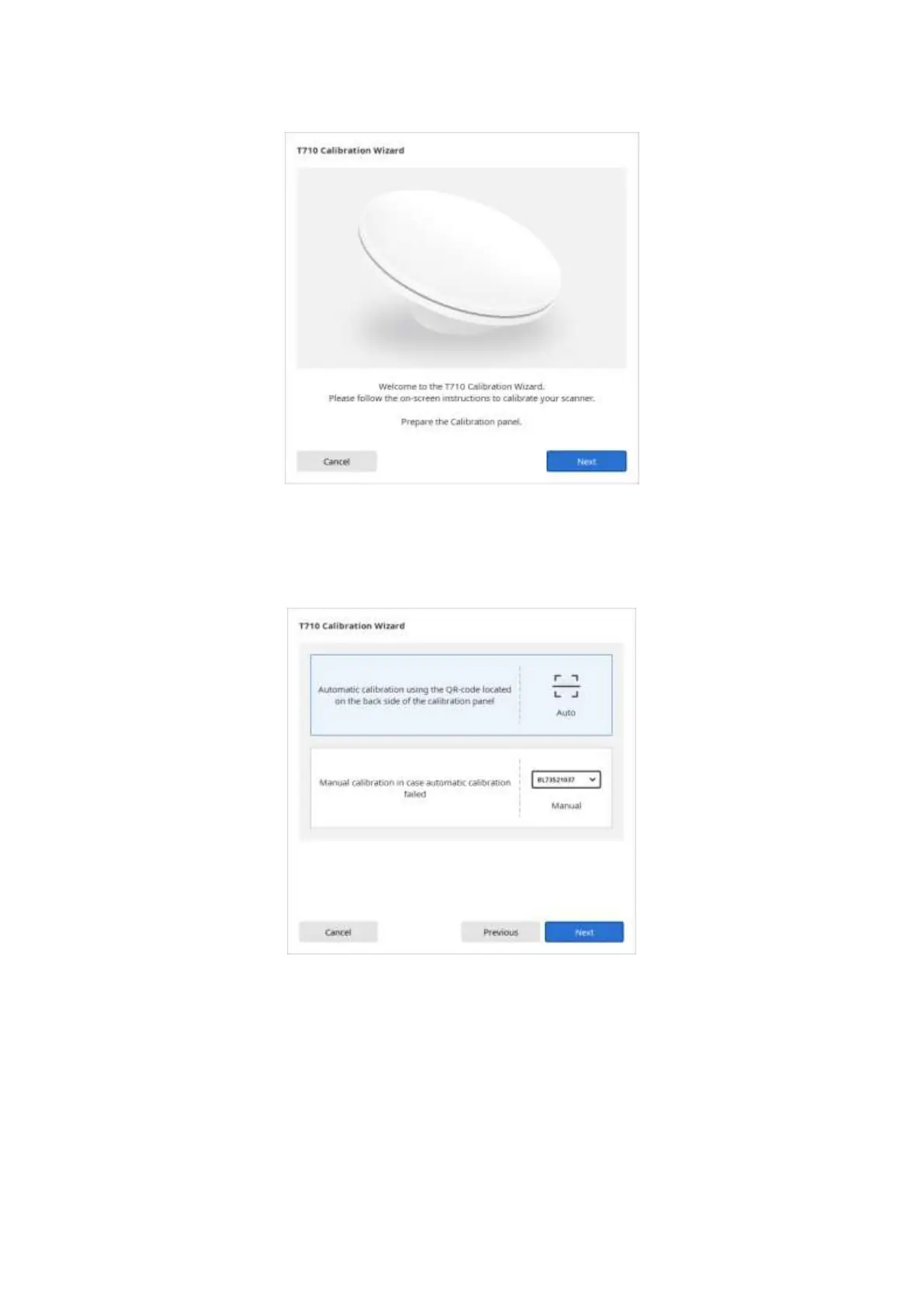
➢ Select one of the two calibration options: 1) Automatic calibration using the code located on the
back side of the calibration panel; or 2) Manual calibration (you have to have the corresponding
PNL file to be able to run Manual Calibration), and click ‘Next’.
➢ For Automatic Calibration, the process will be done automatically.
➢ For Manual Calibration, select the corresponding PNL file from the file list after checking the serial
number of calibration panel. Please check if you have a ‘PNL’ file on the PC or installation USB, in
case it cannot be found on the list.



 To Next Page