57 Medit T-series User Guide
Crops everything out except for the selected area.
Deletes the selected data.
Note that the ‘Delete’ button located at the bottom of the screen deletes all scanned data.
Allows to perform an additional scanbody scan after
switching the position of the scanbody in the base.
This function is useful in case you do not have the sufficient
number of the scanbodies on your hands: use the inserted
scanbody as an additional scanbody.
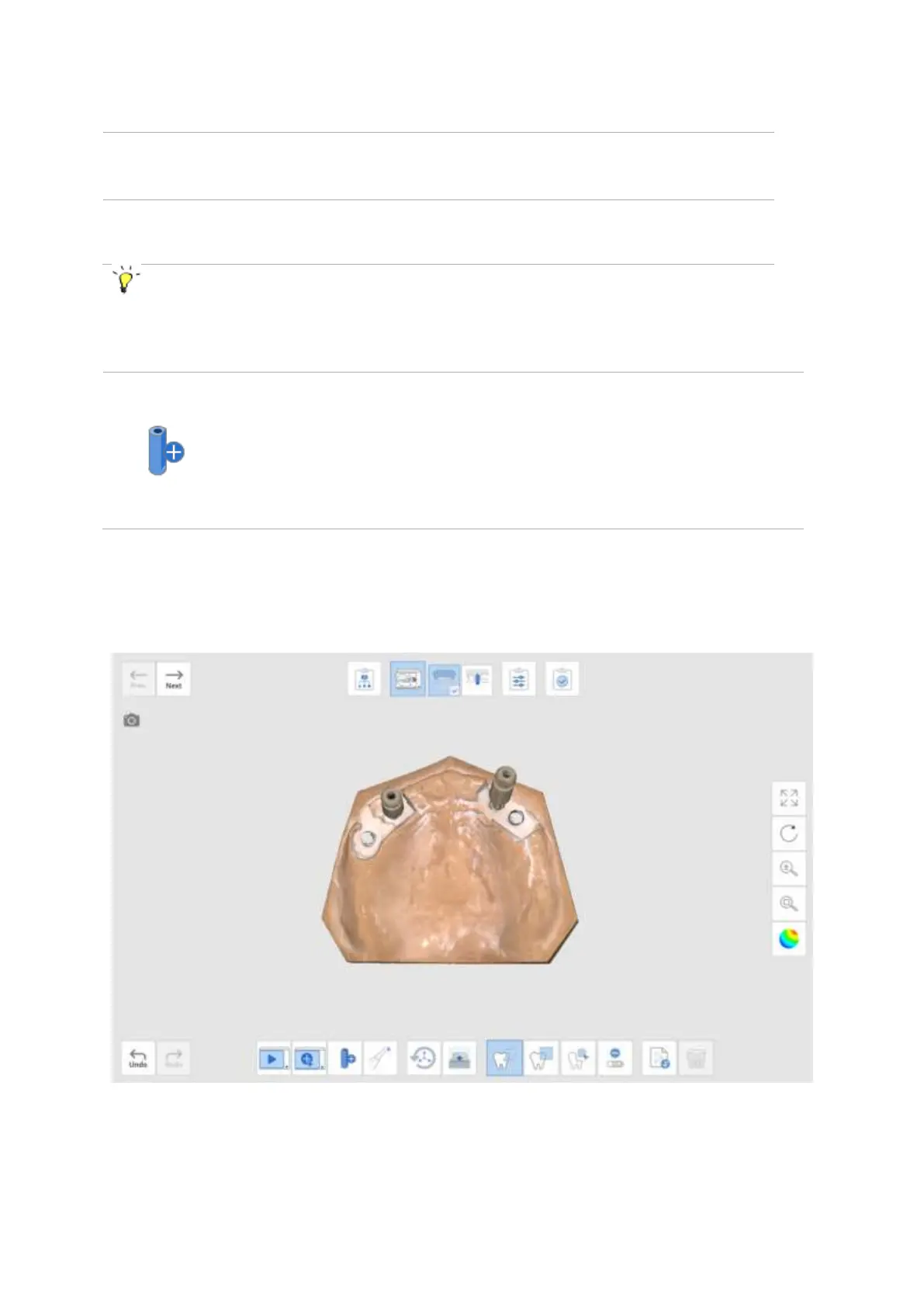
➢ Below is an example of a case which requires four scanbodies. In the situation where only two
are available, start the ‘Scan’ button using these two scan bodies.
➢ Switch the position of the scanbodies and click the ‘Add Another Scanbody’ button. The
program will perform the additional scan to complement the existing data.



 To Next Page