60 Medit T-series User Guide
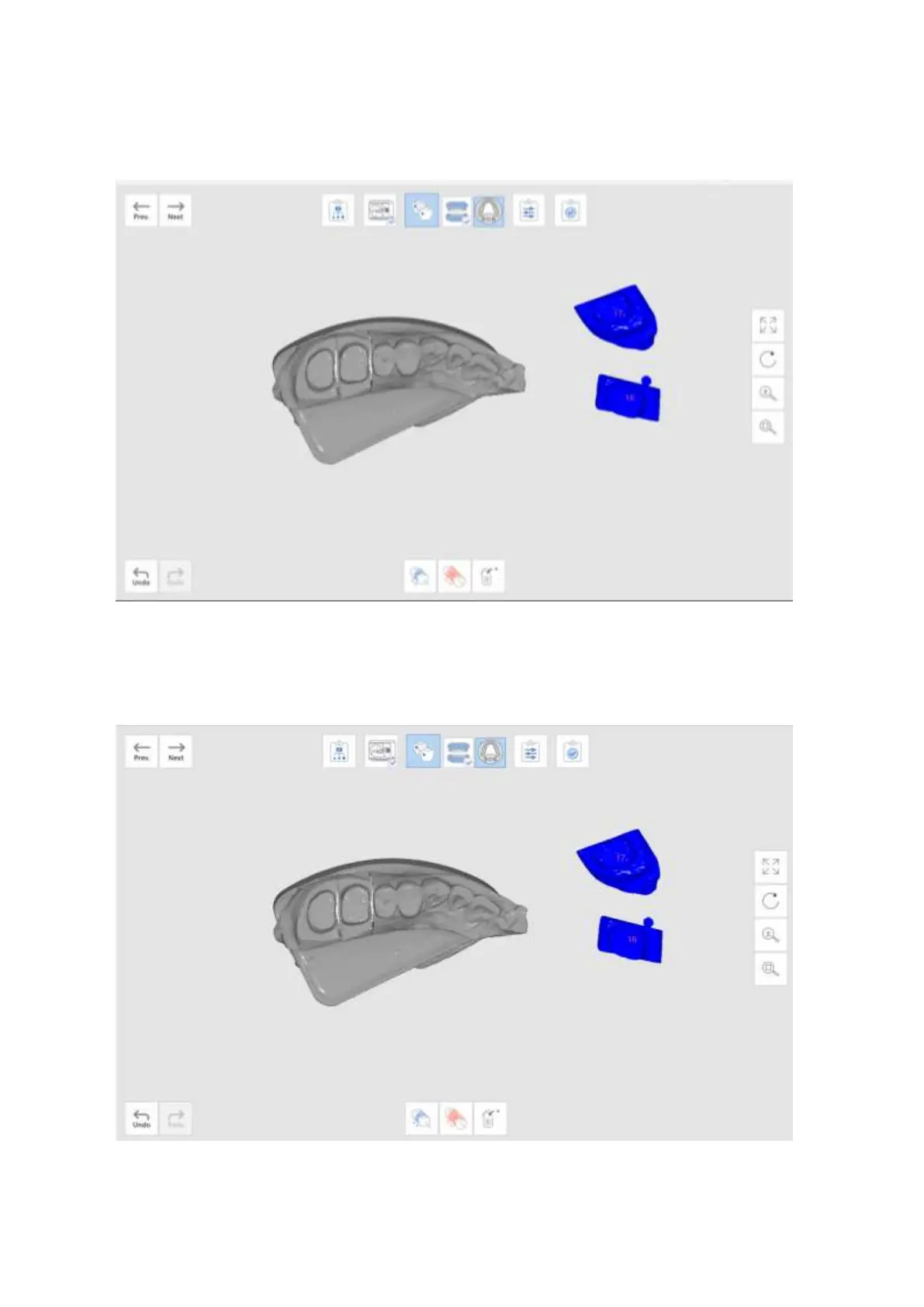
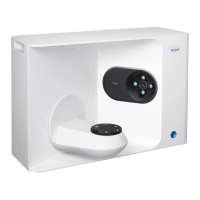
➢ Once you move to this stage, alignment process will start automatically.
➢ If you want to perform alignment manually, first click ‘Detach’ to separate the aligned data and
go back to the original position.
➢ On each data, set up to three corresponding points.



 To Next Page