72 Medit T-series User Guide
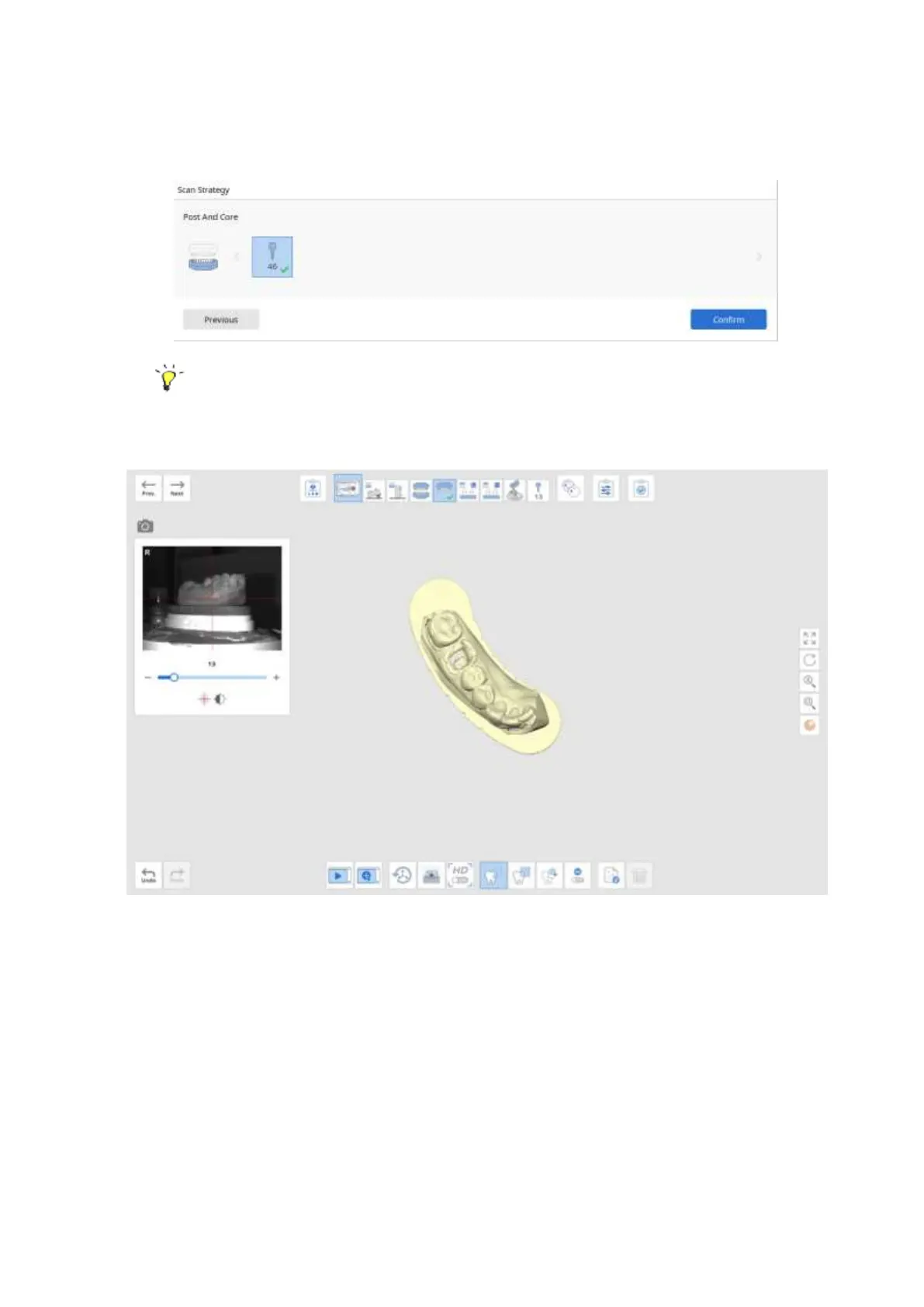
➢ Click ‘Confirm’ after selecting the teeth for the Post and Core scan.
Note that the teeth that you selected must have corresponding impressions.
➢ Perform the scan.
➢ Move to the Prep. Teeth stage and scan the trimmed die.
➢ If there is no trimmed die, scan the model again at this stage. Edit it to cut the
unnecessary parts.



 To Next Page