16
Chapter 5. UPS Web management by NetAgent
Section1. Introduction
After finishing NetAgent installation, including hardware installation and IP setting, you
are now able to go to Ne
tAgent web site to monitor and control UPS by inputting
NetAgent IP address in Browser.
n Starting the Web Brower (Netscape or Internet Explore
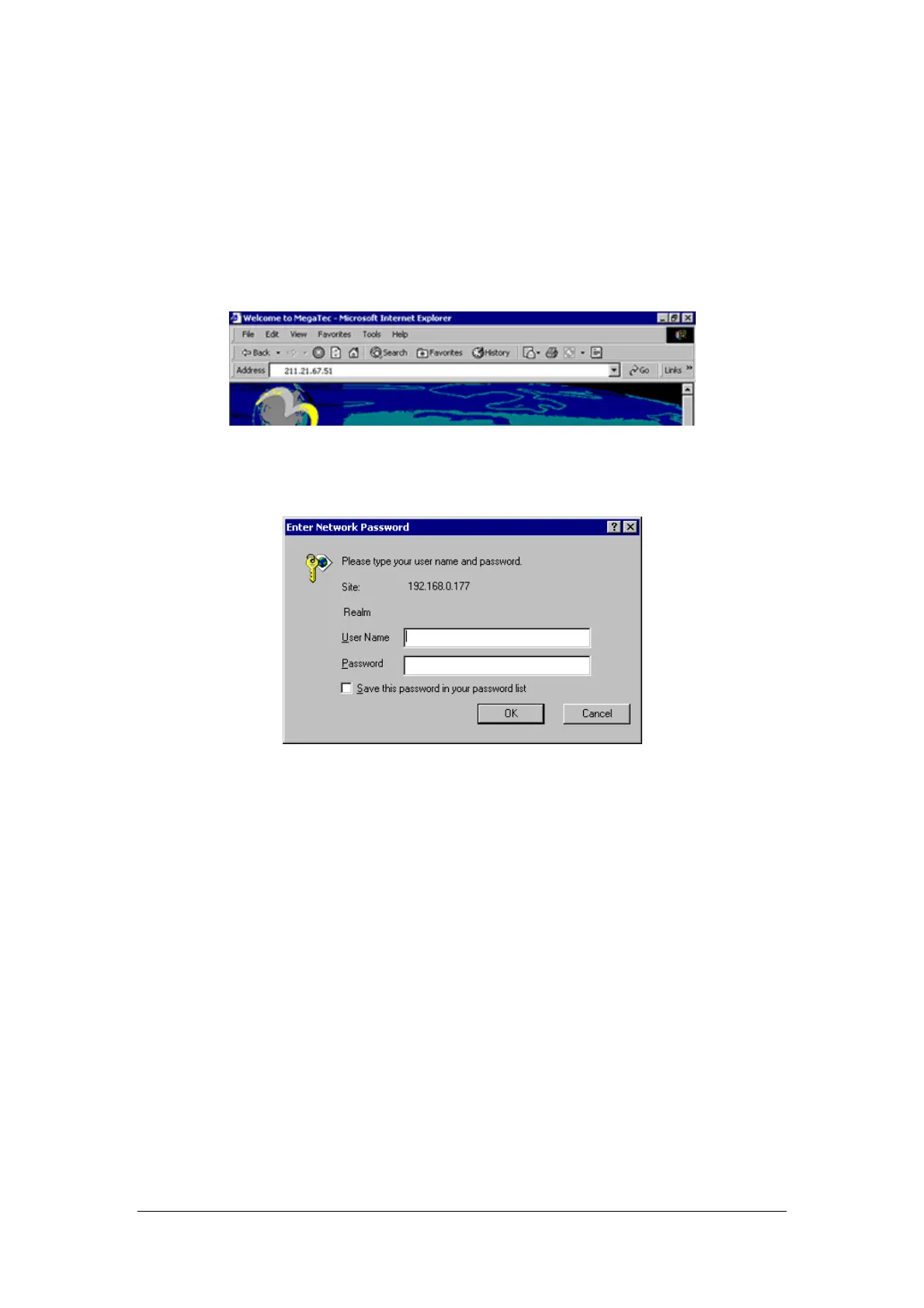
o Enter the NetAgent IP Address (Which is setting on Netility, e.g. 211.21.67.51).
Fig.16 Input NetAgent UPS IP address
p On the first screen, enter the current password. If no password has been set, just
press [ENTER].
Fig.17 NetAgent UPS Login dialog



 To Next Page