72
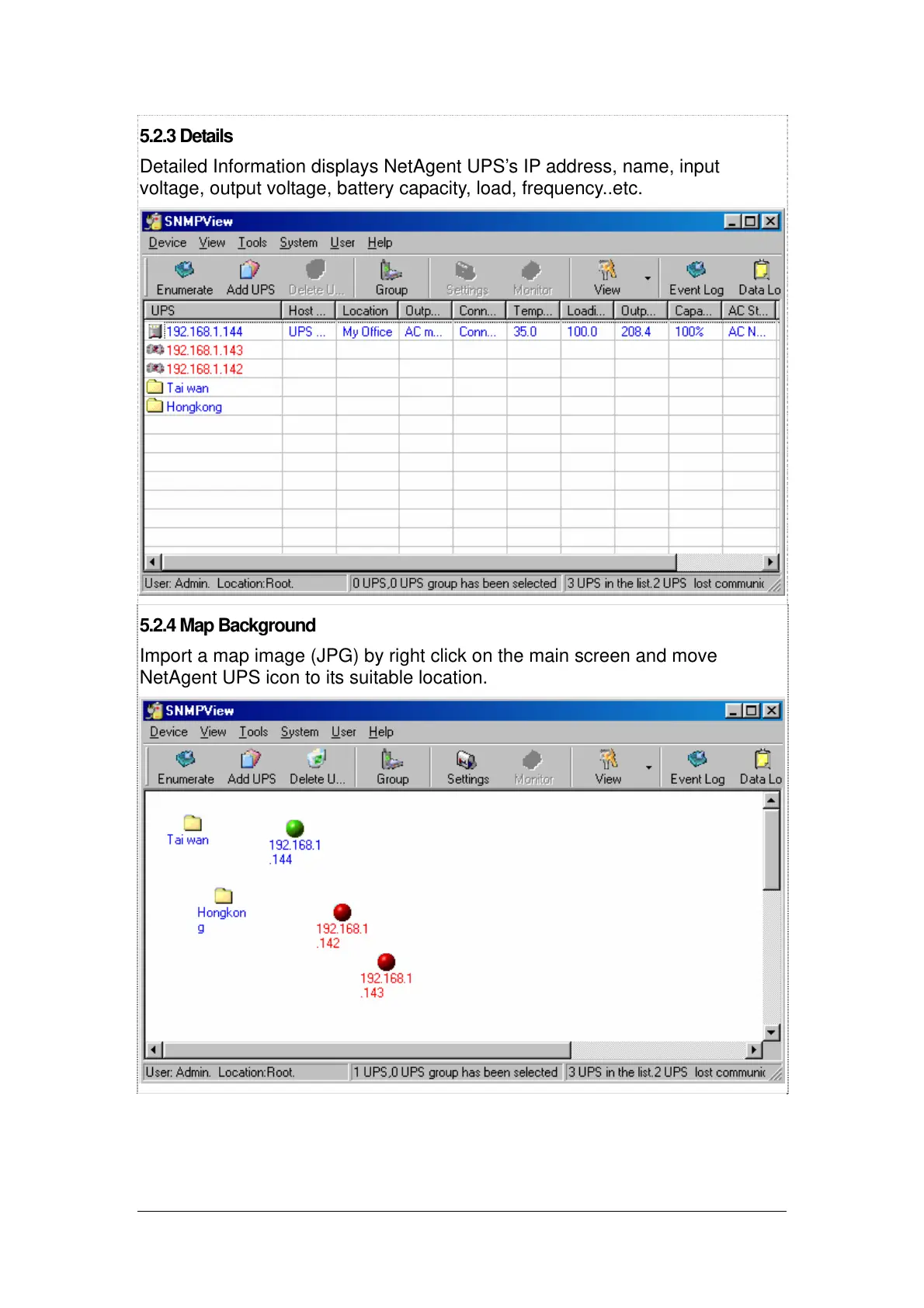
5.2.3 Details
Detailed Information displays NetAgent UPS’s IP address, name, input
voltage, output voltage, battery capacity, load, frequency..etc.
5.2.4 Map Background
Import a map image (JPG) by right click on the main screen and move
NetAgent UPS icon to its suitable location.



 To Next Page