17
Section2. NetAgent UPS Web Interface
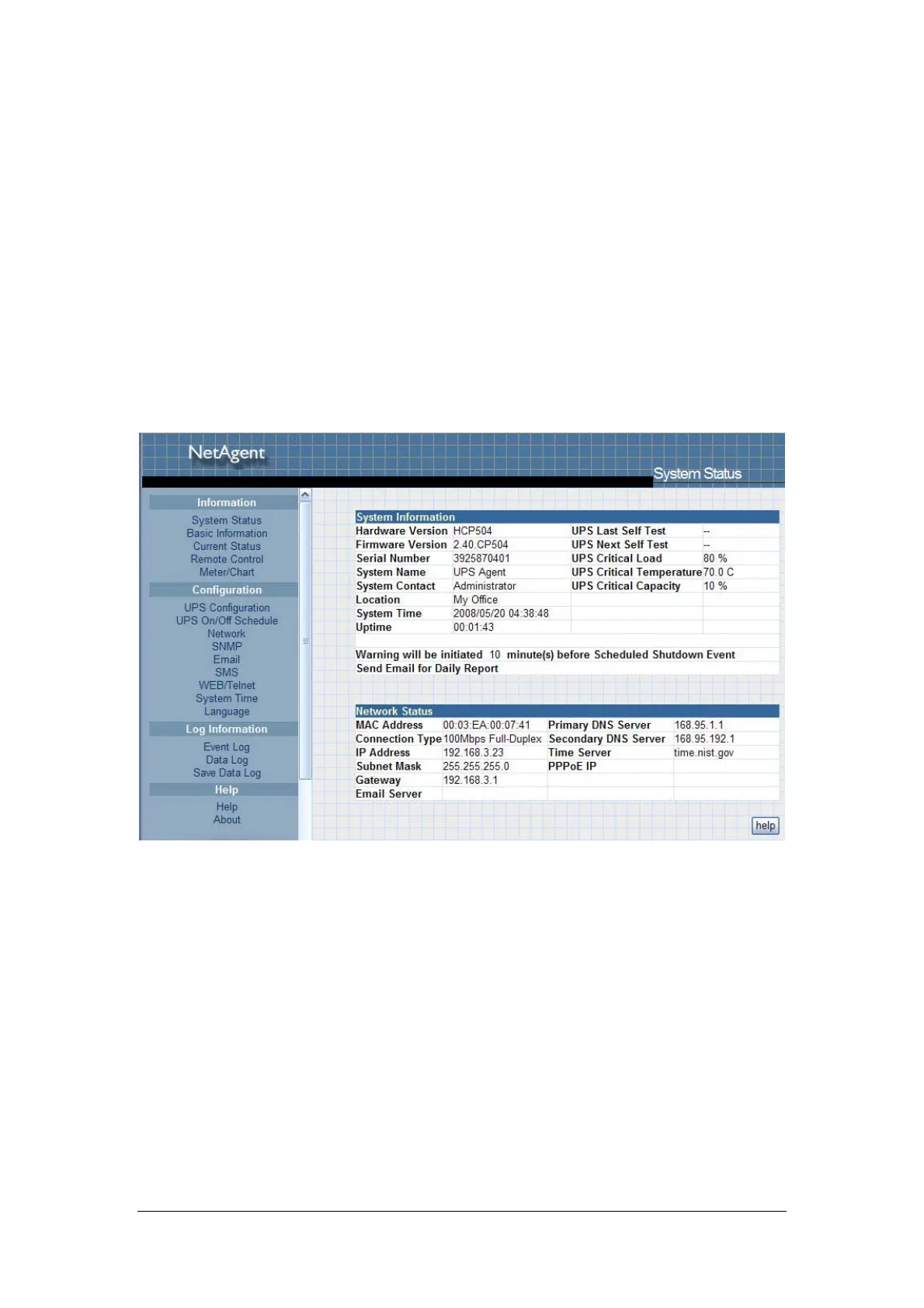
Enter NetAgent UPS Web page,there are 4 main function items in the first Web
page:
2.1 Information
2.2 Configuration
2.3 Log Information
2.4 Help
Enter the main function item, the sub-menu items will be shown on the left side
of the page. When using this NetAgent for the first time, please enter the
[Config] menu item to set all the configuration items. Then the UPS
status could be correctly revealed by other pages.
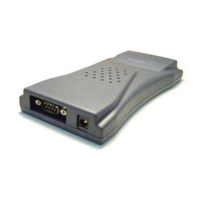
Fig.18 NetAgent UPS - single port



 To Next Page