76
5.3.2 UPS Monitor
Highlight NetAgent UPS device and configure. Or right click on the highlighted
device and click on monitor device
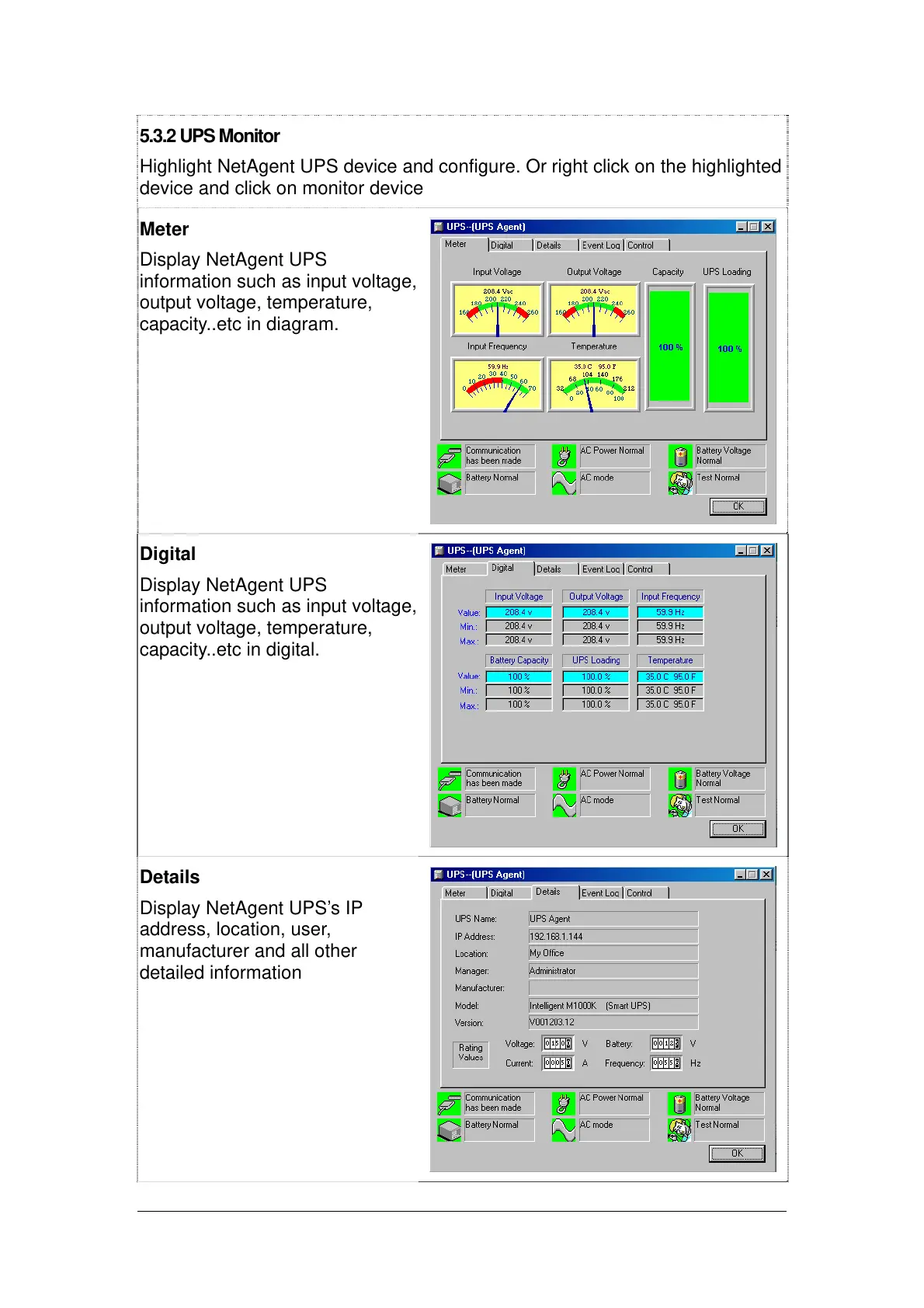
Meter
Display NetAgent UPS
information such as input voltage,
output voltage, temperature,
capacity..etc in diagram.
Digital
Display NetAgent UPS
information such as input voltage,
output voltage, temperature,
capacity..etc in digital.
Details
Display NetAgent UPS’s IP
address, location, user,
manufacturer and all other
detailed information



 To Next Page