46
2.2.10 Language
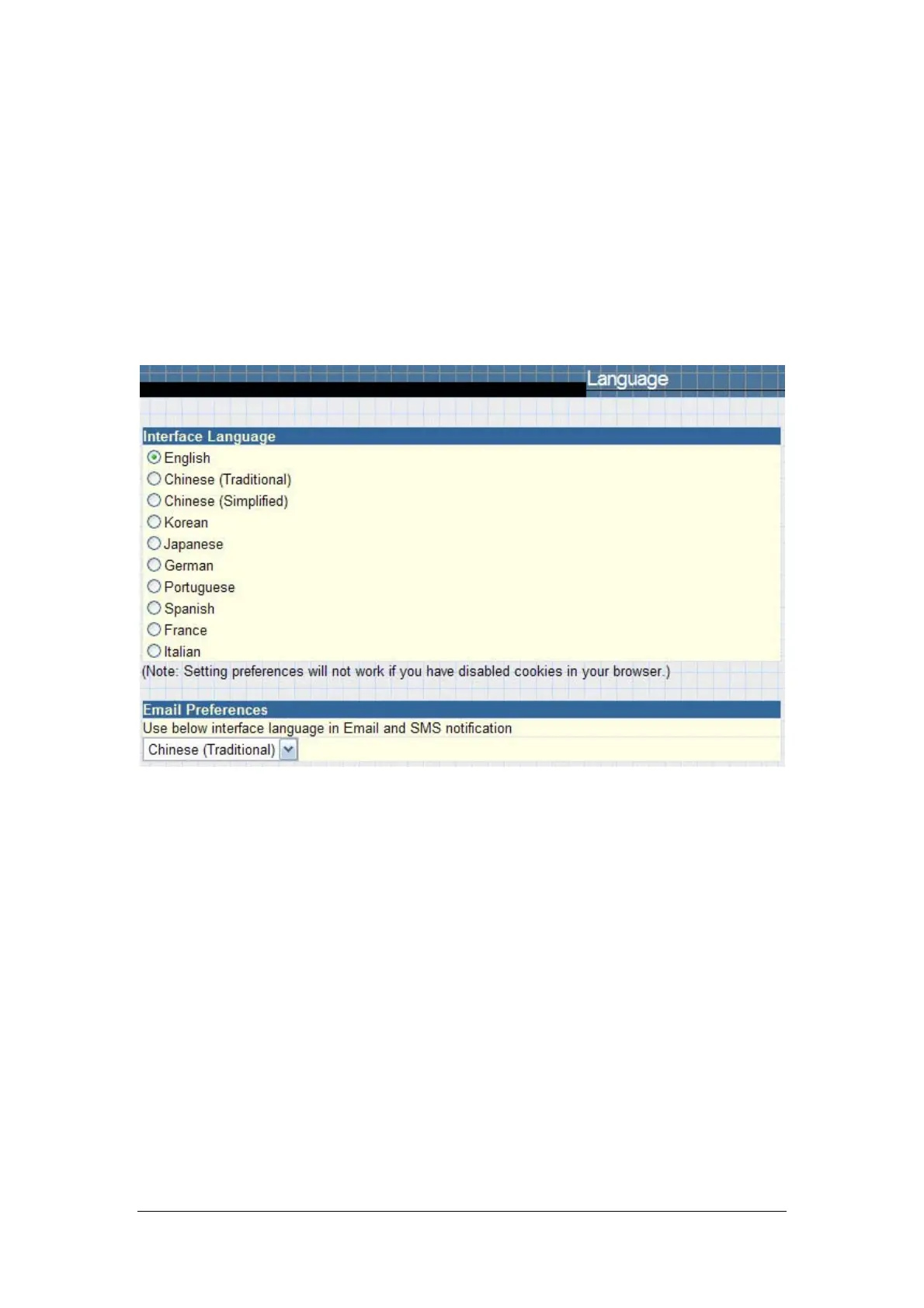
This page is to set the language for NetAgent.
Interface Language
This section is to set the language for NetAgent web pages. When users
start NetAgent in a browser, NetAgent will auto detect the language in the
computer system and show the same language on its web pages. Users can also
choose the languages they prefer from the “Interface Language” list.
Note: Users will have to enable cookies before they use this function.
Email Preferences
Tick it to apply the language preference to emails sent and SMS receipt.
Fig.39 Language



 To Next Page