9
FRAX
© 2011 Megger Sweden AB
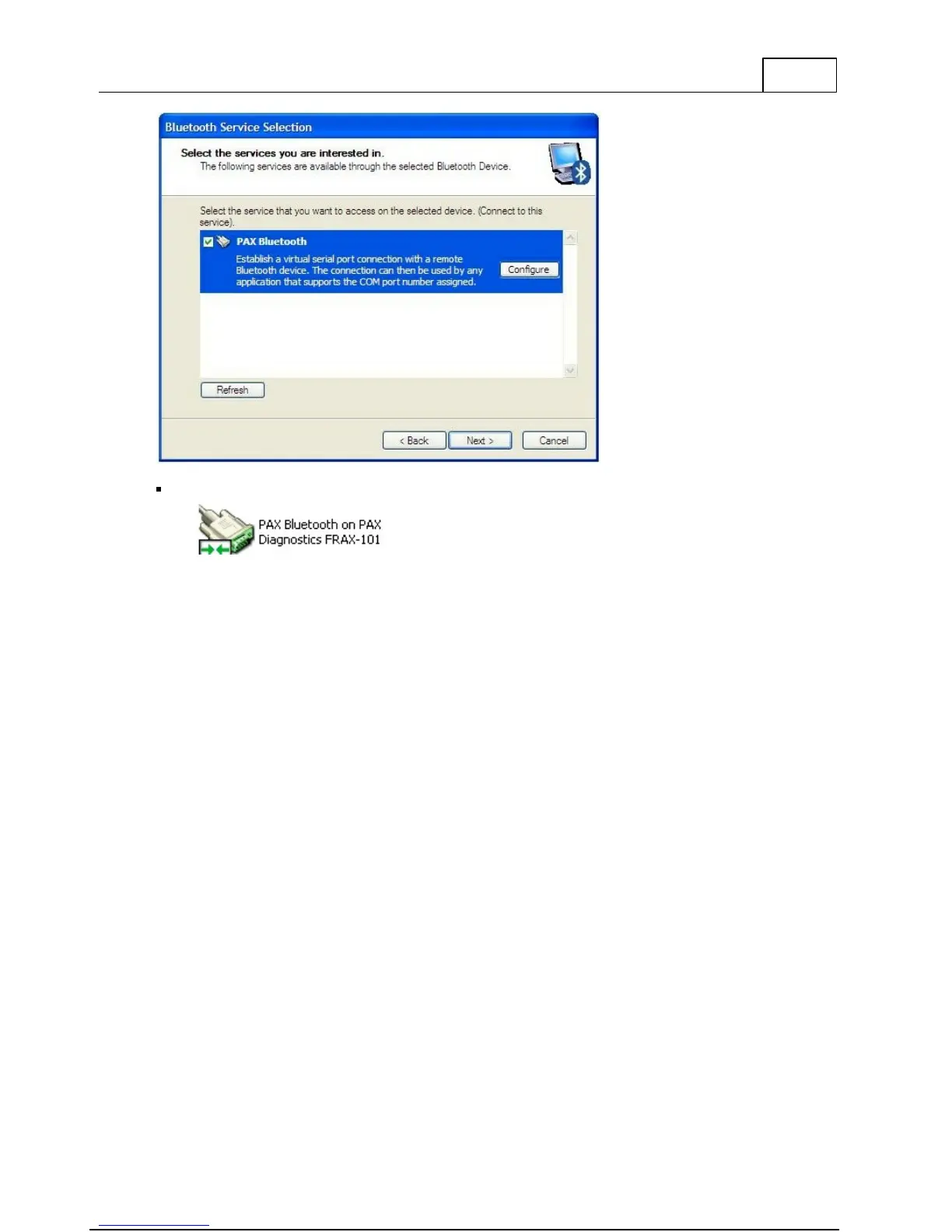
Make sure that it is registered as a serial connection.
You can now connect to your FRAX unit from the FRAX software.
Observe that the procedure described above only needs to be done once. Next time you start
the computer simply insert the USB adapter using same USB port or use built-in Bluetooth.
Important! If you install the external USB dongle in a different USB port on your computer,
you may get a different serial COM port assigned to that USB port. Either connect to your
other USB port or change the COM port in the FRAX communication setting. Then start FRAX
software and press connect.
1.5 Built-in Battery Pack and Charger
As an option, FRAX-101 is delivered with a built-in battery pack and charger. The battery is of
Li-Ion type, 4.8Ah, 11.1V. The charger is powered from the standard AC/DC adapter that is
delivered with the instrument.
FRAX-101 automatically enters low power consumption mode when waiting for a
measurement and because a typical sweep takes approximately 1 minute, the battery lasts for
at least 3 hours of measuring or more than 12 hours idle.
Charging is performed automatically when the AC/DC adapter is connected. The FRAX-101
does not have to be turned on. To ensure long battery life, batteries will not be charged if the
battery charge is higher than 90% or if the temperature is above 40C. A complete charge
takes approximately 8 hours.
The blue LED gives indication of charging status:



 To Next Page