56
FRAX User's Manual
© 2011 Megger Sweden AB
your PC.
According to nameplate
Generate a file name based on data entered into the nameplate in the format
substation_designation_date tim e.frax
.
Number format (Dxxxxxxx)
Generate a file name starting with the number entered into the edit field. Once a new file
has been created the number will be incremented. You can select what number to start
from.
4.4 Windows Menu
Toggle show/hide the Output window
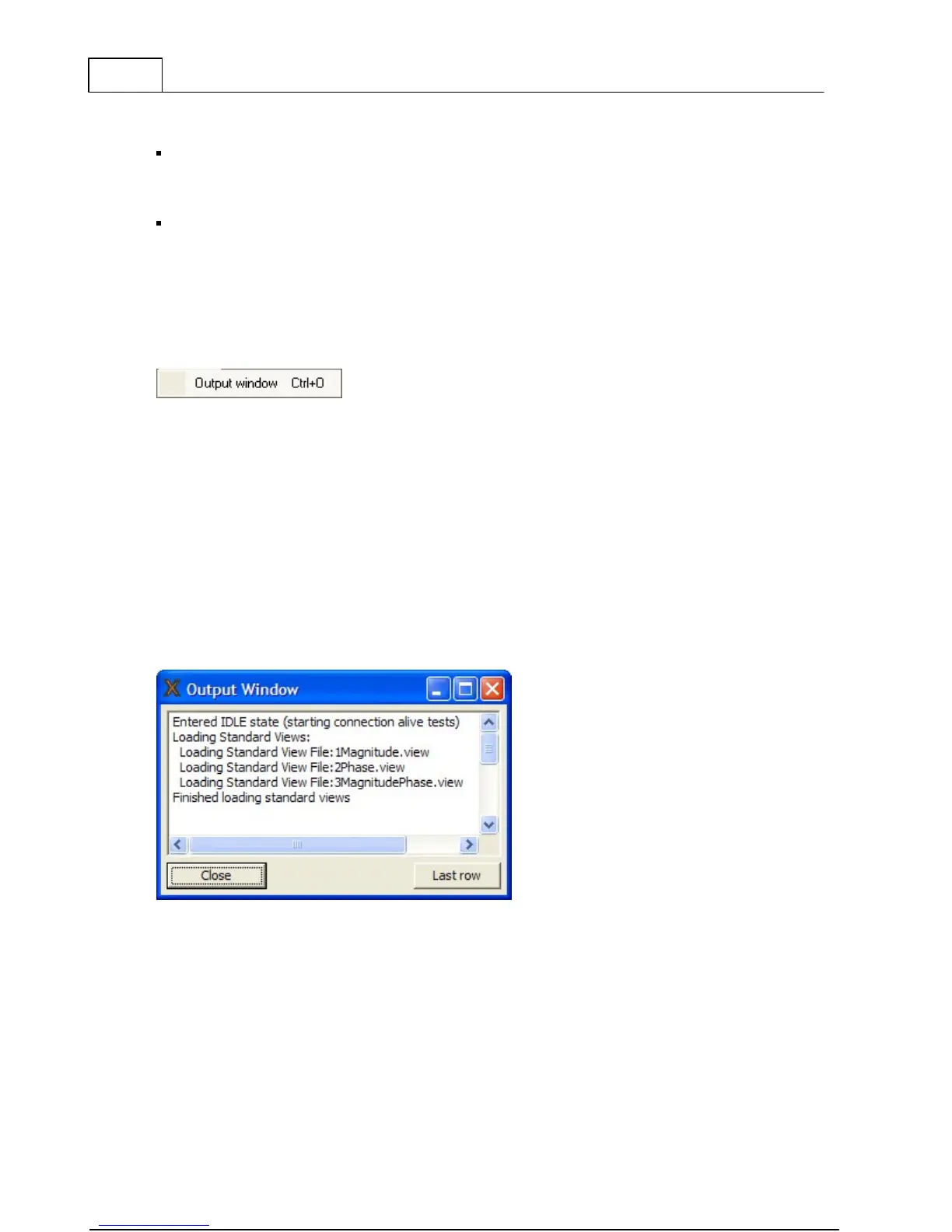
4.4.1 Output Window (Ctrl+O)
Opens an Output window that displays all communication between PC and FRAX instrument.
Click on the "Last row" button to see new lines when they become available during the
continuous communication.



 To Next Page