26
FRAX User's Manual
© 2011 Megger Sweden AB
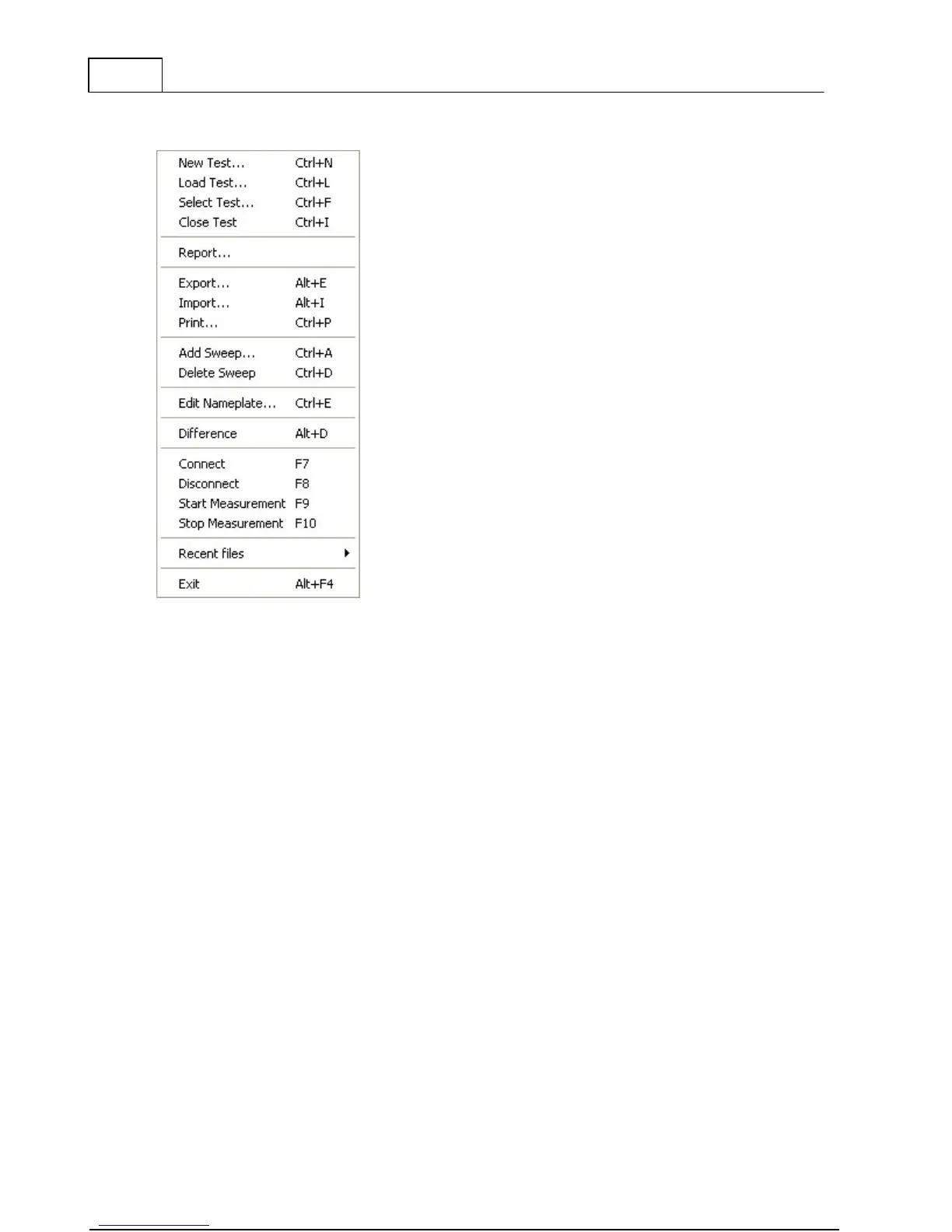
4.1 File Menu
Creates a new measurement file to save data in
Loads a previous performed measurement file
Open the test database to be able to select one or
more tests to open
Export active measurements to a *.csv or *.txt file
Load files in other file formats.
Makes a simple print-out of the currently selected tab.
Adds an additional sweep into a measurement file
Deletes a sweep (performed or empty) from a
measurement file
Opens the measurements file nameplate to allow
editing
Calculates the difference between two sweeps active
in the graph and plot results
Connect the FRAX software to the FRAX instrument
Disconnect the FRAX software from the FRAX
instrument
Start measurement of selected sweep in test browser



 To Next Page