21
Installing FRAX Software
© 2011 Megger Sweden AB
3.1 PC Requirements
Windows 2000, Windows XP or later
Pentium 500 MHz or higher
Bluetooth (FRAX-101 only) and USB
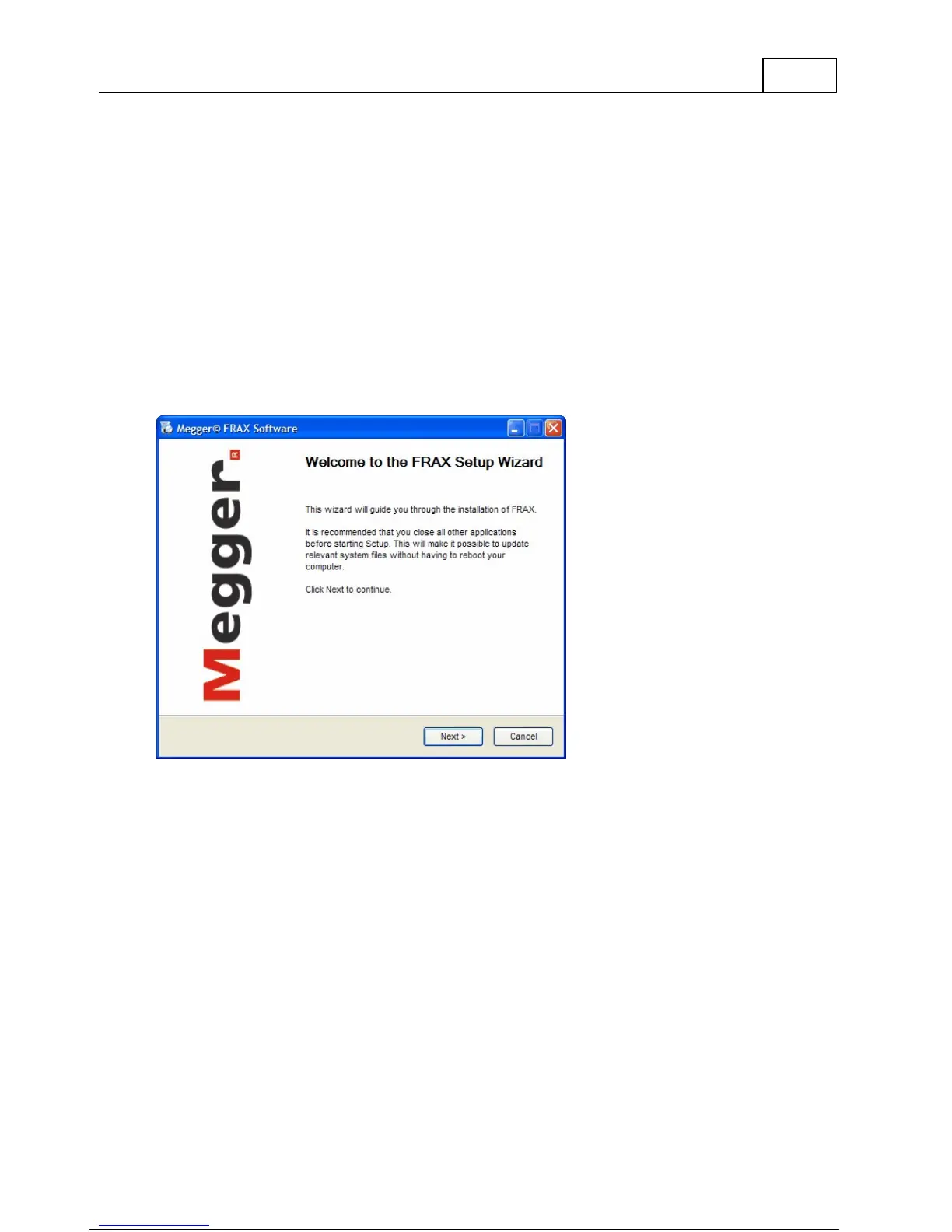
3.2 Welcome Screen
Welcome to Megger Installer for FRAX.
To install FRAX Software press Next witch will bring you to License Agreement
3.3 License Agreement
Read the license and check the "I accept the terms in the License Agreement" checkbox. This
will enable the Next button. To continue the installation press Next. This will bring you to
Installation Location.
3.4 Already Installed
If the FRAX software is previously installed you are asked if you want to uninstall the older
version or not. It is recommended that you uninstall the previously installed version before
installing a new version. If you choose to keep the old version you have to specify a different
directory for the new version.



 To Next Page