59
FRAX Software
© 2011 Megger Sweden AB
4.5.7 Start
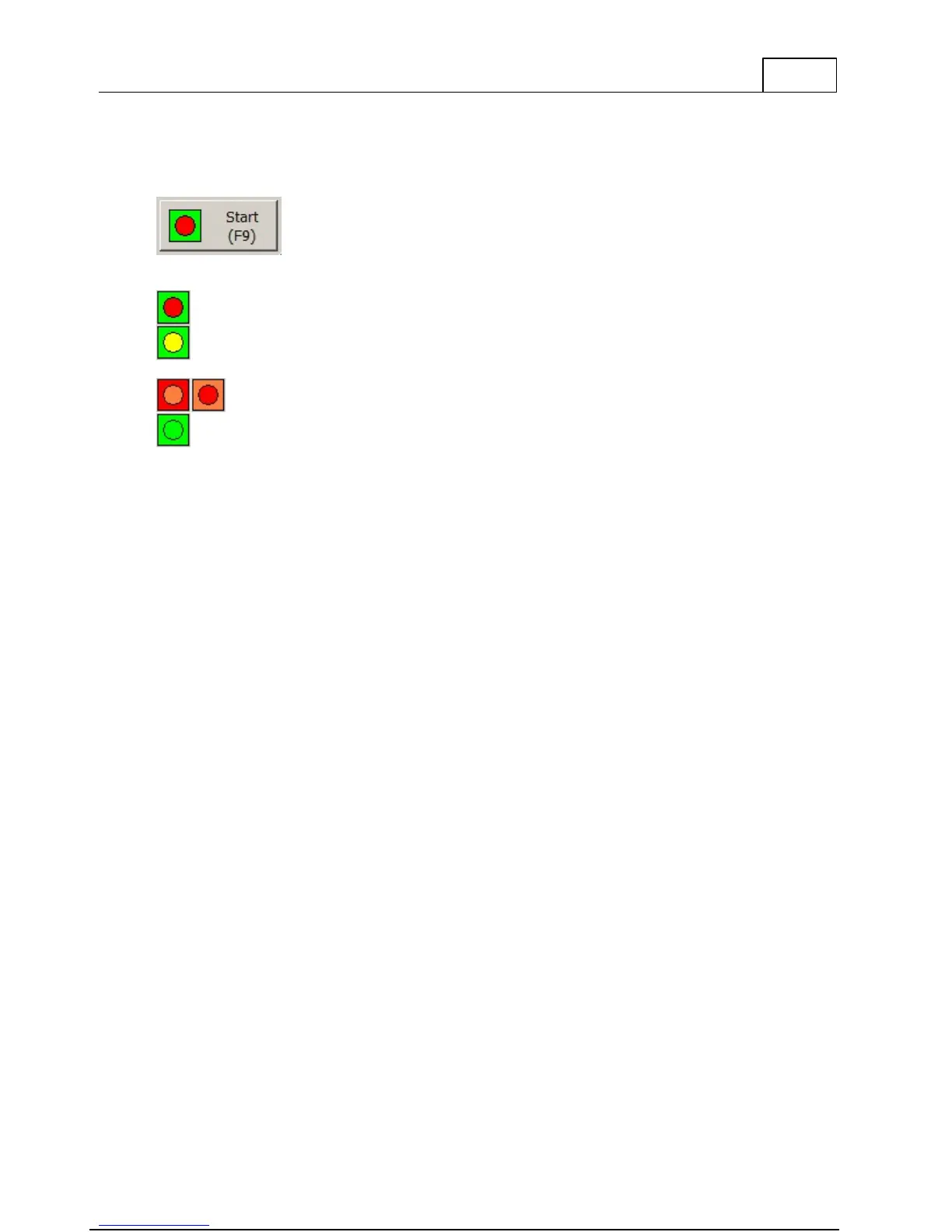
The start button is a multi-functional button. You can get action suggestions by pressing the
start button.
This icon means that you are not connected to the system.
1. No file is selected in the Legend.
2. No sweep is selected in the Legend.
3. The selected sweep is already measured.
Ready to start measurement.
You can press the button at any time. If you are unsure of what action to take, the
application provides suggestions.
4.6 Legend
The legend or Test Browser is where you will spend most of your time. This is where you
change the Measurement settings for a single sweep and control the Graphs.
Fore more information about the usage of the Legend please read the sub-chapters Usage and
Sweep Measurement Settings.



 To Next Page