60
FRAX User's Manual
© 2011 Megger Sweden AB
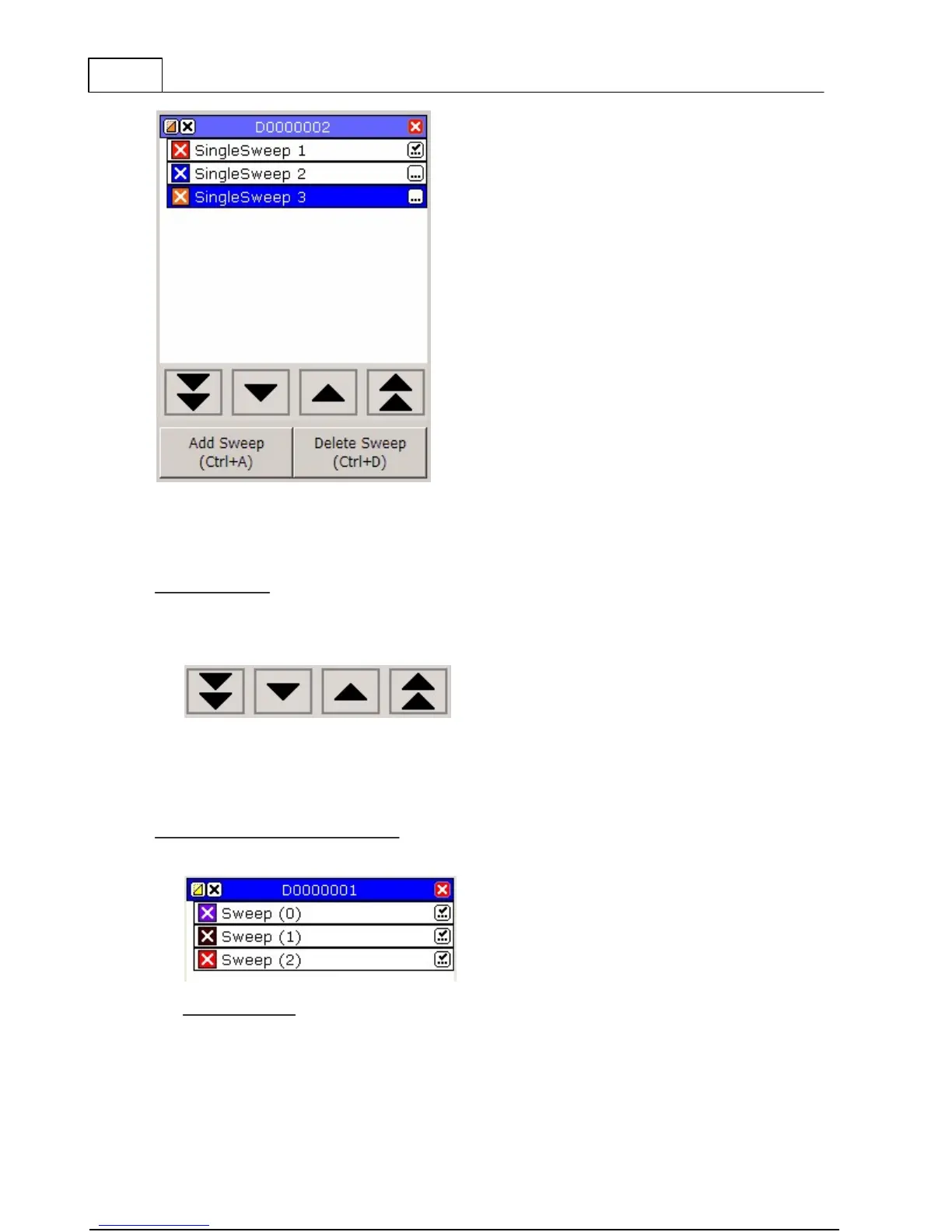
This is a typical legend view.
4.6.1 Usage
Usage overview
You can navigate the legend by either using the arrow buttons at the bottom of the legend. You
can also use Alt+arrow keys Up and Alt+arrow key Down to navigate between sweeps or
Alt+Page Up or Alt+Page Down to change File.
If you have many sweeps or several files open at the same time a scroll bar will be shown
to the right of the legend making it possible to scroll up and down to see all sweeps.
It is also possible to change the order of the sweeps in a file. Click and hold on a sweep
and then drag it to the desired position and then let go to drop it in place.
Legend Action Button Description
Below is a typical measurement file. A file is a container of measured sweeps.
File Description



 To Next Page