40
FRAX User's Manual
© 2011 Megger Sweden AB
4.2.2 Copy Legend
Copy the Legend into the clipboard.
4.2.3 Copy View + Legend (Alt+C)
Copy the current View and the Legend into the clipboard. For more information check Copy
View and Copy Legend.
4.2.4 Change Sweep Color (Alt+O)
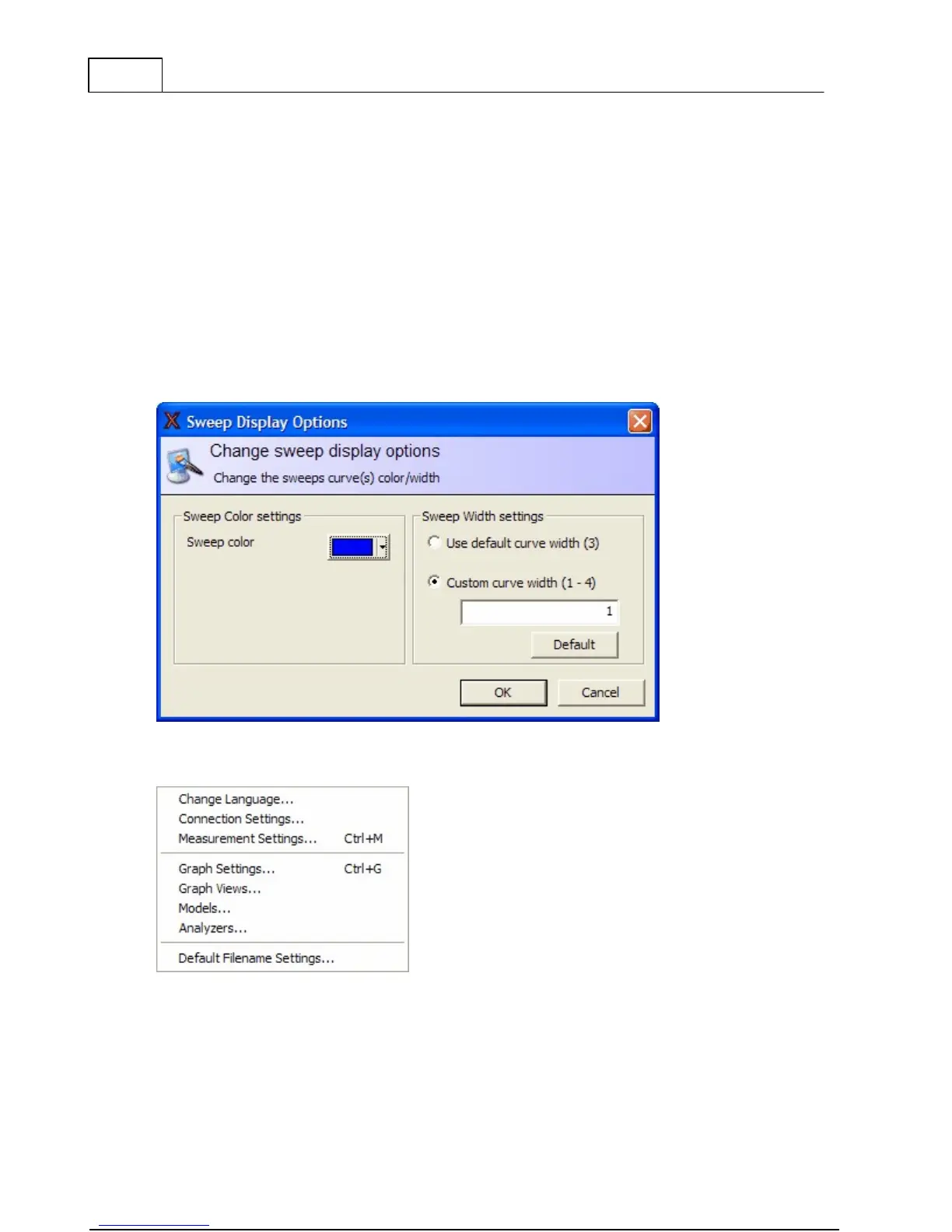
This dialog allows you to change the color and line width of the selected sweep curve and
change the thickness of the line.
The thickness of the line can either be set as the default or a custom width. It is also possible
to set a new default curve for all lines by pressing the "Default" button.
4.3 Configuration Menu



 To Next Page