41
FRAX Software
© 2011 Megger Sweden AB
Change the language in FRAX Software menus and more
Set the COM-port for communicating with the FRAX instrument
Set default measurement settings such as start frequency,
integration time and more.
Set axes and more in the FRAX software graph
Set models to use with graphs
Default
Filename
Settings...
Change the default filename format.
4.3.1 Change Language...
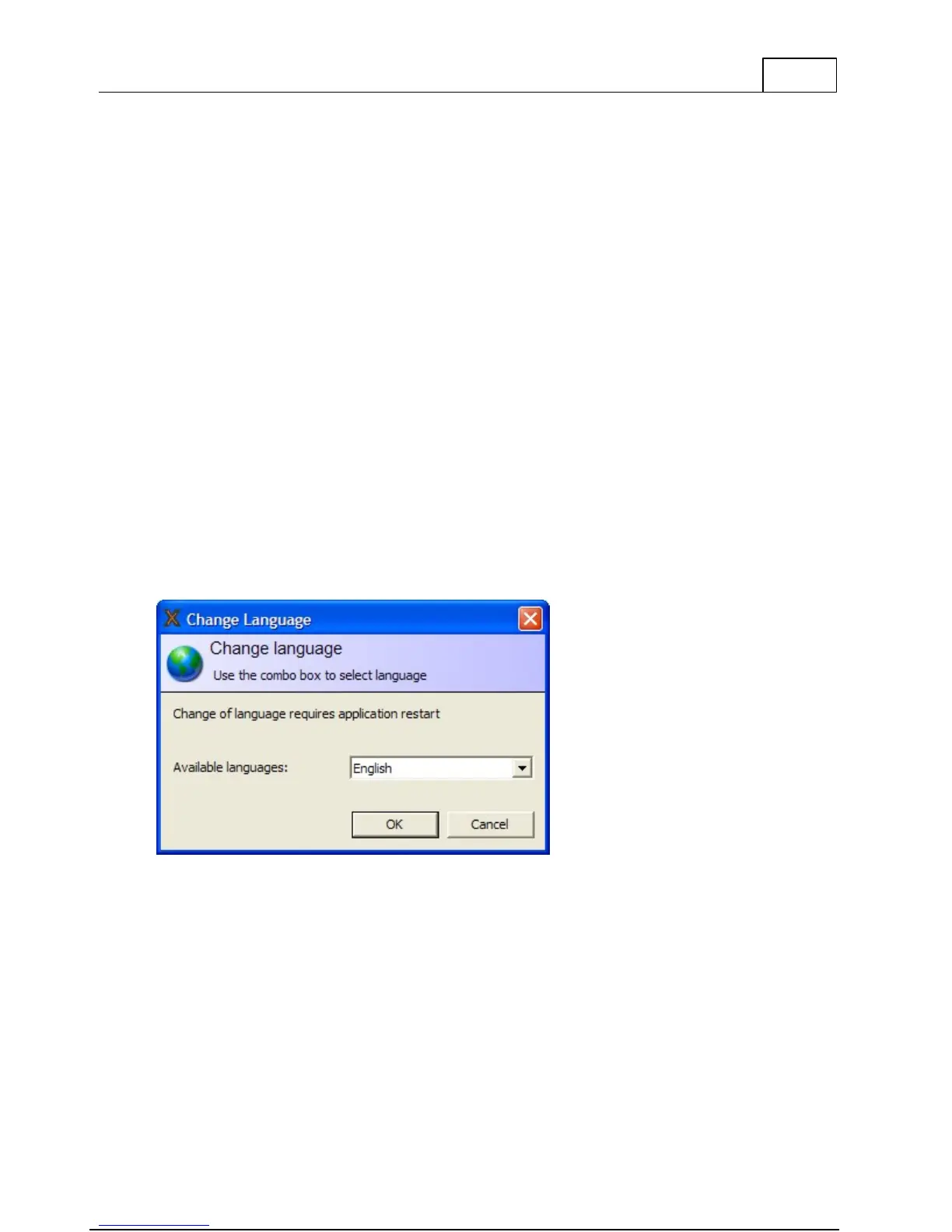
Selecting one of the available languages will change language in menus and dialogs in the
FRAX software. The language settings will also define what pre-defined sweep name template
to use, for most languages you can choose between IEEE or IEC. A software restart is required
to activate the language change after you have selected the new language.
4.3.2 Connection Settings...
The PC uses a COM-port to communicate with the FRAX instrument. It will use different COM-
ports for USB and Bluetooth communication. The FRAX software will try to find the active
COM-port and provide suggestions if no FRAX instrument was found.
COM-ports marked with green indicate that a FRAX instrument was found on that COM-port.
Red means that no FRAX instrument was found.



 To Next Page