38
FRAX User's Manual
© 2011 Megger Sweden AB
4.1.9 Add Sweep... (Ctrl+A)
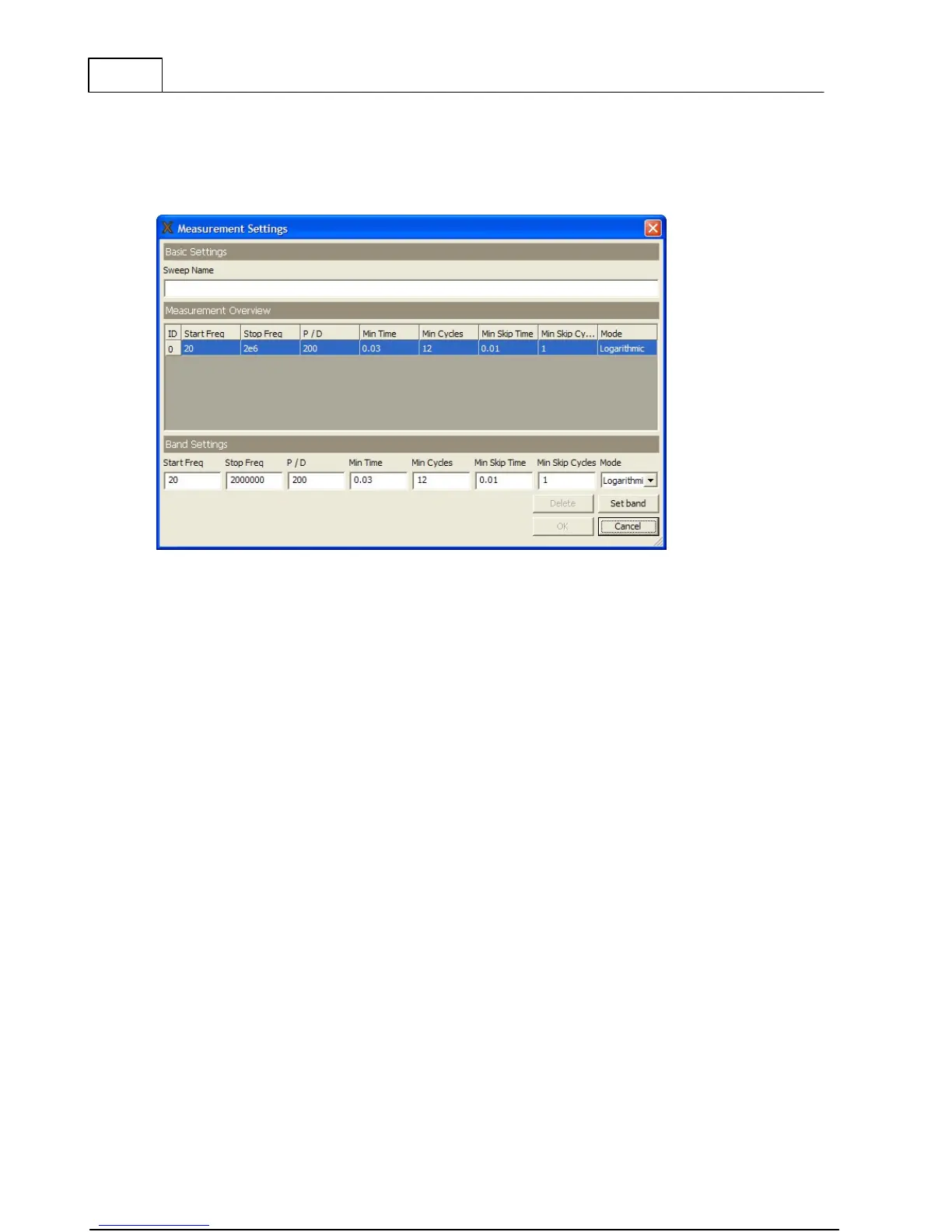
"Add sweep" adds an additional sweep into a selected Measurement file structure. You must
fill in a "Sweep name" to be able add a new Sweep (press "OK"). The default "Measurements
settings" are used.
4.1.10 Delete Sweep (Ctrl+D)
Deletes a sweep (with or without data) from a Measurement file structure. Note: the sweep
and possible data will be permanently deleted.
4.1.11 Edit Nameplate... (Ctrl+E)
Opens the measurements file Nameplate for editing.
Some of the fields have a drop-down box; if you fill in the field and then press enter, the
software will ask if you would like to save the entered text as preset choice for next time. You
may delete a text from the list by selecting the text and press the delete key on your
keyboard.
4.1.12 Difference (Alt+D)
The Difference function is available only when two measurement sweeps are displayed in the
graph.



 To Next Page